 Kids & Teens
Reachable Without a Screen: Options for Kids Who Aren't Ready for Phones
The choice isn't 'nothing' versus 'smartphone.' A GPS wearable, a basic tracker clipped to a bag, or even a walkie-talkie can make a child reachable years before they're ready for a screen full of apps. Match the tool to the actual scenario, not the age on a birthday cake, and use place alerts so you're not staring at a map all afternoon.
There's a conversation happening in every school pickup line right now, and it usually goes like this: one parent says their child "needs" a phone for the walk home, another says eight is far too young, and everyone quietly wonders if there's a third option nobody's mentioning. There is. It's just not as loudly marketed as the smartphone aisle.
Reachability and smartphone ownership got tangled together somewhere along the way, but they're actually two separate questions. Reachability is: can I find my child, or can my child reach me, if something goes sideways? Smartphone-readiness is a much bigger question involving apps, social pressure, screen time, and judgment that develops over years, not months. You can solve the first without touching the second.
This guide walks through the screen-free middle ground, the wearables, trackers, and low-tech options that quietly do the reachability job, plus a rough ladder for matching the tool to the age and the actual errand, not to what the kid down the street has.
Why does 'reachable' not have to mean 'smartphone'?
Ask most parents what they actually want from a first phone and it's rarely "a computer in my seven-year-old's pocket." It's usually one of two things: knowing where they are, or being able to hear their voice if something's wrong. Both of those are solvable with devices that have no browser, no app store, and nothing resembling a group chat.
That distinction matters because a smartphone brings a long list of things you have to manage alongside the reachability, notifications, strangers in comment sections, the slow creep of screen time. A GPS wearable or a basic tracker brings none of that. It does one job, quietly, in the background, which is exactly what you want at an age when the child isn't asking to text friends, they're just crossing a park on their own for the first time.
We've written before about the bigger readiness question in Is my child ready for a first phone?, and the short version holds here too: readiness is about judgment, not a number on a calendar. Screen-free tools let you push that judgment conversation later, without leaving your child unreachable in the meantime.
What are the actual screen-free options?
GPS wearables
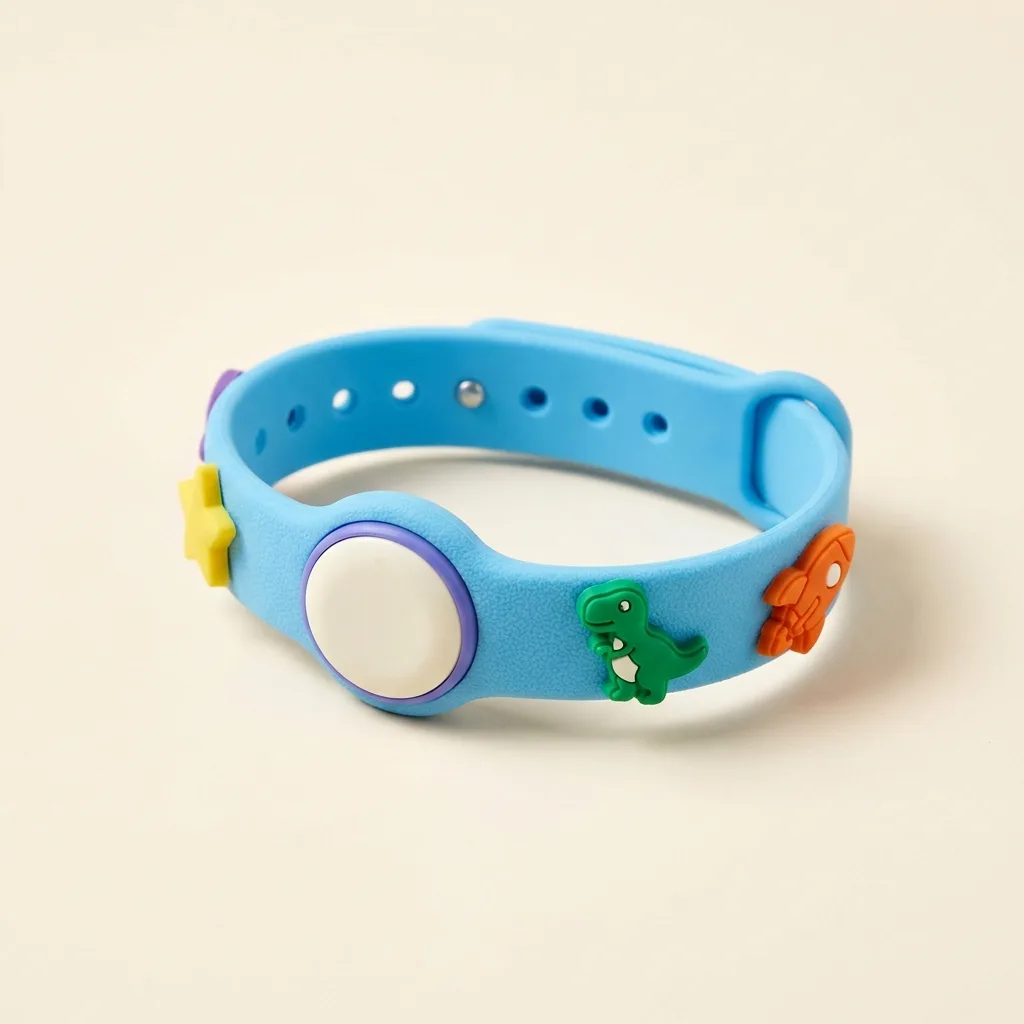
A wearable, worn on the wrist or clipped to a strap, is built to survive exactly the way children actually live: dropped, splashed, forgotten in a coat pocket for a week. Ours, the Band, was designed with this age in mind: no screen to stare at, no apps to install, just a device that reports location back to a parent's phone and takes a beating on the playground without complaint. Because there's nothing to fiddle with, kids tend to just... wear it, which is honestly the whole battle with most kid tech.
Small trackers, clipped or tucked
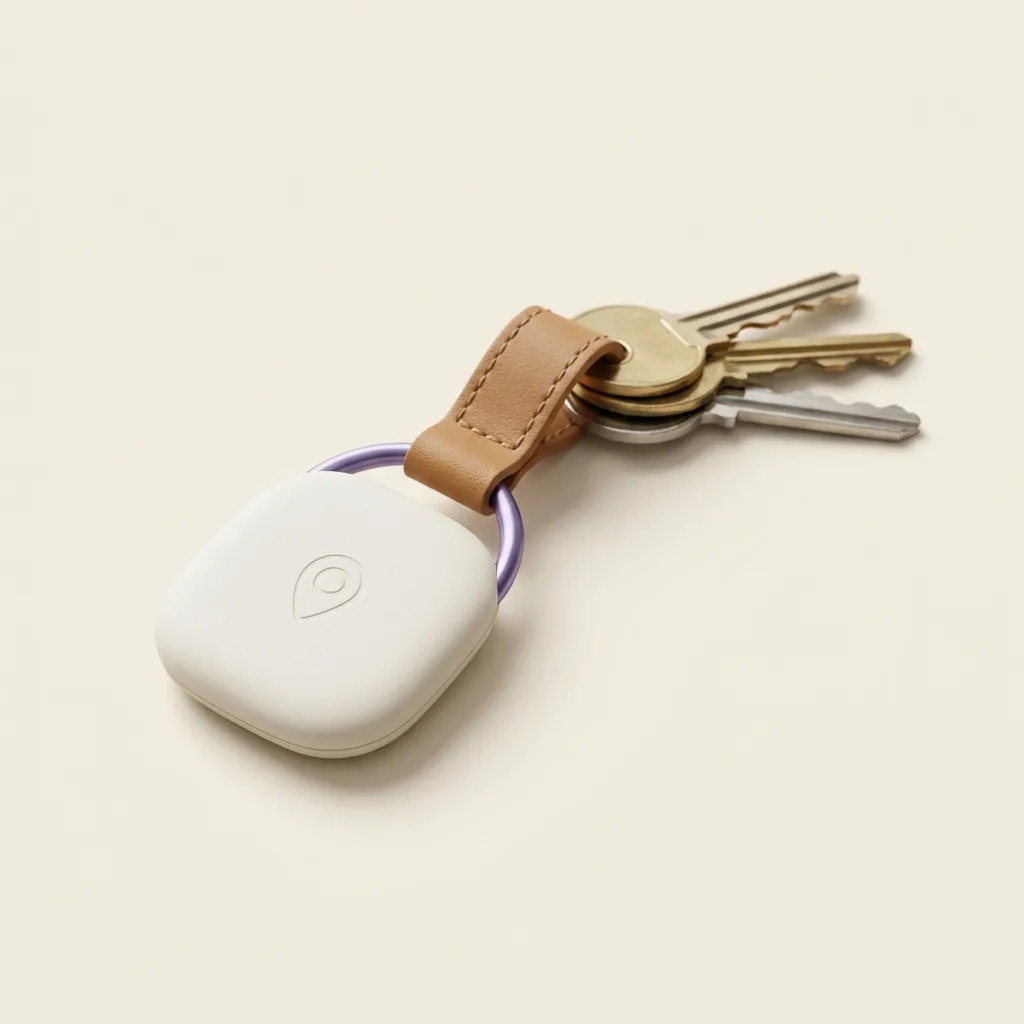
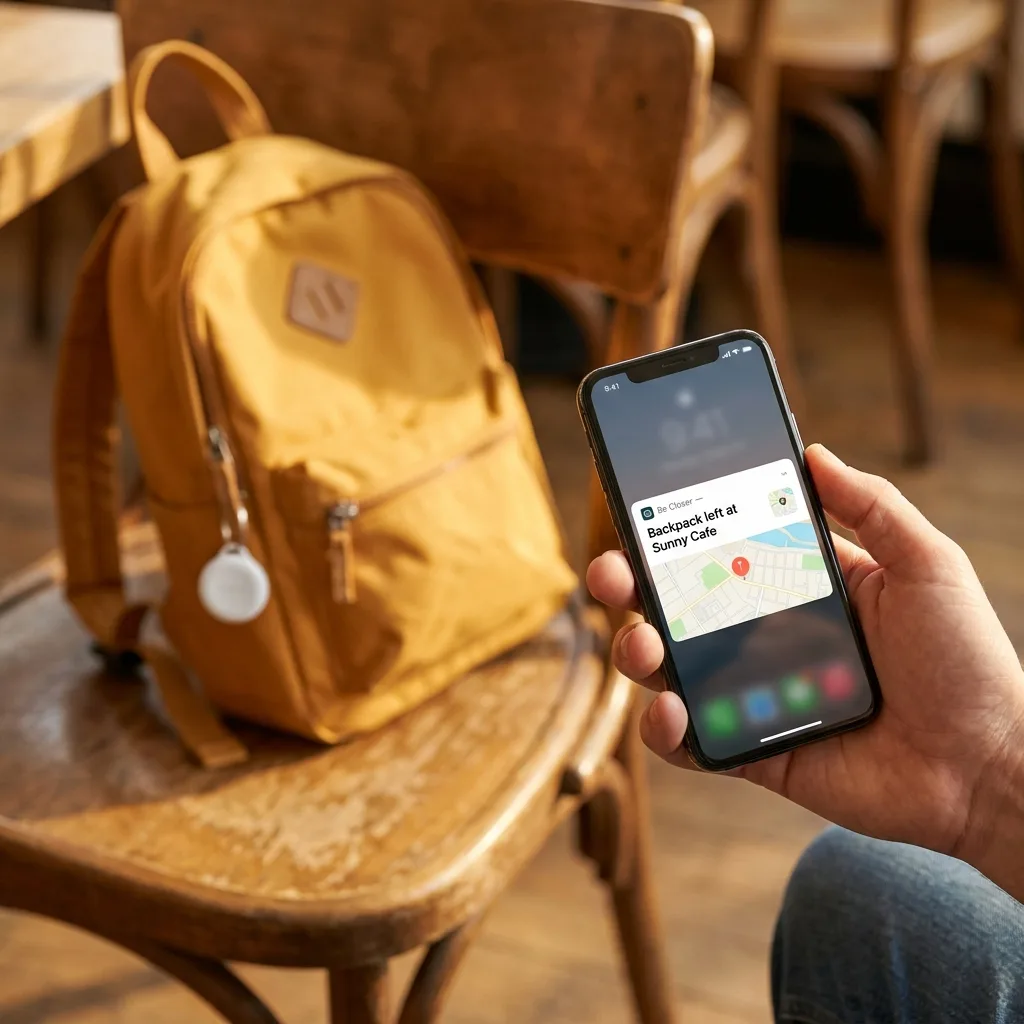
A compact tag like our Tag can go inside a backpack, a coat lining, or a lunchbox. It's less "device a child interacts with" and more "quiet safety net a parent checks occasionally." It's a good fit when the goal is genuinely narrow, knowing they arrived somewhere, not maintaining a running conversation. We cover how these compare to watches and phone-based trackers in GPS bracelet vs. smartwatch vs. AirTag for kids, which is worth a read before you buy anything.
Dumb phones and call-only devices
For children a little older who need two-way voice contact but nothing else, a stripped-down phone that only calls and texts a short approved list can bridge the gap nicely. It answers "can I call you if I miss the bus" without opening the door to everything else a smartphone brings. It's not glamorous, and that's rather the point.
Walkie-talkies, and the culture around them
It's easy to underrate walkie-talkies as a toy, but for shorter range, a house and garden, a campsite, a street with a few friends' homes nearby, they do a real job, and they do it with zero data plan, zero screen, and an enormous amount of fun attached. Plenty of families use them as a genuine "first communication device" stepping stone, precisely because kids treat them as play rather than a leash.
How do place alerts change the day-to-day?
Whichever device you land on, the single feature that makes it liveable long-term is a place alert, a notification the moment your child arrives at (or leaves) a set location, like school, home, or a grandparent's house. Set this up once with your neighbourhood's real landmarks and geofences, explained plainly in Geofencing, explained for parents, and you can stop looking at a live map entirely.
Set boundaries around real places, not vague zones
- School gate, not "the school block", tighter zones mean fewer false alerts.
- The route home from the bus stop, if that's the daily habit, see how families handle this in walking home from the bus stop.
- A friend's house you've actually visited, not just a street name.
- Your own workplace or the grandparents', so alerts flow both directions.
The families who find this genuinely restful, rather than anxiety-inducing, are the ones who set it up once and then mostly ignore the app until it pings. Refreshing a live dot all afternoon is a habit worth avoiding regardless of which device sits underneath it.
Be Closer shows your whole family on one private map, free to start.
Consent-first, never sold, and gentle on your battery. iOS and Android.
What does a reachability ladder actually look like by age?
There's no universal chart here, every child, street, and school run is different, but a rough progression helps most families think it through without defaulting straight to "just get them a phone."
| Rough stage | What's usually happening | A reasonable option |
|---|---|---|
| Early primary | Supervised outings, brief separations at a park or shop | Wearable, worn passively, with place alerts to a parent's phone |
| Later primary | Short solo walks, playdates at known houses | Wearable or clipped tracker, plus a house rule for check-ins |
| Early secondary | Bus rides, after-school activities, more unsupervised time | Dumb phone or call-only device, alongside continued location sharing |
| Mid-to-late secondary | Independent social life, part-time work, longer trips | A full smartphone, introduced with the conversation in [talking to teens about location sharing](/guides/talking-to-teens-about-location-sharing) |
Notice that the ladder moves with the scenario, not strictly the birthday. A cautious ten-year-old on a quiet street might stay on a wearable happily for another year. A confident nine-year-old juggling two after-school clubs and a bus transfer might need voice contact sooner. Watch the situation, not the calendar.
What if my child pushes back and wants a 'real phone' anyway?
This will happen, usually the week a classmate gets one. A few things help keep the conversation calm rather than becoming a standoff.
- Name the actual need out loud: "You want to text your friends" is different from "You need to be reachable," and it's fine to say the wearable covers one but not the other yet.
- Offer a concrete next step rather than a flat no, a dumb phone at a specific milestone (a longer commute, a part-time activity) gives them something to work towards.
- Let them see the wearable or tracker working well for a while before the comparison to a smartphone comes up, a few months of quiet, boring reliability is a good argument on its own.
- Avoid framing it as a reward for good behaviour; frame it as matching the tool to what they're actually doing, which is a fairer story and one that ages well.
A wearable that just works, quietly, for a year is worth more than a smartphone introduced six months before anyone's ready for it.
How does this fit with independence milestones like biking or walking alone?
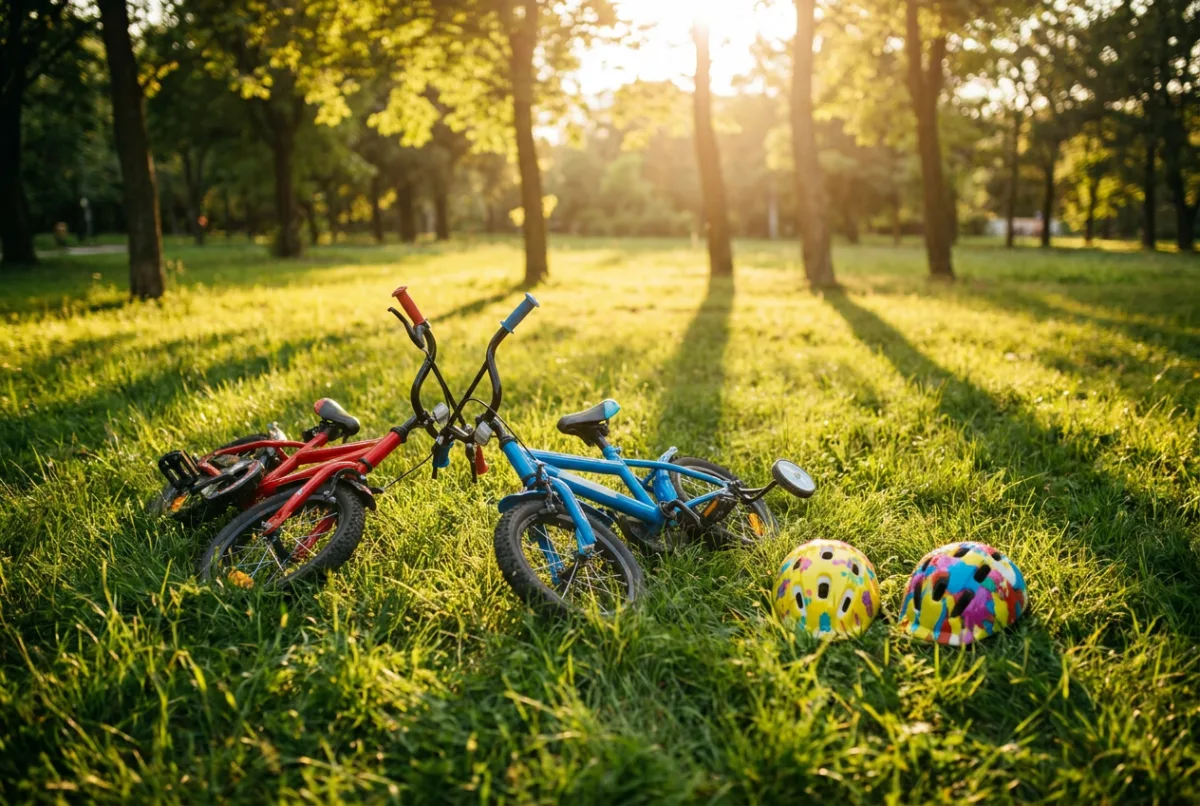
Screen-free reachability tends to line up naturally with the bigger independence steps families are already navigating, the first solo walk to school, the first bike ride without an adult, the first time staying home for an hour. We've written full readiness checklists for walking to school alone and biking to school, and in both cases a wearable or tracker is the quiet backup that makes the first few attempts less nerve-wracking for everyone, not the thing that decides whether they're ready.
The device is never the readiness test. Judgment, road sense, and a plan for what to do if something goes wrong are the real test. The device just means you find out sooner if that plan needs to kick in.
Frequently asked questions

Marta writes our Kids & Teens guides. Mother of two, professional over-preparer, firm believer that independence is a skill you practice, together first, then alone. She has road-tested every checklist in her own hallway at 7:40am.
Our guides are written by Be Closer's editorial voices and reviewed by the team behind the app. Questions? support@becloser.com
Published · Updated