 Privacy & Trust
Geofencing, explained like you're a busy parent
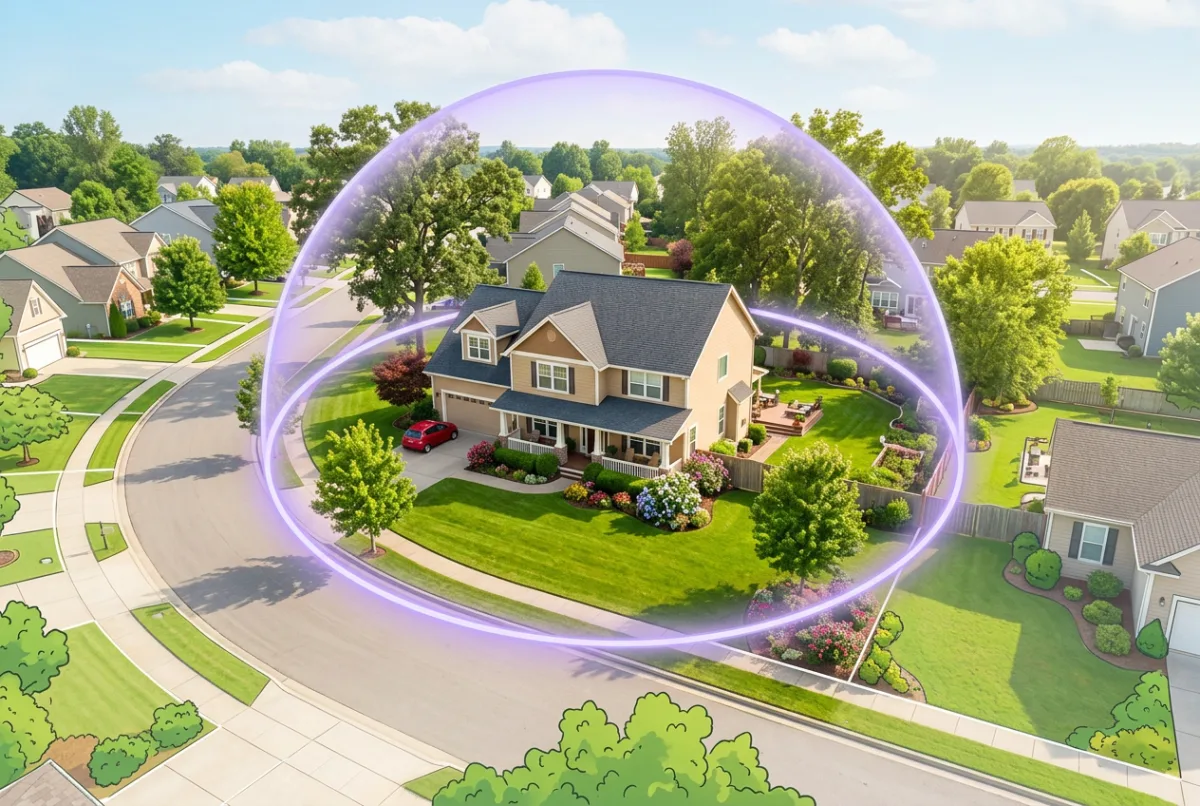
A geofence is a circle you draw around a place; crossing the edge sends a notification. Set three, home, school or work, and one regular destination, and you can stop sending check-in texts entirely. Alerts are usually accurate to a minute or two rather than instant, and that delay is normal physics, not a fault.
The simplest useful definition: a geofence is a circle on a map that sends you a message when somebody crosses it.
Most family apps call them Places, which is friendlier and slightly less precise. Either way, they're the feature that changes a family locator from something you check into something that tells you, and that distinction is the difference between a tool that reduces anxiety and one that feeds it.
Here's how they work, why they're sometimes late, and which ones are actually worth having.
What is a Place, exactly?
A point on a map plus a radius. You put the pin on your house and set the circle to, say, 150 metres. From then on, the phone quietly watches for two events: crossing into the circle, and crossing back out.
Two details are worth knowing, because they explain most of the behaviour people find odd.
- The operating system does the monitoring, not the app. iOS and Android both provide geofence services that run at a very low power cost, which is why arrival alerts don't flatten a phone.
- Radius is a trade-off. Too small and the alert may not fire reliably; too large and it fires while someone is still two streets away. For a house, 100–200 metres is usually right. For a large school site, bigger.
There's also a limit to how many geofences an operating system will monitor at once, a couple of dozen on most phones. In practice this never matters, because families who set up thirty Places stop reading the notifications anyway.
How do arrival and departure alerts fire?
- 1The phone notices, through cheap cell and Wi-Fi positioning, that it has moved into the general area of a Place.
- 2It wakes the satellite receiver briefly to confirm the position with better accuracy.
- 3If the confirmed position is inside the circle, the operating system tells the app.
- 4The app notifies whoever has asked to be told, usually 'Emma arrived at Home'.
Departure works the same way in reverse, and is typically slower. Phones deliberately wait to confirm someone has genuinely left rather than briefly wandered near the boundary, because a false departure alert is more alarming than a late one.
Most apps also handle dwell, staying inside a Place for a set period, which is how 'left school early' style alerts work without firing every time someone steps into the car park.
Why is there sometimes a delay?
Because the phone is trading precision against power on every one of the steps above, and each trade costs seconds. A minute or two is normal. Five minutes happens. This is worth explaining to everyone in the household in advance, because an unexplained delay produces a phone call, and the phone call is what makes location sharing feel like surveillance.
| Cause | Typical effect |
|---|---|
| Confirmation fix takes time indoors | One to three minutes late |
| Battery saver throttling background activity | Several minutes, occasionally missed entirely |
| Poor mobile signal at the destination | Alert queues until the phone reconnects |
| Circle drawn too small | Alert fires inconsistently or not at all |
| Dense city with signal reflections | Position confirms slowly; alert lags |
| Phone off, flat, or app swiped away | No alert at all until it restarts |
The two fixes that resolve most complaints: widen the circle a little, and make sure the app is excluded from battery optimisation with 'Always' location permission. The mechanics behind that second one are covered in Why location sharing drains your battery. If the position itself looks wrong rather than late, that's a different problem, see How accurate is phone GPS, really?.
Be Closer shows your whole family on one private map, free to start.
Consent-first, never sold, and gentle on your battery. iOS and Android.
Which geofences should I set up first?
Three. Resist the urge to add more until those three have been running for a month, because notification fatigue is the main reason families stop using this feature well.
The starter three
- Home, the one that ends the 'text me when you get in' loop. Radius 100–200 metres.
- School or work, confirms the morning went fine without anyone checking a map. Draw it around the whole site.
- One regular destination, grandparents, the club, the training ground. Whichever place currently generates the most logistical texting.
Then be deliberate about who gets told what. An arrival alert to a parent when a child gets home is useful. An alert to everyone in the family every time anybody moves is noise, and noise gets muted, after which the feature is worse than useless, because you believe you'd be told and you wouldn't.
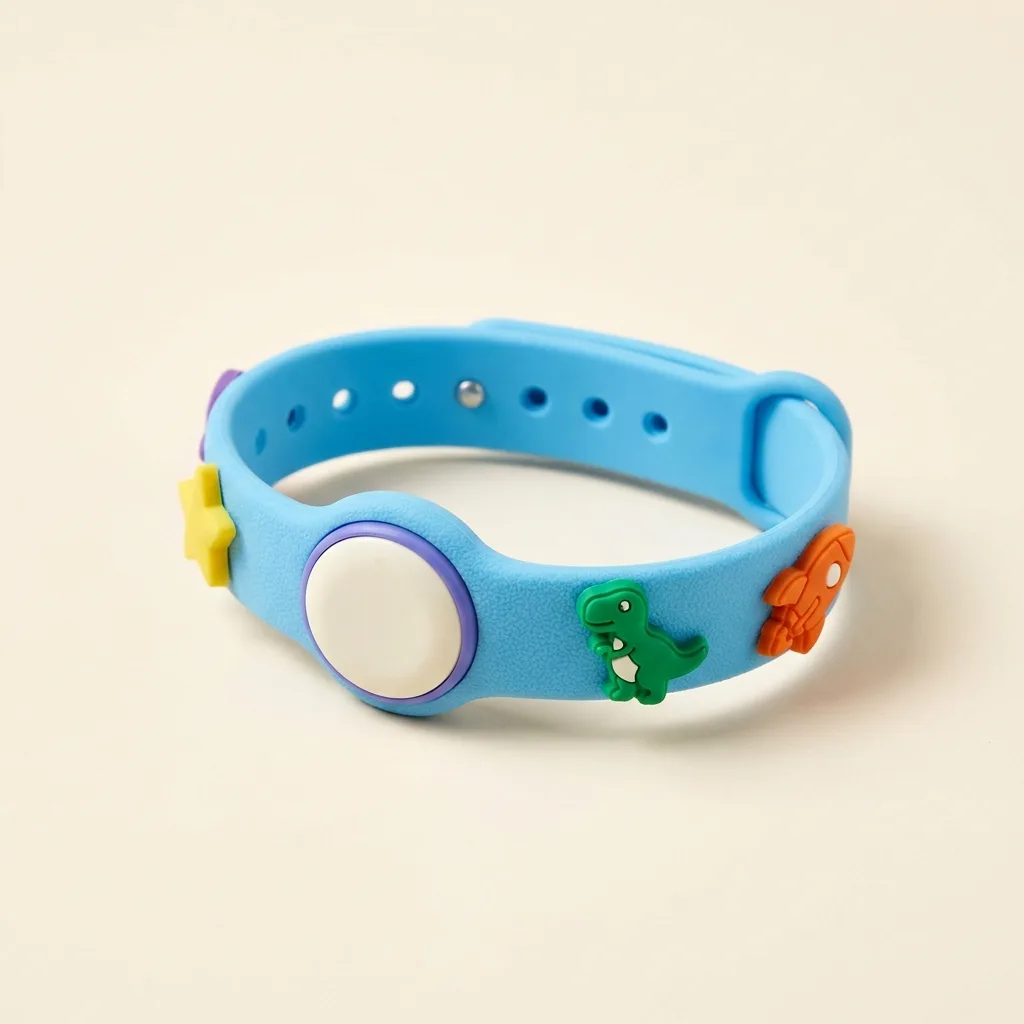
For family members without a phone, the same alerts work from a device: a Band for a younger child, or Drive for arrivals by car. If you're building a walk-home routine around these alerts, Walking home from the bus stop sets out the staged version.
How should I frame this with my family?
Honestly, and with one specific line: alerts replace check-in texts, they don't replace conversations.
That framing matters because geofences are the feature most likely to feel like monitoring. A live map is passive, you have to go and look. An alert is active; it arrives. For a teenager, the difference between 'my dad can see where I am' and 'my dad gets a notification when I leave' can be significant, and it's worth asking rather than assuming.
- Set them up together, with everyone able to see which Places exist.
- Make them mutual. If your teenager gets an alert when you arrive home too, the whole thing reads as coordination rather than supervision.
- Don't create secret Places. A hidden geofence around somewhere a family member visits is monitoring, and it will be discovered.
- Agree what you won't do with them. Ours is: an alert is never the opening line of a conversation about where someone was.
A good geofence answers 'did they get there?'. It should never be used to ask 'why were you there?'.
If that conversation is likely to be a difficult one, How to talk to your teen about location sharing has the longer version, and What does a family location app actually know about you? covers what's being recorded in the first place.
Frequently asked questions

Daniel covers privacy, consent and the technology under the hood. A dad who reads the settings screens so you don't have to, he believes the best family tech is the kind you can explain to your kid in one sentence, and that nothing should ever be tracked in secret.
Our guides are written by Be Closer's editorial voices and reviewed by the team behind the app. Questions? support@becloser.com
Published · Updated