 Privacy & Trust
How accurate is phone GPS, really?
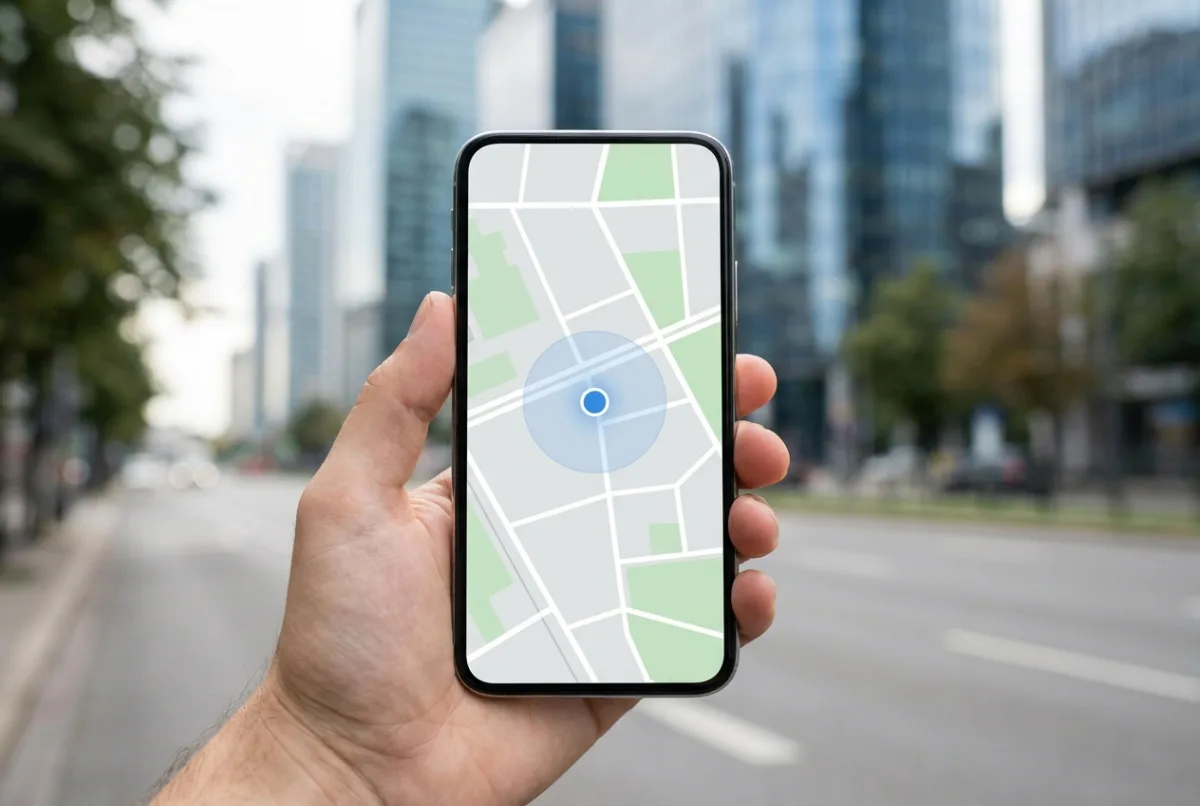
Treat a family map as 'about here', never 'exactly here'. A modern smartphone with a clear view of the sky is typically accurate to around 3 to 5 metres. Indoors, underground or between tall buildings that can degrade to tens or even hundreds of metres, because the phone falls back on Wi-Fi and mobile signals. Battery savers, airplane mode and denied permissions degrade it further, so treat any family map as 'about here', not 'exactly here'.
One sentence first: a location dot is an estimate, not a fact. This question usually arrives at an awkward moment. The map says your teenager is on a street they shouldn't be on. Or it says your parent is in the neighbour's garden. Or a dot jumps four hundred metres and then jumps back.
Before drawing any conclusion from a family map, it's worth understanding what the number underneath it means. Location on a phone is an estimate produced by combining several imperfect signals, and knowing how it fails prevents a lot of unnecessary arguments.
How accurate is it, in plain numbers?
For a modern smartphone outdoors with an unobstructed view of the sky, the widely cited figure is around 3 to 5 metres. That's roughly the width of a road. Newer handsets with dual-frequency receivers can do better, sometimes to a metre or two, under good conditions.
- Open ground, clear sky: approximately 3 to 5 m, often better.
- Suburban street with some trees: roughly 5 to 15 m.
- Dense city, tall buildings: commonly 20 to 50 m, sometimes worse.
- Indoors, near a window: tens of metres, relying heavily on Wi-Fi.
- Deep indoors, basements, underground transport: hundreds of metres, or nothing at all.
These aren't Be Closer numbers, they're the physics of satellite positioning and apply equally to every mapping and family app on your phone. Anyone claiming reliable metre-level accuracy inside a shopping centre is selling something.
Where does the position actually come from?
Your phone doesn't have one location system. It has several, blended by the operating system into a single estimate with a confidence radius attached.
- 1Satellites (GNSS). The phone listens to GPS and its counterparts, Galileo, GLONASS, BeiDou, and calculates position from the tiny differences in signal arrival times. Best accuracy, needs sky, uses the most power.
- 2Wi-Fi positioning. The phone sees nearby Wi-Fi network names and matches them against a huge database of known access-point locations. Surprisingly good in cities, useless in the countryside, and the main reason indoor location works at all.
- 3Mobile network. Which cell towers are in range, and how strongly. Coarse, hundreds of metres to kilometres, but almost always available.
- 4Sensors. Accelerometer, gyroscope and compass smooth movement between fixes, which is why a walking dot glides rather than hopping.
The blend is why the dot can be excellent one minute and vague the next. Step from a street into a basement café and the phone silently switches from satellites to Wi-Fi, and the estimate widens accordingly.
What makes it worse?
Urban canyons
The classic failure. Between tall buildings, satellite signals bounce off glass and concrete before reaching your phone. The phone can't tell a reflected signal from a direct one, so it calculates a position based on a path that was longer than the true one, placing you across the street or a block over. This is called multipath error, and it's the single biggest cause of city inaccuracy.
Indoors and underground
Satellite signals are extraordinarily weak by the time they reach the ground, roughly comparable to seeing a car headlight from thousands of kilometres away. A roof, a few floors of concrete, or a car park is enough to block them entirely. Everything indoors is Wi-Fi and cell-based, and the resulting position is a neighbourhood estimate rather than a room.
Battery savers
Both iOS and Android aggressively restrict background location when low-power mode is on, and Android's adaptive battery features can throttle apps that haven't been used recently. The commonest cause of a stale dot on a family map isn't a bug, it's a phone at 8% doing exactly what it was designed to do.
Permissions
"While using the app" instead of "Always" means no background updates. Turning off Precise Location, a deliberate iOS privacy feature, deliberately fuzzes the position to roughly a neighbourhood. Both are legitimate choices; both change what a family map can show.
Weather, tunnels and dense trees
Heavy cloud has only a minor effect, despite the folklore. Dense wet foliage genuinely does attenuate signals. Tunnels remove them entirely, which is why a car dot often continues along a road, freezes, and then reappears at the exit.
Be Closer shows your whole family on one private map, free to start.
Consent-first, never sold, and gentle on your battery. iOS and Android.
Why does someone 'jump' on the map?
This is the behaviour that causes the most needless family conflict, so it's worth explaining precisely.
Suppose your teenager walks into a large building. The phone loses satellites and falls back to Wi-Fi, which places it near an access point registered at the wrong end of the building, the dot moves eighty metres without anyone walking. Ten minutes later they step outside, the satellites lock again, and the dot snaps back. To an observer it looks like two journeys. There was one, and no movement at all in between.
The same effect produces the other common artefacts:
- A dot at the neighbour's house. A 15-metre error in a street of narrow houses lands next door. It means nothing.
- A stationary dot that drifts. With a weak fix, successive estimates wander even when the phone is on a table.
- A missing hour. The phone was in low power mode, in a pocket underground, or the app was suspended by the operating system.
- Arriving at a place slightly late. Arrival alerts wait for a confident fix inside the geofence, which can add a minute or two.
The practical rule: never act on a single surprising reading. Wait for the next update, or send a message, which is faster, kinder and more accurate than any map. This matters enormously in the context of trust, which is why it's part of the ground rules we suggest in How to talk to your teen about location sharing.
Settings that genuinely help
Improve accuracy in five minutes
- Set location permission to 'Always' for your family app, background updates require it.
- Turn on Precise Location (iOS) or Google Location Accuracy (Android).
- Leave Wi-Fi switched on even when not connected to a network. It substantially improves indoor positioning.
- Keep Bluetooth on, it feeds nearby-device positioning.
- Exclude the app from battery optimisation on Android, and avoid permanent Low Power Mode on iOS.
- Restart the phone if the dot is badly stuck. It forces a fresh satellite fix.
- Keep the phone out of a metallised or very thick case if accuracy is consistently poor.
Dedicated trackers follow the same rules, with one advantage: they aren't running dozens of other apps, so their power management is simpler and their reporting more consistent. That's part of why a tag in a bag often behaves better than a phone in the same bag. The technology trade-offs between them are covered in GPS bracelet vs. smartwatch vs. AirTag.
What to expect from a family map
Realistic expectations, stated plainly, because they're what make the tool useful rather than frustrating:
- It will tell you reliably whether someone is at home, at school, or at work. Building-level accuracy is the normal case outdoors.
- It will not reliably tell you which shop in a shopping centre someone is in.
- It will occasionally show a position that is simply wrong. This is expected behaviour, not a malfunction.
- It will lag when a phone is asleep, flat, or in a dead zone.
- It is very good at answering 'did they get there?' and poor at answering 'what exactly are they doing?'
That last line is worth keeping. A family map is a coordination tool with a safety fallback. Used as a source of truth about a person's behaviour, it will let you down, and, more importantly, it will cost you trust that took years to build. Used to answer 'are they home yet', it's close to perfect.
Frequently asked questions

Daniel covers privacy, consent and the technology under the hood. A dad who reads the settings screens so you don't have to, he believes the best family tech is the kind you can explain to your kid in one sentence, and that nothing should ever be tracked in secret.
Our guides are written by Be Closer's editorial voices and reviewed by the team behind the app. Questions? support@becloser.com
Published · Updated