 Privacy & Trust
Should I track my child's location? A consent-first guide
One sentence rule: never track anyone who doesn't know they're being tracked. Location sharing can be genuinely healthy, but only when your child knows about it, understands why, and has some say in how it works. Secret tracking damages trust far more than it protects, and the evidence from families who do this well points the same direction: shared visibility, agreed rules, and a plan to loosen the reins as your child grows.
Let's start with the plain version, because the rest of this guide follows from it: a family map is fine, secret monitoring is not. Almost every parent asks the question at the same moment, the first time a child goes somewhere without them. A walk to a friend's house. A bus ride. A school trip. The question arrives with a knot in the stomach, and the answer people usually reach for is a product, an app, a watch, a tracker.
But the product is the last decision, not the first. The first decision is what kind of relationship you want location sharing to sit inside. Get that right and a family map becomes boring in the best possible way: a quiet utility nobody argues about. Get it wrong and the same technology becomes a running battle about trust.
This is the piece we point people to before anything else we publish. It's about the framing, not the features.
What's actually behind the question?
When parents say "should I track my child", they usually mean one of three quite different things. Naming which one you're in makes the decision much easier.
- Reassurance. You want to stop refreshing your phone waiting for a "got here" text. This is the most common case, and the easiest to solve well.
- Logistics. You need to know whether to start dinner, leave for pickup, or wait ten more minutes. This is scheduling, not safety.
- Worry about a specific risk. A new route, a long commute, a child who has wandered before, a medical condition. This deserves a real plan, not just an app.
Only the third case is genuinely about safety. The first two are about attention and coordination, and both are much better served by automatic arrival alerts than by staring at a moving dot. That distinction matters, because watching a live map all afternoon is the single fastest way to turn a helpful tool into an anxious habit.
Why transparency beats surveillance
There is a version of location sharing that works, and a version that quietly corrodes things. The difference is not the technology. It's whether the child knows.
Secret tracking has a failure mode built into it: it will be discovered. Phones show permissions. Battery settings list apps. Siblings talk. And the discovery doesn't land as "my parent was worried", it lands as "my parent lied to me and watched me." Child-development researchers and family therapists have been broadly consistent on this point for years: covert monitoring tends to increase concealment rather than reduce risk. Teenagers who feel surveilled get better at hiding, not safer.
Transparent sharing does something different. It makes location a shared fact rather than a parental secret. Everyone in the circle can see everyone else, including the parents. That symmetry is what turns it from monitoring into a family utility, and it's the reason we built Be Closer consent-first: every member accepts an invitation, and every member can pause sharing.
If you'd feel uncomfortable telling your child exactly how the app works, that's the signal, not the app, the secrecy.
How do I frame it as care, not control?
The framing conversation takes about five minutes and shapes everything afterwards. A few things reliably help.
- 1Make it mutual from day one. "We can all see each other" is a completely different sentence from "I can see you." Let your child watch your dot too. Kids find it genuinely reassuring to see a parent's commute moving home.
- 2Lead with the annoyance you're removing, not the risk you fear. "I want to stop texting you 'are you there yet' " is true, specific, and doesn't imply you expect something bad to happen.
- 3Give them controls, out loud. Show them the pause button. Show them how to see who can see them. A control you demonstrate is worth ten reassurances.
- 4Say what you won't do. You won't check constantly. You won't bring up their location in arguments. You won't use it to catch them out. Then keep to it, this is the promise that gets tested.
One more thing that seems small and isn't: don't announce the app on a bad day. Rolling out location sharing right after a fight or an incident encodes it as punishment. Introduce it on an ordinary Tuesday, attached to an ordinary logistical problem.
An age-by-age approach
The right setup changes a lot between six and sixteen. Broadly, it moves from device-based and passive to phone-based and negotiated.
Under 8, device, not phone
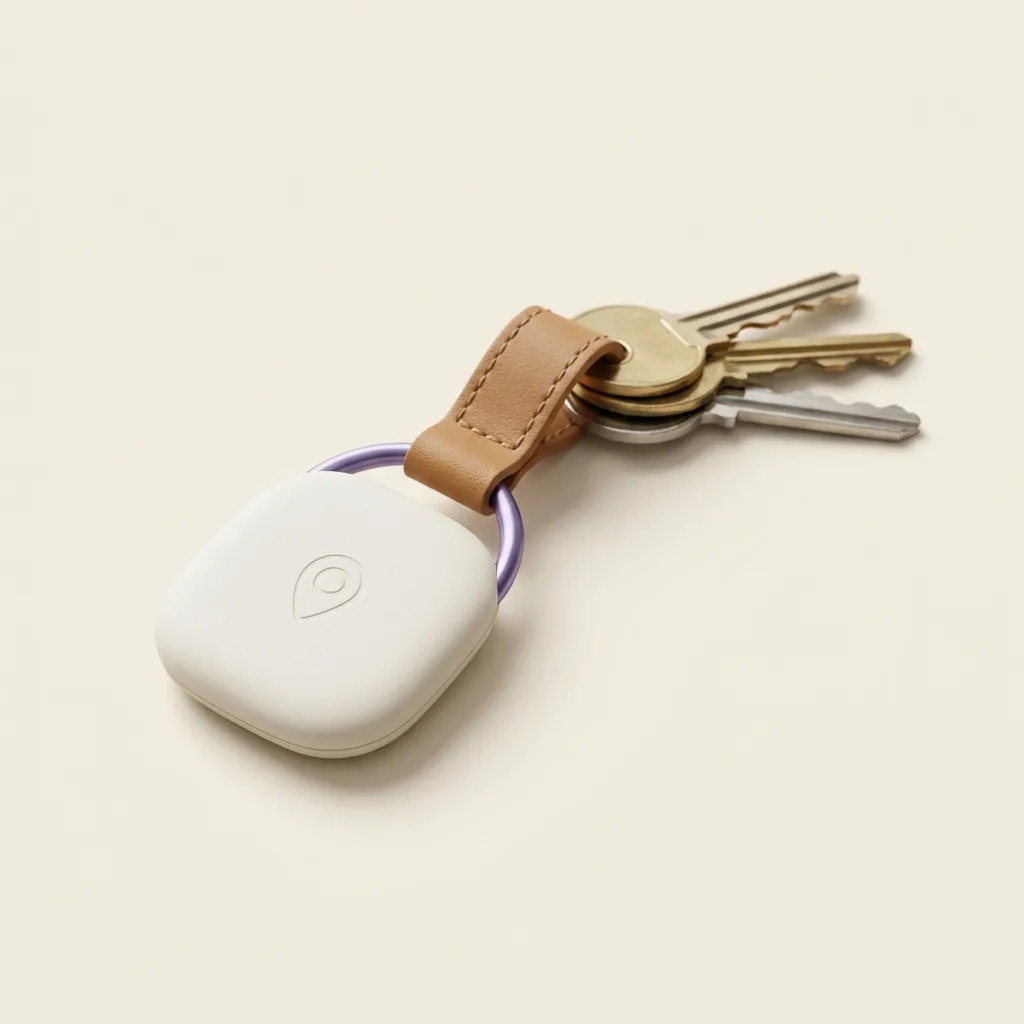
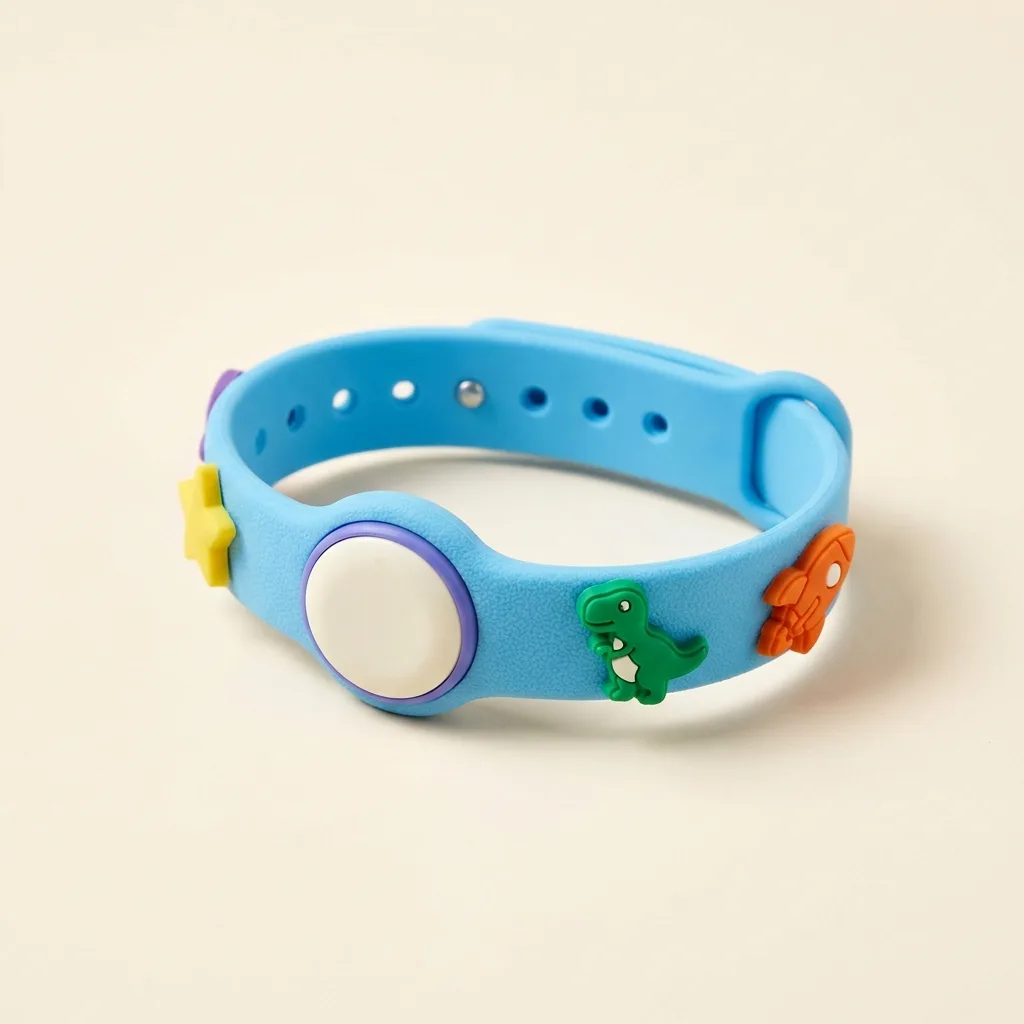
Most children this age shouldn't be carrying a smartphone, and don't need to. A wearable or a tag clipped inside a bag covers the real scenarios: a school run, a park, a crowded market. Explain it in concrete terms a six-year-old can hold: "this helps me find you if we get separated." That's honest and it's the whole truth. Our Band was designed exactly for this age, screen-free, chunky enough to survive a playground, and boring enough that kids forget they're wearing it.
8 to 11, first independence
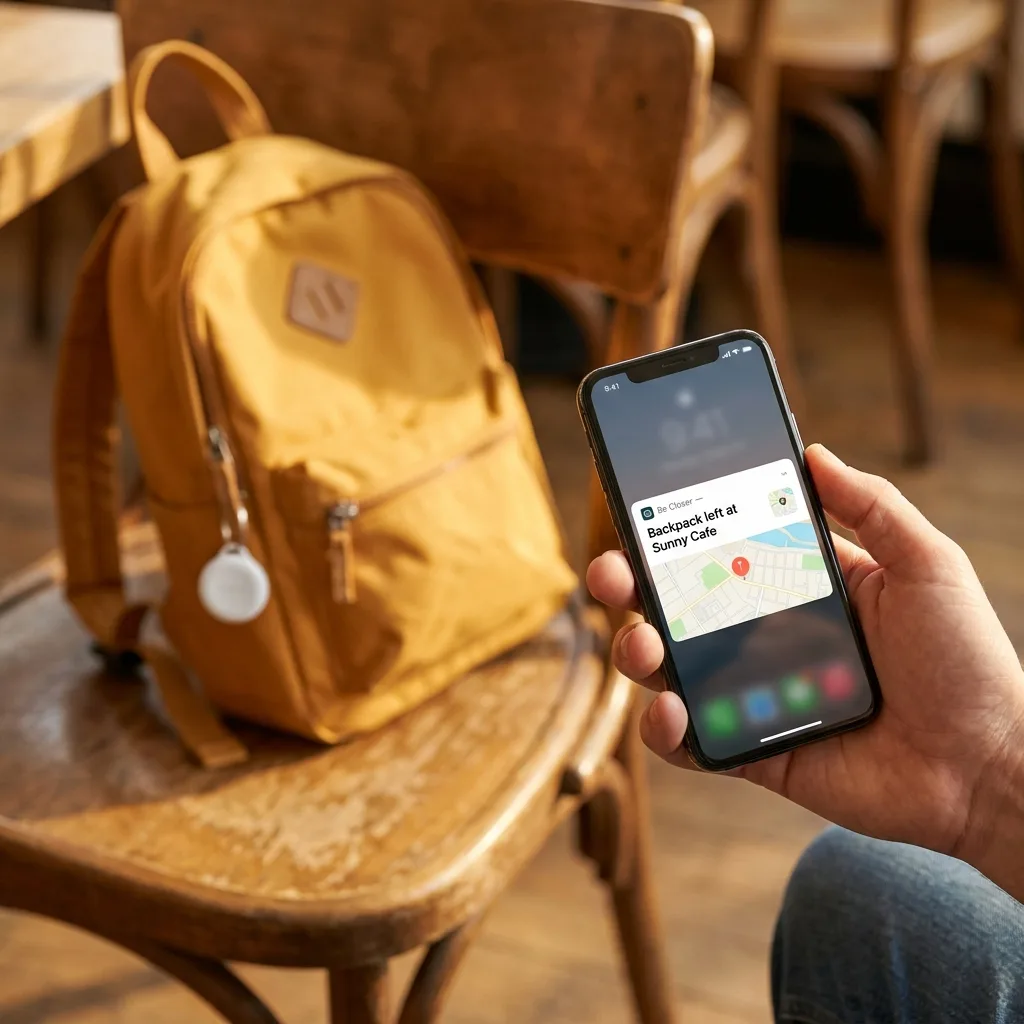
This is the window where children start doing short journeys alone: the corner shop, a friend two streets over, the walk to school. Location sharing here should be paired with practice, not substitute for it. We wrote a full readiness progression in When is a child ready to walk to school alone?. Arrival alerts do the heavy lifting at this age, you get a nudge when they reach school, and you never look at the map otherwise.
12 to 15, negotiate, don't impose
Around here, children start to have a legitimate expectation of privacy, and they're right to. Sharing should stay on, but the terms should be discussed rather than dictated. Agree what you'll use it for. Agree that you won't comment on every location. If your child asks for the ability to pause, the answer should usually be yes, with a norm that a paused dot gets a text instead.
16 and up, trade autonomy for transparency
At this age, insisting on unconditional visibility usually costs more than it buys. What works better is an exchange: continued sharing in return for a genuine expansion of freedom, later curfews, the car, unsupervised trips. If driving is part of the picture, the conversation shifts again, and we cover the scripts in How to talk to your teen about location sharing.
Be Closer shows your whole family on one private map, free to start.
Consent-first, never sold, and gentle on your battery. iOS and Android.
A family location agreement you can copy
Writing it down sounds fussy. It isn't. A short agreement, made together and stuck on the fridge, prevents nearly every argument that location sharing can cause, because the rules were set before anyone was upset.
The Be Closer family location agreement
- Everyone in our circle can see everyone. No exceptions, including parents.
- We use arrival alerts for the everyday stuff. Nobody watches the map for fun.
- Anyone can pause sharing. If you pause, send a message so we're not guessing.
- Location never gets used as evidence in an argument, and never as a punishment.
- If we need to check where someone is, we say why afterwards.
- We review this agreement every birthday, and the rules loosen as you get older.
The last line is the important one. An agreement with no expiry date reads like a life sentence to a twelve-year-old. An agreement that visibly loosens reads like a ladder.
When does tracking backfire?
Being honest about the failure modes is part of recommending this responsibly. Location sharing goes wrong in fairly predictable ways.
- When it replaces conversation. If you know where they are but no longer ask how they are, the tool has cost you something.
- When it feeds anxiety. Some parents check more, not less, once they can. If you find yourself refreshing, turn the map off and rely purely on arrival alerts.
- When accuracy is mistaken for truth. A dot is an estimate, sometimes a poor one. Confronting a teenager because the map showed them a street away is how trust dies over a GPS error. See How accurate is phone GPS, really? before you ever act on a surprising location.
- When it's one-directional. A child who can't see the parents will read the whole thing as suspicion, and eventually they'll be right.
- When it's secret. Worth repeating. There is no version of covert tracking of a child old enough to understand it that ends well.
So, should you?
For most families, yes. Shared location, openly agreed, used mostly through automatic alerts and rarely looked at, is a small good thing. It removes a category of low-grade worry from a parent's day and a category of nagging texts from a child's.
But it's worth being clear about what it is: a coordination tool with a safety fallback. It doesn't supervise. It doesn't intervene. It tells you where a phone or a device is, approximately, and it lets someone call for help fast. Everything else, judgement, practice, conversation, is still yours to do.
If you set it up as something the whole family does together, it will fade into the background within a fortnight. That's the goal. The best family location setup is the one nobody thinks about.
Frequently asked questions

Daniel covers privacy, consent and the technology under the hood. A dad who reads the settings screens so you don't have to, he believes the best family tech is the kind you can explain to your kid in one sentence, and that nothing should ever be tracked in secret.
Our guides are written by Be Closer's editorial voices and reviewed by the team behind the app. Questions? support@becloser.com
Published · Updated