 Privacy & Trust
Why location sharing drains your battery (and what actually helps)
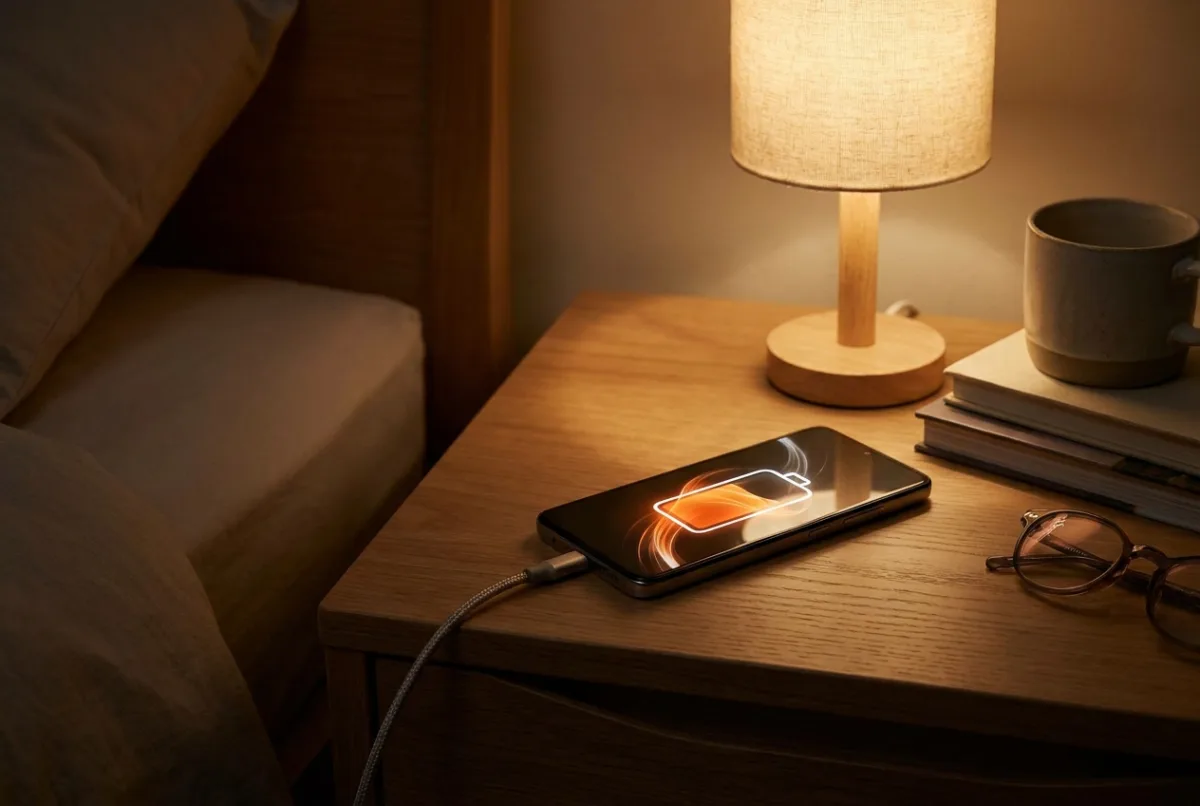
One rule: the battery cost is the update frequency, not the app. Continuous satellite positioning is genuinely expensive; the low-power mode most family apps use for most of the day is not. What usually causes complaints is a battery saver silently suspending updates, producing a stale map, which makes someone check more often, and checking is what actually costs power.
"That app killed my battery" is one of the most common reasons a teenager gives for turning location sharing off, and it is sometimes true. More often it's an artefact of two settings working against each other.
It's worth understanding the mechanics, because the fix is usually a two-minute settings change rather than a choice between a working map and a phone that survives until home time.
Here's what each positioning mode costs, what battery savers actually break, and the configuration we'd recommend.
What actually uses the battery?
Three separate things, with very different costs. Lumping them together as 'location' is what makes this confusing.
- 1The satellite receiver. Listening to GPS and its equivalents is the expensive part, especially the first fix after the radio has been off, which can take several seconds of continuous listening.
- 2The network radio. Every position sent to a server is a small transmission. Individually trivial, but a phone with weak signal spends far more power transmitting than one with full bars.
- 3The screen. Opening the map to check on someone is often more expensive than an hour of background updates. This is genuinely counter-intuitive and it matters.
Modern phones don't hold the satellite receiver open continuously for background apps. They use a much cheaper approximation most of the time, significant-location changes, derived from cell towers and Wi-Fi, and only wake the full receiver when something suggests real movement, or when an app explicitly needs precision.
| Mode | Roughly what it costs | Typical use |
|---|---|---|
| Continuous GPS | High, comparable to active navigation | Turn-by-turn directions, live tracking during a journey |
| Periodic GPS fix | Moderate, proportional to frequency | A family map updating every few minutes while moving |
| Significant-location change | Low | Background awareness and geofence triggers when stationary |
| Geofence monitoring | Low, handled by the operating system | Arrival and departure alerts for Places |
The practical consequence: a family locator running in significant-location mode while your child sits in a classroom is close to free. The same app updating every thirty seconds during a two-hour journey is not.
How does update frequency change things?
Roughly linearly, which makes the trade-off easy to reason about. Twice as many fixes cost about twice as much power.
Most family apps, including ours, vary the rate automatically, frequent while someone is moving, sparse while they're stationary, and a burst of precision near a Place so arrival alerts fire promptly. That adaptive behaviour is why a well-configured family app typically registers as a modest daily battery consumer rather than a dramatic one.
Where it goes wrong is when someone forces a high rate all day, usually by keeping the map open. A live map screen requests continuous updates, keeps the screen on, and holds the radio awake, three costs at once. If a family member's battery is suffering, this is worth checking before changing any setting.
Watching someone travel in real time costs more battery on your phone than on theirs.
The alternative is to let alerts do the work. An arrival notification tells you what you actually wanted to know without either phone doing anything expensive. Geofencing, explained like you're a busy parent covers how to set those up.
What do battery savers break?
This is the real source of most complaints, and the mechanism is worth knowing because the symptom looks like an app fault.
- iOS Low Power Mode reduces background activity and pauses some background refresh. Location updates become less frequent, so the map goes stale rather than wrong.
- Android battery optimisation can suspend an app entirely once the screen has been off for a while. Some manufacturer skins are considerably more aggressive than stock Android and will kill background apps within minutes.
- Adaptive battery learns from usage and throttles apps it thinks you don't need, which can include a family app you deliberately never open.
- Manually swiping the app away on Android often prevents it restarting until it's opened again, which is the single most common cause of a family member 'disappearing' from the map.
Notice that none of these make the location wrong. They make it old. That distinction matters because a stale position invites exactly the behaviour that drains batteries: repeatedly opening the app to check.
If the dot itself is in an implausible place rather than simply out of date, that's a positioning problem, not a battery one, How accurate is phone GPS, really? explains why phones jump.
Be Closer shows your whole family on one private map, free to start.
Consent-first, never sold, and gentle on your battery. iOS and Android.
What settings actually help?
A configuration that balances both
- Set location permission to 'Always' with Precise Location on. Counter-intuitively this can save power: 'While Using' pushes the app into repeated cold starts.
- Exclude the family app from battery optimisation on Android, and don't swipe it away from recents.
- Turn off Low Power Mode by default and let it engage automatically at 20%, rather than living in it all day.
- Leave Wi-Fi and Bluetooth on. Both provide cheap positioning that reduces how often the satellite receiver has to wake.
- Rely on arrival alerts rather than open map screens. This is the biggest single saving available to most families.
- Keep the app updated, power management is one of the things that genuinely improves between releases.
Do those six and location sharing usually settles into a few percent of daily battery, which is a fair price for what it does. If a phone is still struggling afterwards, the phone's battery health is the more likely explanation than the app.
When is a dedicated device better than a phone?
Whenever the phone is the weak link rather than the positioning. A dedicated tracker runs one job, so its power management is simple and its reporting consistent, no other apps competing for the radio, no operating system deciding to suspend it, and nobody swiping it away.
Three situations where it clearly wins:
- A child too young for a phone. A worn device like the Band reports reliably all day and can't be closed by accident.
- A teenager whose phone is always at 4%. A separate device removes the dependency on someone else's charging habits, and removes the argument along with it.
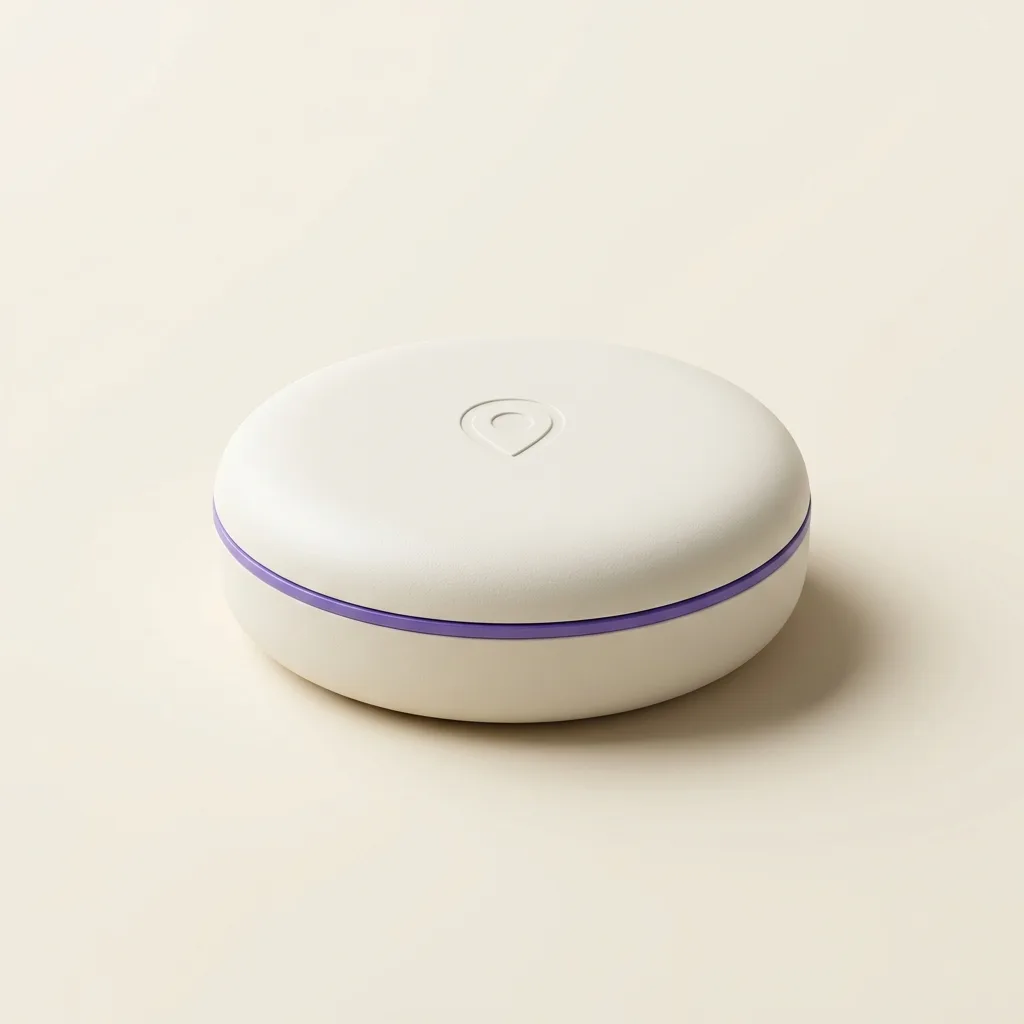
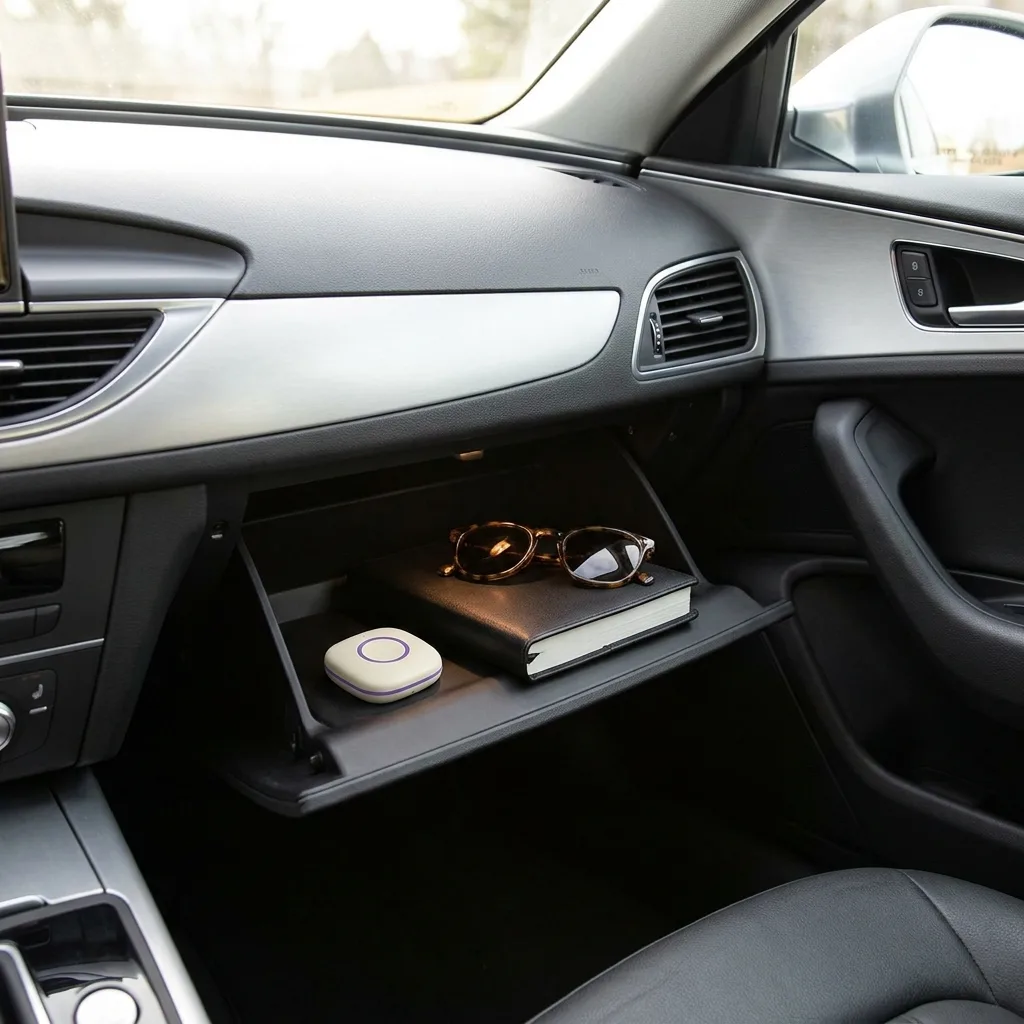
- A vehicle. Drive sits in the car and reports arrivals without depending on whether anyone's phone is charged, which is the whole point of it.
One honest limitation: dedicated devices have batteries too, and a device that needs charging weekly will occasionally be flat. The gain isn't infinite battery, it's predictability, one thing to charge on a known schedule, rather than an app competing with everything else on a phone.
Frequently asked questions

Daniel covers privacy, consent and the technology under the hood. A dad who reads the settings screens so you don't have to, he believes the best family tech is the kind you can explain to your kid in one sentence, and that nothing should ever be tracked in secret.
Our guides are written by Be Closer's editorial voices and reviewed by the team behind the app. Questions? support@becloser.com
Published · Updated