 Driving
How to Share Your ETA Without Texting While Driving
Set up ETA or arrival sharing while safely parked before you start driving, using a supported navigation or sharing service. Agree that the driver does not read or send journey messages, and let a passenger handle communication if appropriate. Traffic, signal and route changes can affect estimates and alerts, so nobody should treat an ETA as a promise.
The message "almost there" sounds harmless. From the wheel, it still asks a driver to look away, decide what to say and interact with a phone. The problem is not the length of the message. It is moving attention from the road to a conversation that could have been planned before departure.
**An arrival update is useful only if getting it does not distract the driver.** That rule applies to the person traveling and to the family waiting at home. Sending repeated questions can create pressure even when the driver has promised not to reply.
You do not need an elaborate system. Choose a supported sharing option, test it while parked, and agree on what everyone will do when an estimate changes. A simple fallback is part of the plan, not evidence that the technology failed you.
Make the rule before making the journey
Start with one sentence: the driver does not read or send messages while driving. Avoid exceptions for quick replies, familiar roads or being nearly home. An exception asks the driver to judge whether a distraction is small enough, which defeats the purpose of a simple rule. Apply it to adults and new drivers equally.
The waiting person has a matching responsibility: do not expect an immediate reply from someone at the wheel. Explain that a silent phone is the planned behavior, not a reason to send more questions. If the driver needs to communicate, they can stop somewhere safe and suitable before handling the phone. Stopping in traffic is not the planned substitute for parking.
Local driving rules vary, so check the rules where you travel. This guide sets a family attention rule, not a legal permission to use any particular feature. For a wider agreement, read distracted driving family phone rules.
The update can wait; the road cannot.
Know the difference between an ETA and an arrival alert
An ETA is an estimated arrival time based on the route and information available to the navigation service. Some services let you share that estimate with selected people. Features, recipient requirements and supported devices differ. Check the service you actually use rather than assuming that every navigation app has the same share button.
An arrival alert usually depends on a service recognizing that a device has entered a chosen area. It answers a different question from a route estimate. An alert might arrive after parking, might be delayed or might not arrive if permissions or connectivity are missing. It should not be described as proof that someone has safely completed every part of a journey.
Choose the smallest useful update
For a pickup, an ETA may help the waiting person decide when to get ready. For a routine journey home, an agreed arrival notification may be enough. You do not need both simply because both are available. Choose the information that reduces questions without increasing monitoring, and make sure the traveler knows who receives it.
Our guide to knowing when family arrives without texting explains the check-in question behind arrival tools. Keep that purpose clear before adding settings.
Set up sharing before the engine starts
Do the setup while safely parked, ideally before starting the engine. Enter the destination, review the route and find the supported sharing option. Confirm the intended recipient rather than selecting a whole group by habit. If a recipient needs an app or account, sort that out now instead of discovering it while the car is moving.
- 1Set the destination and review the estimated arrival time.
- 2Choose ETA or arrival sharing if the service supports the option you need.
- 3Select the agreed recipient and check any sharing duration or end condition.
- 4Confirm that the recipient can view the information during a parked test.
- 5Enable the appropriate driving focus settings and put the phone in its planned place.
- 6Agree on the fallback, then leave the phone alone for the journey.
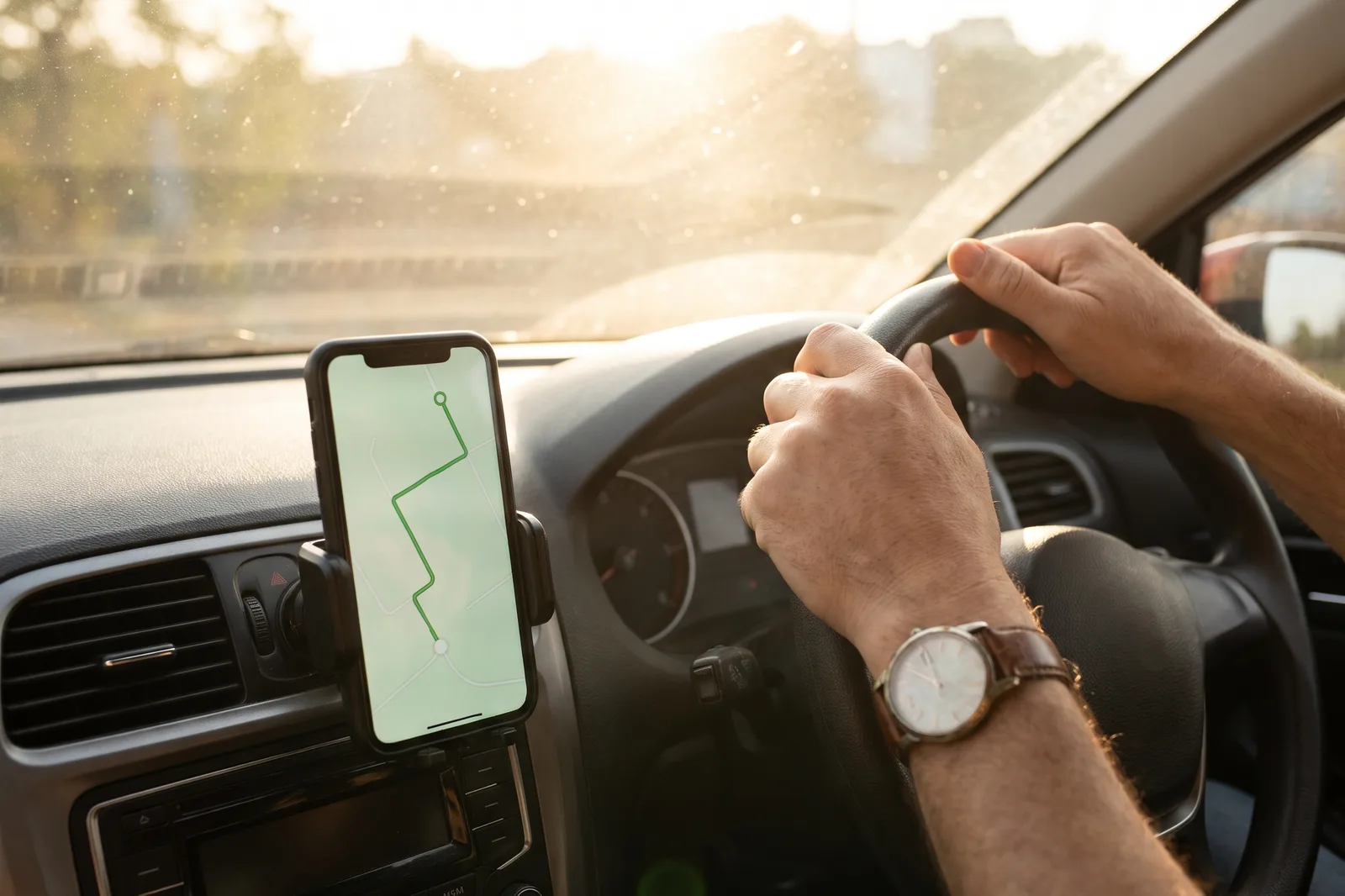
A visible route on a mounted phone does not turn every phone interaction into a safe action. Mounting can help with navigation positioning, but messaging still diverts attention. If the setup is not working before departure, use the fallback rather than planning to fix it at the first junction.
Use driving focus without promising it will do everything
A driving focus or do not disturb mode can reduce incoming interruptions, depending on your phone, settings and software version. Review it while parked. Some modes allow selected calls or send an automatic response. Those choices should support the no-message rule, not create a list of people whose messages the driver is expected to answer.
Check what happens with repeated calls, connected car systems and navigation notifications. The details vary, and a family should not assume that enabling one switch silences every possible distraction. If a mode activates automatically, verify that it works for your normal setup before relying on it during an important trip.
For the settings side, see do not disturb while driving. Even with interruptions reduced, keep the behavioral rule. A quiet phone is helpful; a driver who will not reach for it is the essential part.
A parked setup check
- The correct destination is entered.
- Only agreed recipients can see the journey information.
- The driving focus behaves as expected.
- Charging and navigation are arranged before departure.
- Everyone knows that a changed ETA does not require a reply.
Be Closer shows your whole family on one private map, free to start.
Consent-first, never sold, and gentle on your battery. iOS and Android.
Give the passenger a clear communication job
If there is a passenger who can handle communication without distracting the driver, agree that they are the texter. They can tell the waiting person about a delay, look up a meeting point or manage a necessary call. They should use their own phone where practical, and only with the information the driver has agreed to share.
The passenger rule is not an invitation to make the driver supervise a conversation. Do not hold a message in front of the driver, ask them to choose wording at a busy junction or read out a stream of replies. Save nonessential details. A short factual update such as "traffic is slow; we will message after parking" is usually enough.
A child passenger is not automatically responsible for adult logistics. Choose an appropriate passenger, keep the task simple and be ready to use the no-update fallback. If nobody can help, the driver continues driving and communicates after parking. There is no requirement to provide a live conversation just because someone is waiting.
Let the ETA change without treating it as a broken promise
Traffic, road closures, a missed turn, a stop and changing route information can alter an estimate. The service is forecasting with available information, not reserving an arrival slot. An ETA can move earlier or later, and the shared view may lag behind what the navigation app currently shows. A changing estimate is information, not misconduct.
The waiting person can prepare around a flexible window rather than demand a minute-by-minute account. For a pickup, choose a place where waiting is practical and agree on what happens if the traveler is late. Do not repeatedly send "where are you?" because a number shifted. That question can wait until the driver is safely parked.
- Use the estimate to prepare, not to pressure the driver.
- Allow for traffic and ordinary stops.
- Do not infer speed or behavior from a delayed shared update.
- Keep a meeting point and backup arrangement that do not require instant replies.
If a delay creates a real logistical problem, use the agreed contact plan. A safely parked update or a passenger message is preferable to turning a time estimate into an urgent demand from the wheel.
Treat sharing as an agreement, not an open-ended watch
Decide who can see the journey and why. Sharing with the person collecting you can be useful; sharing with everyone in a large family chat may be unnecessary. Where a service offers a limited duration or an automatic end, read how it works. If sharing must be stopped manually, review it after the trip while parked.
Our guide to temporary location sharing can help shape that boundary. Do not assume an ETA link expires at arrival unless the service says so. Equally, do not assume that leaving the car means every sharing relationship has ended. Review the actual controls rather than relying on an informal label.
BeCloser is free to download. For any particular ETA or arrival feature, check the current service documentation and supported devices before relying on it. This plan does not depend on claiming that every location app offers route estimates or identical notifications. Use the feature your chosen tool actually supports, or use a simple parked check-in.
Have a fallback that needs no screen at the wheel
A phone can lose connectivity, run low on power or stop providing useful updates. A recipient can miss a notification. Agree beforehand that no update alone does not explain what happened. For ordinary journeys, the fallback might be a message after parking and a clearly agreed point at which the waiting person checks the arrangement.
For a genuine concern, follow your family's safety plan and seek appropriate help based on the situation. Do not rely on an ETA screen as an emergency service or assume that an arrival alert confirms someone is well. Technology can support communication, but it cannot assess the whole journey for you.
After arriving, park before checking messages or adjusting sharing. Then review whether the arrangement reduced contact demands. If it produced more questions, simplify it. The best family rule is short enough to remember and practical enough to repeat: set up before departure, let a passenger communicate, and let the driver drive.
Frequently asked questions

Daniel covers privacy, consent and the technology under the hood. A dad who reads the settings screens so you don't have to, he believes the best family tech is the kind you can explain to your kid in one sentence, and that nothing should ever be tracked in secret.
Our guides are written by Be Closer's editorial voices and reviewed by the team behind the app. Questions? support@becloser.com
Published · Updated