 Driving
Do Not Disturb While Driving: How to Set It Up for Your Family
Driving Focus on iPhone and driving modes on Android silence notifications and can auto reply to messages, and both can turn on automatically when the car starts moving. They are a nudge rather than a lock, so pair them with arrival alerts that remove the reason to message a driver at all, plus a short family agreement everyone actually signed up to.
There is a particular kind of message that causes accidents, and it is not the interesting one. It is not the argument or the emergency. It is the parent asking are you nearly here, sent at 6.40pm, answered at a set of traffic lights, then followed up because the answer was too short.
I mention it first because most writing on this subject treats the driver as the whole problem. The driver is half of it. The other half is a family that has no way of knowing where anyone is except by asking, and so asks, repeatedly, while people are driving.
This guide covers both. What Driving Focus and Android driving modes genuinely do, how to make them switch on without anyone remembering to, what they cannot do no matter how well configured, and a short agreement that works better than any setting because it changes who sends the message rather than who receives it.
What Driving Focus on iPhone actually does
Driving Focus is a mode that silences incoming notifications, keeps the screen dark, and optionally sends an automatic reply to anyone who messages. Calls can be allowed through, blocked entirely, or allowed only from selected people, and there is a setting for a second call from the same number within a short window, which is the practical way an urgent caller gets through.
- Notifications are held, not deleted. They arrive normally once the drive ends, so nothing is lost.
- Auto reply tells the sender why. A short message saying the person is driving. You can choose who gets it: recents, favourites, all contacts, or nobody.
- CarPlay and navigation still work. Maps, music and calls through the car are unaffected. The mode targets interruptions, not function.
- A passenger can override it. There is a button saying they are not driving. It is honest that this exists, and it is also the gap a determined teenager walks through.
To set it up: Settings, Focus, Driving. Choose your allowed people and calls, turn on Auto Reply and edit the text so it sounds like the person sending it. Then set Activate to Automatically, which is the step that matters most, and I will come back to why.
What driving modes on Android do
Android splits this across two things, which trips people up. There is standard Do Not Disturb, which silences everything and is not driving specific, and there is Google Maps driving mode, which changes the interface for driving and can read messages aloud and take spoken replies.
- 1Set the trigger. Settings, Connected devices, Connection preferences, Driving mode. Choose whether it starts when the phone connects to car Bluetooth, or when the phone detects driving.
- 2Choose the behaviour. Turn on Do Not Disturb during driving so notifications are silenced rather than merely reorganised.
- 3Configure Do Not Disturb exceptions. Settings, Sound and vibration, Do Not Disturb. Decide which people and which repeated callers can break through.
- 4Check the manufacturer layer. Samsung and others add their own driving or focus features that can conflict. Pick one and turn the other off, or you will get inconsistent behaviour and blame the wrong thing.
Android's auto reply behaviour varies more by phone and messaging app than iPhone's does. Test it before you trust it: message the phone from another one and see what actually comes back.
The read aloud option deserves a separate thought. Having a message spoken to you sounds safer than reading it, and in the narrow sense it is, because your eyes stay on the road. It is still an interruption competing for attention at a junction, and it invites a spoken reply, which invites a conversation. If the point of the exercise is fewer interruptions, silence beats narration. I would leave read aloud off for a new driver and switch it on later, if at all, once the habit of ignoring the phone entirely has settled.
One more Android specific trap: a phone that has been through a system update sometimes loses its driving mode trigger while keeping the mode itself configured, so everything looks correct in the settings screen and nothing actually fires. After any major update, do the same one minute test from a second phone. It is the cheapest habit in this whole guide.
Make it automatic or it will not happen
This is the single most important paragraph here. A driving mode that requires someone to switch it on is a driving mode that runs on the days it was least needed. People remember on calm mornings and forget when they are late, stressed, or rushing, which is precisely the profile of a distracted drive.
Both platforms offer automatic activation and there are two mechanisms. Bluetooth based activation is the reliable one, because a car stereo connecting is an unambiguous signal. Motion based activation guesses from speed and is convenient, but it will occasionally trigger on a bus or a train, which is harmless and mildly annoying.
Setup checklist, both platforms
- Set activation to automatic, ideally via car Bluetooth. No decision means no forgetting.
- Write an auto reply in the driver's own words. Generic text gets ignored, personal text gets respected.
- Allow repeated calls from the same number. This is the emergency escape valve, and it should be on.
- Test it once from another phone. Five minutes now saves a month of assuming it works.
- Do the same setup on the parents' phones. A rule that applies only to the teenager is a rule about the teenager, not about safety.
Be Closer shows your whole family on one private map, free to start.
Consent-first, never sold, and gentle on your battery. iOS and Android.
The part that actually reduces messages to drivers
Silencing a phone deals with the arrival of the message. It does nothing about the reason it was sent. In most families the reason is uncertainty: nobody knows when anyone is arriving, so they ask, and asking during a drive is exactly the wrong moment.
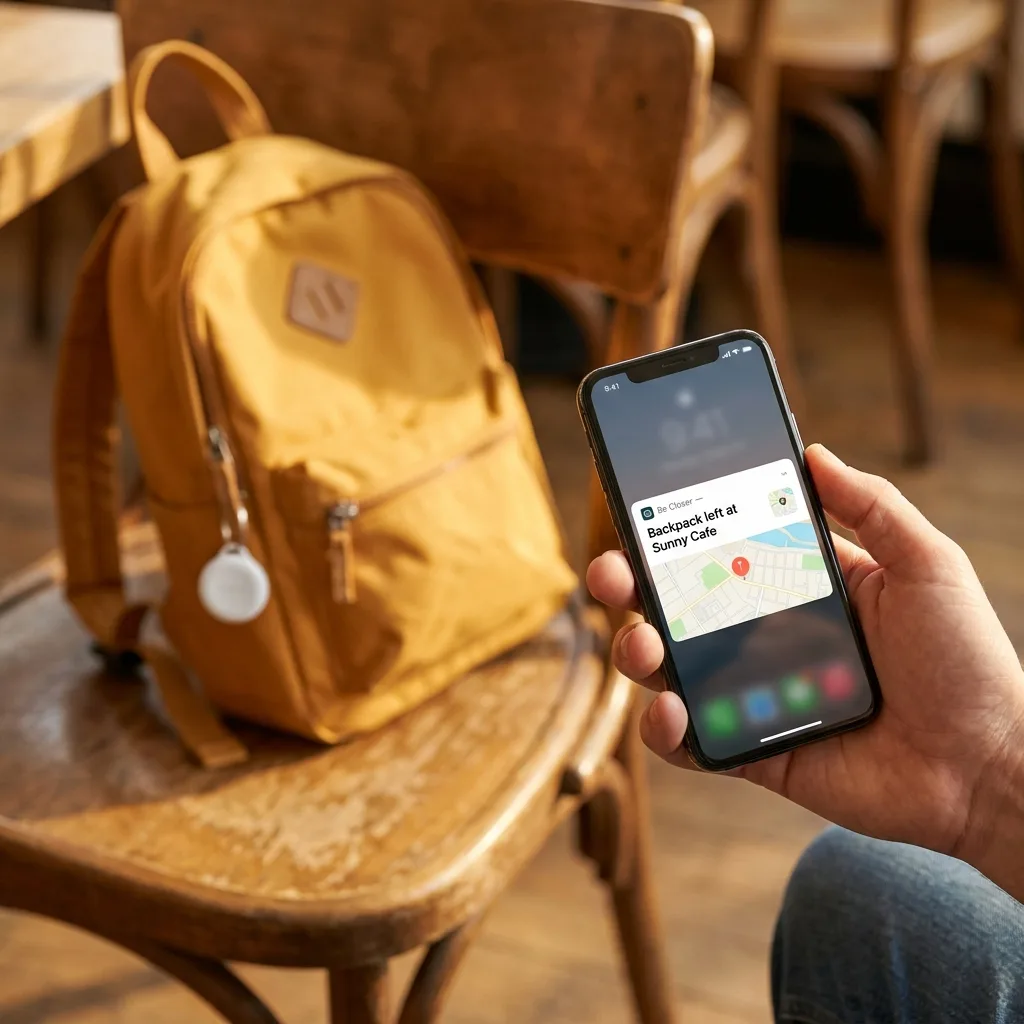
Arrival and departure alerts remove the question. When you get a notification that says someone left work, or arrived home, the impulse to text disappears because it has already been answered. This is the quiet mechanism behind how to know when family arrives without texting, and it does more for in car safety than any focus mode, because the safest message is the one nobody sends.
Be Closer is free to download, sits at 4.4 stars across 150,000+ ratings on the App Store and Google Play, and works in 13 languages. Sharing is consent first: every person on the map chose to be there, can see who can see them, and can pause at any time. A new driver who agreed to arrival alerts is participating. A new driver who was enrolled without being asked is being monitored, and the difference shows up in how long the arrangement lasts.
What Do Not Disturb cannot do
I would rather be honest about this than sell the feature, because a parent who believes the setting is a lock stops having the conversation that actually works.
- It does not stop a determined person. Driving Focus can be dismissed in one tap. The passenger override exists on purpose. Nothing here is enforcement.
- It does not silence the phone as an object. A driver can still pick it up, unlock it and use it. Nothing stops a hand reaching for a screen.
- It does not cover the mounted phone. Navigation on the windscreen is still a screen, and interacting with it while moving is still a distraction.
- It does not fix the habit. A driver who checks messages at every red light is doing something a focus mode was never designed to address.
- It can be turned off entirely, silently. There is no reliable way to know from another phone whether it is currently active.
A driving mode is a nudge, not a lock. It is worth having precisely because most distraction is thoughtless rather than deliberate.
That last sentence is the real case for it. The majority of phone use behind the wheel is not a decision. It is a reflex triggered by a buzz. Remove the buzz and you remove most of the behaviour, without pretending you have removed all of it. The broader set of household rules is in distracted driving family phone rules.
A short family agreement for phones in cars
Keep it to five lines. Long agreements are performances. Short ones get remembered at the moment they matter, which is a phone buzzing on a dual carriageway.
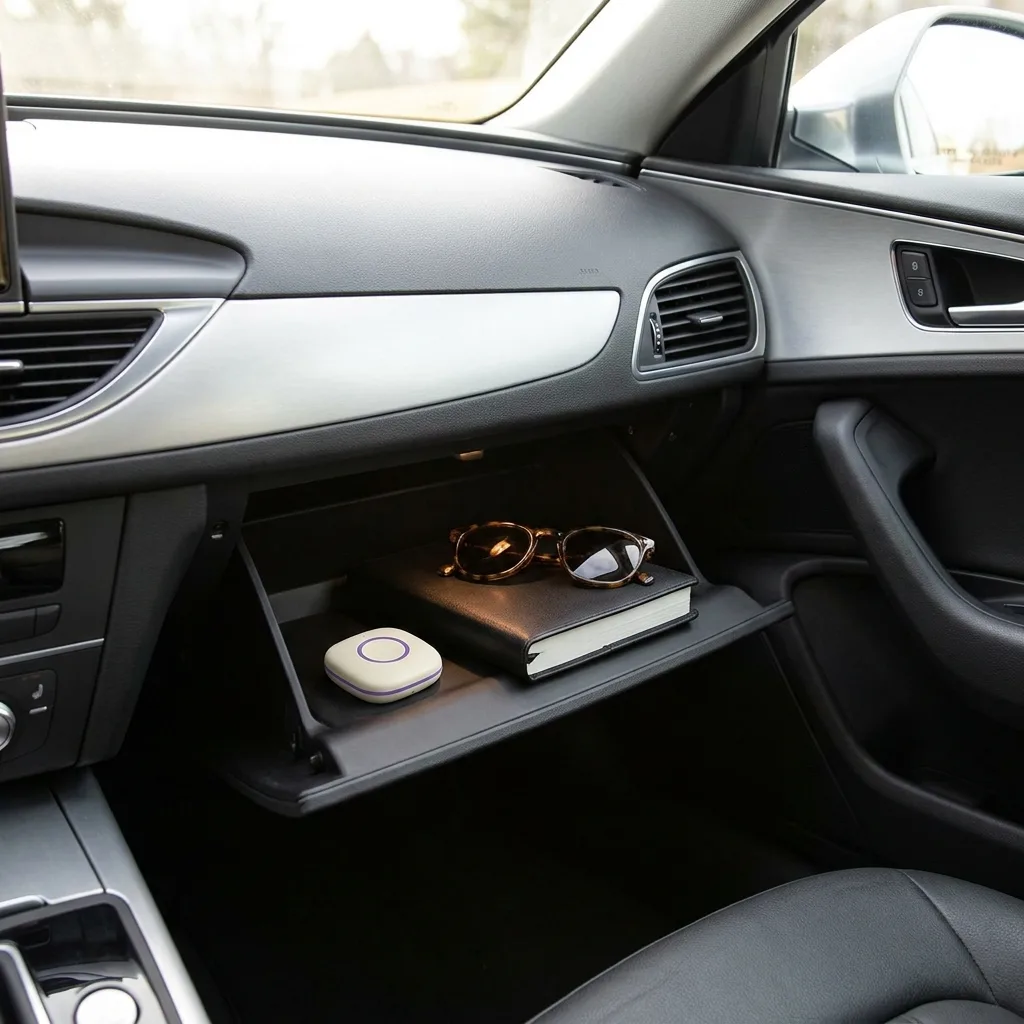
- 1The phone lives out of reach while the engine is running. Glovebox, bag, back seat. Not the cupholder, not the passenger seat, not a lap.
- 2Driving mode is on automatically, on every phone in the family. Including the adults, without exception and without commentary.
- 3Nobody messages someone we know is driving. This is the parents' clause and it is the one most often broken.
- 4If a reply is genuinely needed, stop the car properly. Parked, engine off. Not a red light, not a lay by taken at speed.
- 5Arrival alerts replace check in messages. Nobody needs to ask, so nobody asks.
For newer drivers, agree the terms before the first solo drive rather than after the first near miss, and revisit them when night driving starts, which brings a different set of risks entirely and is covered in teen night driving rules.
One sentence to end on: set the phone to stay quiet, then give the family a reason not to make it ring. The setting handles the interruption, the arrival alert handles the cause, and the agreement handles everything neither can reach.
Frequently asked questions

Daniel covers privacy, consent and the technology under the hood. A dad who reads the settings screens so you don't have to, he believes the best family tech is the kind you can explain to your kid in one sentence, and that nothing should ever be tracked in secret.
Our guides are written by Be Closer's editorial voices and reviewed by the team behind the app. Questions? support@becloser.com
Published · Updated