 Aging Parents
Choosing a smartwatch for an aging parent: what actually matters
Choose a smartwatch your parent can read at a glance, that lasts long enough between charges to fit their routine, and that offers simple emergency calling and, where available, fall detection. Turn on location sharing only with their clear agreement, keep the setup minimal, and set it up together so it is a tool they own rather than a tracker put on them.
My friend Hema bought her father the newest smartwatch she could find for his eightieth birthday. It could measure everything, answer messages and play music. Within a fortnight it was in a drawer, still in its charging cradle. "It kept buzzing at me," he told her. "I felt like it was telling me off."
The next one she chose with him, not for him. It was simpler, the numbers were bigger, and it did three things he cared about: told the time clearly, counted his steps on his morning walk, and let him call her with one press. He has worn it every day since.
That story holds the whole lesson. **A smartwatch only helps if your parent wears it, and they will only wear it if it feels like theirs.** Features matter far less than fit, comfort and dignity.
Start with why, and whose why
Before comparing models, sit down with your parent and talk about what they would like a watch to do. Your reasons and theirs may be different, and that is fine, but both need to be on the table.
- Do they want to call family more easily, especially when their phone is in another room?
- Would they feel safer knowing they could get help if they fell?
- Do they enjoy tracking walks or steps?
- Is the main wish yours, for example peace of mind while they live alone?
Be honest about your own worry, and let them decide how much it shapes the choice. A parent who agrees to a watch because they understand why it matters to you is very different from one who has a device quietly handed to them.
What actually matters when choosing
A screen they can read without glasses
Look for a bright display with the option of large text and a simple, high-contrast watch face. Try it on in daylight if you can. If your parent has to squint or reach for reading glasses to see the time, it will not last.
Battery life that fits their routine
Some watches need charging every night, others last several days. Neither is better on its own. What matters is whether charging fits a habit your parent already has. A nightly charge beside the bed works for some people. For others, a watch that lasts most of a week is far less likely to end up flat.
Emergency calling and fall features
Many watches offer an emergency SOS function, and some can detect a hard fall and offer to call for help. These features vary by model and region, and some need a mobile plan on the watch itself to work away from the phone. Check exactly what the watch can do on its own, and test the SOS flow together so it is not a mystery on the day it matters. Our guide on how emergency SOS on phones works explains the basics.
Features you can probably skip
- Dozens of health metrics they will never look at.
- Constant notifications for every message and app.
- Tiny buttons and complicated swipe gestures.
- Premium styles that are heavy or uncomfortable to wear all day.
Comfort and style
A watch worn all day should feel light, with a strap that is easy to fasten with stiff fingers. Magnetic or stretchy straps can help. Let your parent choose the colour and face. It is jewellery as much as technology, and people wear what they like the look of.
Location sharing, only with consent
Some families want a watch partly so they can see where a parent is, perhaps on a walk or after a fall scare. That can be genuinely reassuring for everyone. It must also be a conversation, not a setting someone else switches on.
Location sharing should be something your parent chooses, understands and can pause. Explain who would be able to see their location, when, and why. Make sure they know how to turn it off. A parent who feels watched will often take the watch off, and then nobody has anything.
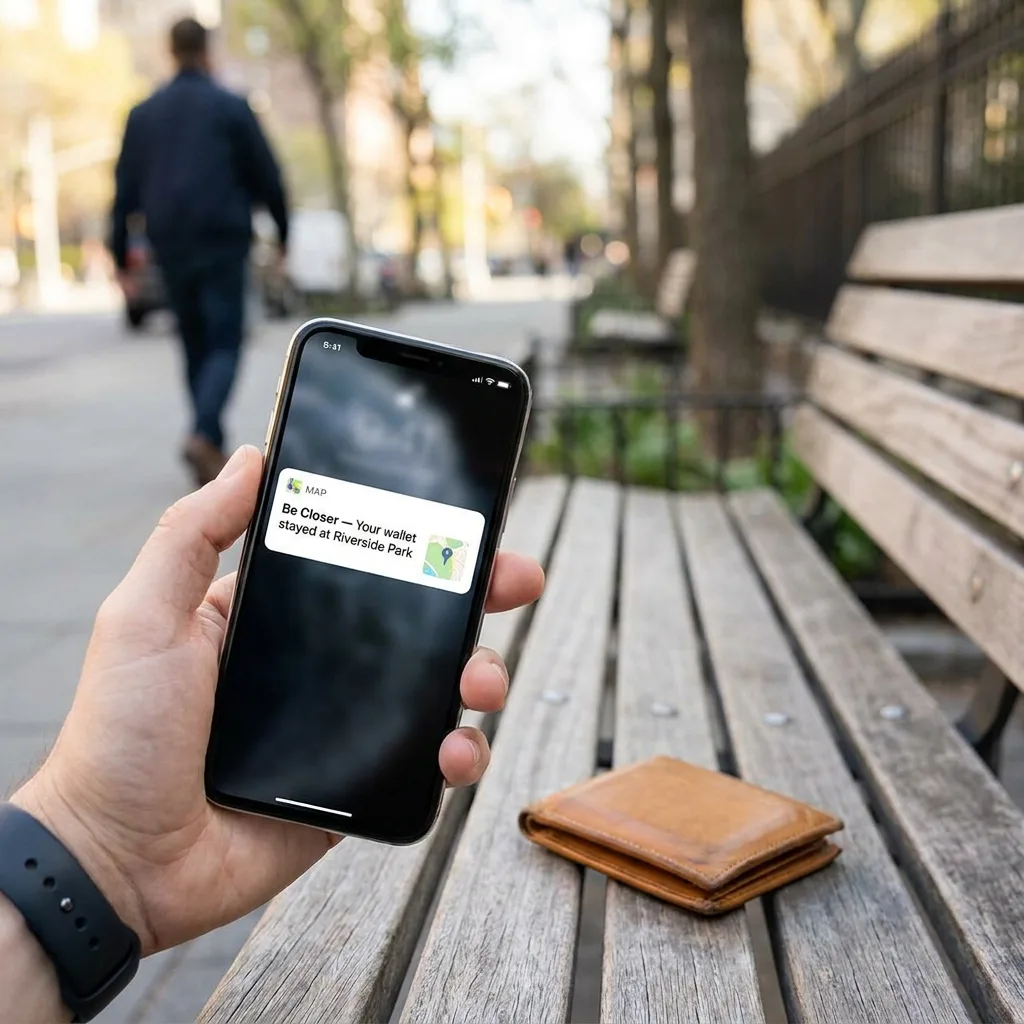
Many families handle location through the phone rather than the watch. Be Closer, for example, is a free family location app used by over 10M people, available in 13 languages and rated 4.4 stars across 150,000+ ratings on the App Store and Google Play. A parent can share their location with chosen family members, set up arrival alerts for places like home or the shops, and see others on the map in return. Location is accurate up to 95% of the time in good conditions, which is very useful but not perfect, so it is a complement to calls, not a replacement.
A tool they own, not a tracker put on them.
Questions to ask before you buy
Once you have a shortlist, it helps to go through a few practical questions together. They sound small, but each one has quietly ended the life of a watch in someone's drawer.
- Does it work with the phone they already have? Some watches only pair with one brand of phone.
- Can it be returned? A trial period takes the pressure off if the fit is wrong.
- Who will help when something goes wrong? Agree in advance who your parent can ring with a question, so they are not left stuck and embarrassed.
- What does it cost over time? Include any monthly plan, replacement straps and a spare charger.
- Can they put it on and take it off alone? Try it with the buckle before buying.
If you can, visit a shop together and let your parent try two or three on. Holding a watch, pressing its buttons and reading the face in real light tells you more than any review. Let them make the final choice, even if it is not the one you would have picked. Ownership starts at the counter.
It also helps to think ahead to the days when your parent is unreachable. A watch that rings on the wrist can make missed calls less frequent, but it will not end them. Our guide on when an aging parent does not answer the phone offers a calm plan for those moments, with or without a watch.
Be Closer shows your whole family on one private map, free to start.
Consent-first, never sold, and gentle on your battery. iOS and Android.
Setting it up together
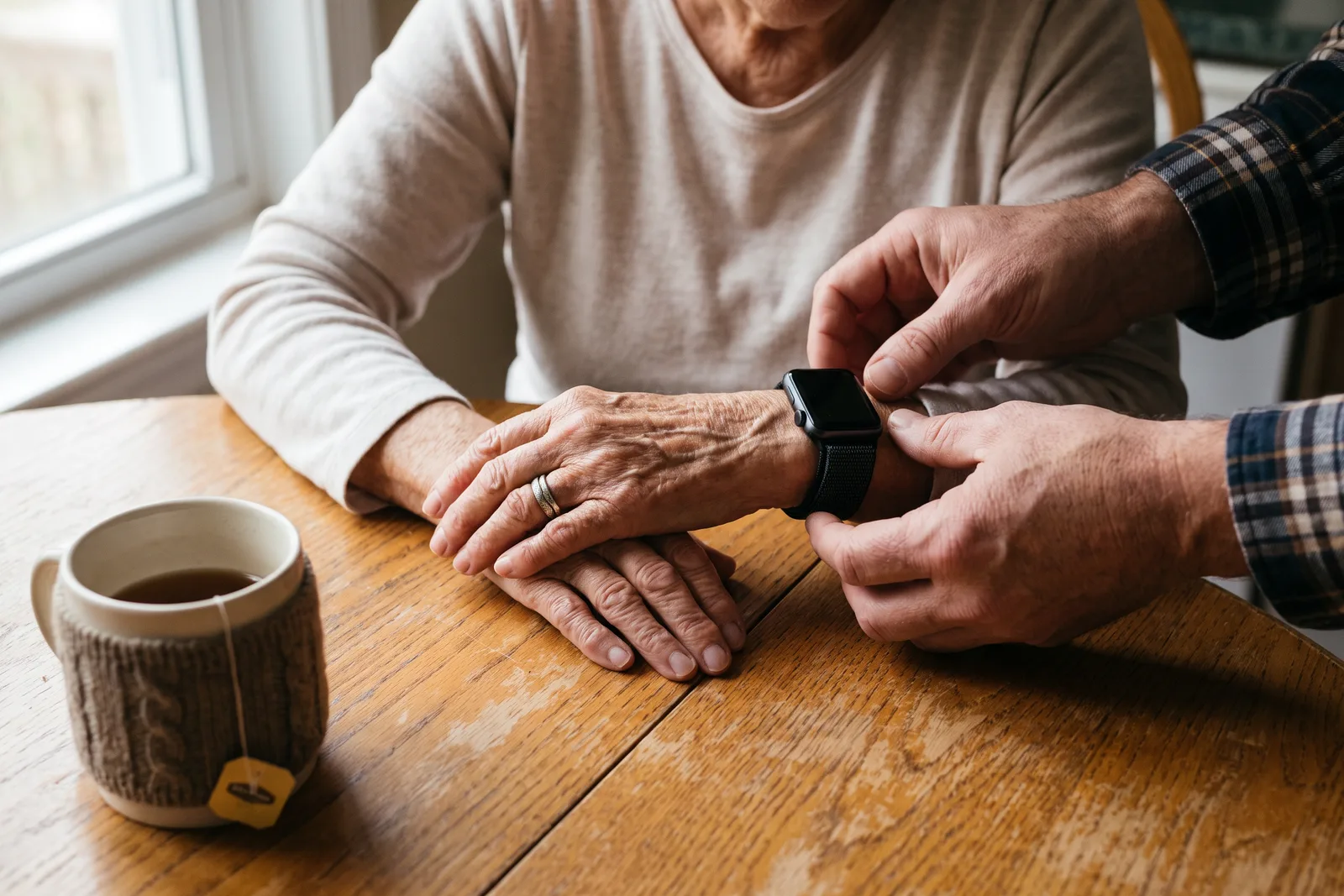
The setup session is where a watch either becomes theirs or becomes yours. Do it together, at their pace, ideally at their kitchen table with a cup of tea and no rush.
- 1Let your parent unbox it and put it on. Adjust the strap until it is comfortable.
- 2Choose a large, clear watch face together.
- 3Turn off notifications except the ones they want, perhaps calls and messages from family only.
- 4Set up emergency contacts with them, and explain what happens when SOS is used.
- 5Practise one call to you, and one test of the SOS flow if the watch supports a safe test.
- 6Agree a charging spot and time, and write a simple card with the three things the watch does.
If your parent is newer to smartphones, start there first. A watch usually pairs with a phone, and confidence with one helps the other. Our guide to teaching an aging parent to use a smartphone has patient, step-by-step ideas.
Avoiding overwhelm in the first weeks
The first fortnight decides whether the watch stays on. Check in gently, not with a quiz. Ask what they like about it and what annoys them. If something buzzes too much, switch it off. If a feature is confusing, remove it for now.
- Keep it to three uses at first. Time, calling family, and one thing they enjoy.
- Resist adding features just because the watch can do them.
- Celebrate small wins, like the first time they call you from the garden.
- Accept a no. If after a fair try they do not want to wear it, that is their decision.
A watch is also only one part of the picture. If your parent lives alone, look at the whole setup, from good lighting to who has a spare key. Our guide on safety for aging parents living alone brings those pieces together.
What a watch can and cannot do
It is worth being clear with yourself about limits. A watch can make it easier to call for help, and in some cases can notice a fall. It cannot prevent falls, replace a doctor, or guarantee that help arrives. It may run out of battery, lose signal, or sit on the bedside table on the one day it was needed.
The real safety net is still people: regular calls, neighbours who notice, family who visit. A watch simply makes that net a little easier to reach. When Hema's dad calls her from his morning walk just to say the roses are out, that is the watch doing exactly what it should.
Frequently asked questions

Priya writes about the family members we care for at every age, parents living alone, dogs that bolt at squirrels, and the quiet worry in between. She writes the way she checks in: gently, and always dignity first.
Our guides are written by Be Closer's editorial voices and reviewed by the team behind the app. Questions? support@becloser.com
Published · Updated