 Aging Parents
Teaching an Aging Parent to Use a Smartphone (Without Frustration)
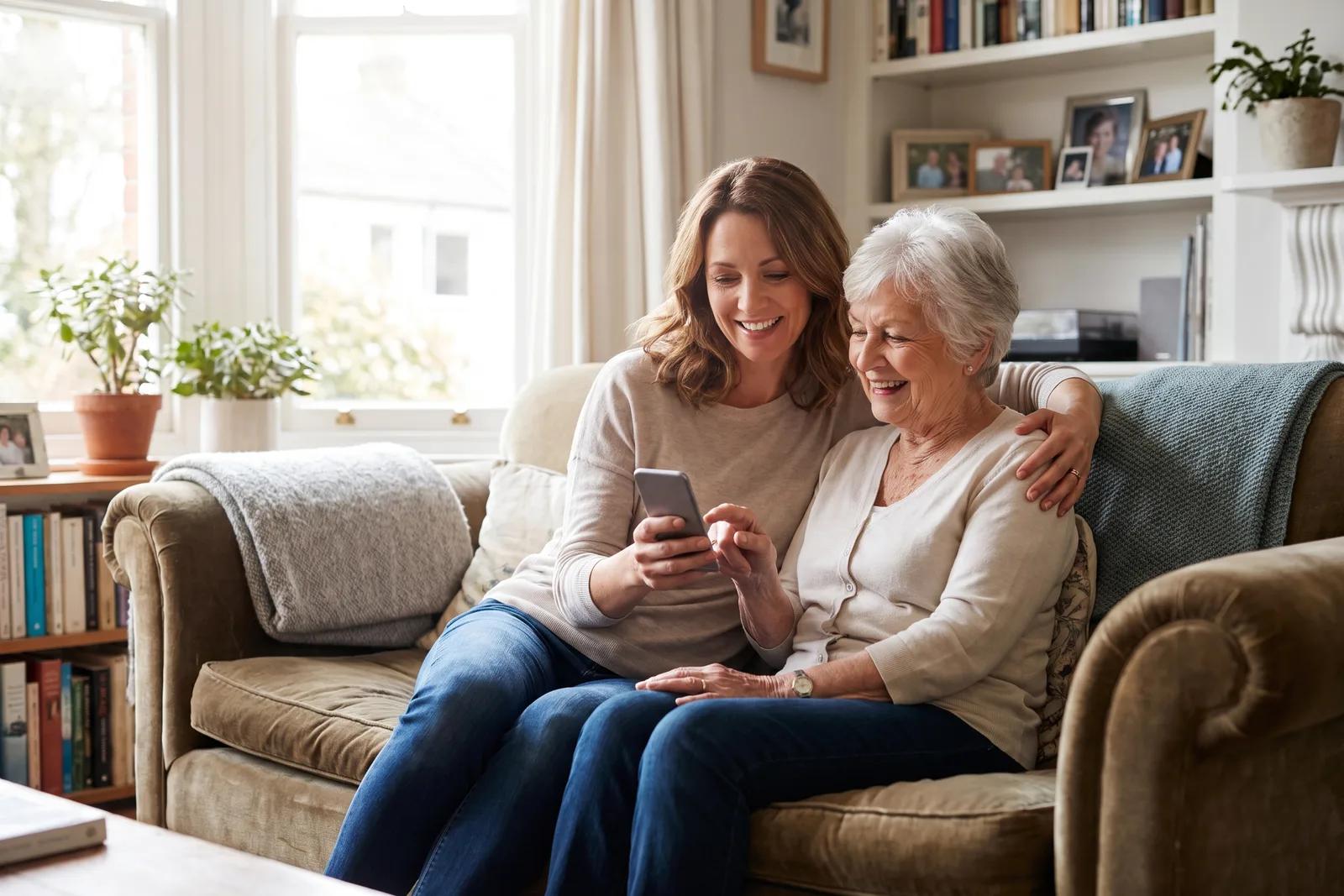
Teach one skill per visit, let them hold the phone the whole time, and write the steps down in their words on paper they can keep by the phone. Simplify the home screen down to the six things they actually use, and anchor the learning to something they want, usually seeing a grandchild's face. Cover scam awareness early, and never take the phone out of their hands to do it faster.
My father learned to send a photo message at seventy nine, and it took four visits. On the first one I did what everybody does. I took the phone out of his hands, said here, like this, tapped through it in about nine seconds, and handed it back with the smug little flourish of a person who has been helpful. He nodded. He learned absolutely nothing, and I had shown him, quite clearly, that this was a thing done to him rather than by him.
The second visit I sat on my hands. It took twenty five minutes and he found the button himself, and the difference was not the twenty five minutes. It was that he ended it believing he could do it again on Thursday when I was two hundred miles away, which is the only outcome that has ever mattered.
This is the version I wish I had started with. It is slower than you want it to be, it is built around one skill at a time, and it takes seriously the thing most guides skip: that being taught by your own child is a small indignity, and how you handle that is most of the job.
Start with why they would bother
Nobody learns a tool they do not want. If the goal is your convenience, they will smell it, and the lesson will quietly fail no matter how patient you are. Find the thing they genuinely want and build every lesson towards it.
For most people, it is faces. A grandchild on a video call at bath time, a great niece's first day of school photo arriving the same afternoon rather than at Christmas. Almost every older person I know who became confident with a phone got there because of a child they wanted to see.
- Seeing family. Video calls and photos, by a distance the strongest motivator.
- Not being left out. The family group chat where the plans and the jokes actually happen.
- Independence. A bus time, a map, a pharmacy app, the ability to sort something out without asking anyone.
- Reassurance in both directions. Knowing someone can reach them, and being able to reach someone quickly.
- A specific hobby. The bowls club WhatsApp group, birdsong apps, the crossword, the football scores.
Ask directly: what would you like to be able to do with this thing. Then teach only that for the first month. Everything else, the settings, the storage, the software update, is your job in the background and not a lesson.
One skill per visit, and let them hold the phone
This is the entire method and it is harder than it sounds. One skill. Not one skill and a quick thing while I am here. One.
The reason is not that older people learn slowly, which is often untrue. It is that a phone teaches by muscle memory and confidence, and both of those are destroyed by volume. Someone who has learned exactly one thing and can repeat it alone on Wednesday is far further along than someone who has been shown six things and is now frightened of the whole device.
- 1Name the skill. Today we are learning how to answer a video call. That is all we are doing.
- 2Watch them try first. Before you explain anything, ask them to have a go. You will find out what they already know, which is usually more than you assumed.
- 3Talk them through it, hands off. Describe the button, do not touch the screen. Green circle at the bottom, yes that one.
- 4Have them do it again from scratch. Lock the phone, start over. The second unaided run is where the learning actually happens.
- 5Write it down together. In their words, on paper, while they are still holding the phone.
- 6Stop. Even though there is time. Especially because there is time.
Every time you take the phone out of their hands to do it faster, you are teaching one lesson: that this is your device and they are a visitor on it.
Some phrases help more than any technique. It is not obvious, they hid that one. You did that faster than I did the first time. Let us do it once more so your fingers remember. And the most useful one when something goes wrong: that is the phone being annoying, not you.
Write it down, in their words, on paper
Every confident older phone user I know has a notebook, and almost none of them have a printed guide from the internet. The reason is that the notebook uses their language. If your mother calls the green circle the answer button, then the note says press the green answer button, not tap accept on the incoming call notification.
- They write it, not you, if they are able. The act of writing is half the learning.
- One card or page per skill. Big handwriting, numbered steps, no more than five steps.
- Describe what they will see, not what the feature is called. The picture of the little house, the blue speech bubble, the round photo of Sarah.
- Include the undo. What to do if the wrong thing happens, and how to get back to the home screen from anywhere. That single instruction removes most of the fear.
- Keep it where the phone lives. By the chair, by the kettle, in the drawer under the charger. Not in a folder on a shelf.
Take photos of the notes yourself. Then when they ring you confused on a Sunday, you are looking at the same page they are, and you can say go to the bit where you wrote press the green circle, which is a very different conversation from trying to picture their screen from memory.
Be Closer shows your whole family on one private map, free to start.
Consent-first, never sold, and gentle on your battery. iOS and Android.
Make the phone easier before you make them cleverer
A great deal of the frustration people blame on themselves is really a phone shipped in a state that suits a twenty five year old. Half an hour of setup, done by you between lessons, removes more difficulty than any amount of teaching.
The home screen
Reduce it to the six things they actually use and put them on the first screen in large icons. Phone, messages, camera, video calls, photos, and whatever their one personal thing is. Everything else goes into a folder on the second screen or gets removed. Empty space on a home screen is a feature, not a waste.
The settings worth changing
- Bigger text and bolder fonts, turned up further than you think looks right.
- Ringer volume and vibration up, and check it again in a month, because silent mode is the most common cause of a missed call.
- Favourites set up, so the four people they call most are one tap away with photographs attached.
- Auto lock lengthened, so the screen does not go black mid task and lose them.
- Notifications turned off for nearly everything. Keep calls, messages and video calls. Silence the rest, since notification noise is what makes a phone feel hostile.
- Emergency contacts and medical details filled in on the lock screen where an ambulance crew can find them.
Once video calls are comfortable, the family group chat is usually the next thing worth the effort, because it is where the sense of being included actually lives. The family group chat across three generations is about making that work rather than becoming another thing they feel behind on, and long distance grandparents has small rituals that give the phone a point.
Scams, location sharing, and keeping their dignity intact
Teach scam awareness early, before confidence builds, and teach it as rules rather than as fear. Frightened people either avoid the phone completely or hand it to whoever sounds most authoritative, and both outcomes are worse than the risk you are trying to manage.
The rules worth memorising
- Nobody legitimate needs a code you were just sent. Not the bank, not the police, not a delivery company, not family.
- Hang up and ring back on the number you already have. Always allowed. Never rude. It is the single most protective habit there is.
- Urgency is the warning sign. Real organisations do not need it done in the next ten minutes.
- Never move money to a safe account. No such thing exists. This is the script fraudsters use most.
- Ringing me is always the right answer, at any hour, and I will never be annoyed. Say this repeatedly and mean it.
The other rule matters just as much and is easier to forget: never make them feel foolish for something that nearly caught them. Shame is what stops people telling you, and silence is what turns a near miss into a real loss. If you want the fuller version of this conversation, protecting parents from phone scams goes further into how to raise it without frightening anyone.
Location sharing tends to come up around now, and it should be introduced as a two way thing or not at all. If your father can see where you are, it stops being surveillance and becomes what it actually is: everyone in a family able to see each other. Set it up together, on his phone, with him tapping. Show him how to turn it off, and mean it, because a switch someone knows how to use is a switch they rarely reach for. Be Closer is free to download, shares openly with the people in your circle, and works in 13 languages, which matters in families who do not all use the same one at home.
Finally, be honest about the emotional part of this. Being taught by your child is a role reversal, and however gently you do it, some of it stings. You can make that easier by asking them to teach you something in the same afternoon, by treating their questions as reasonable rather than endearing, and by never telling the story of their confusion as a funny anecdote at dinner.
My father now sends me photographs of his garden, usually slightly out of focus and often of a shed. Each one arrives with the small triumph of a man who worked out a machine at seventy nine, and I would not trade a single blurry shed for a faster lesson.
Frequently asked questions

Priya writes about the family members we care for at every age, parents living alone, dogs that bolt at squirrels, and the quiet worry in between. She writes the way she checks in: gently, and always dignity first.
Our guides are written by Be Closer's editorial voices and reviewed by the team behind the app. Questions? support@becloser.com
Published · Updated