 Aging Parents
A gentle tech safety setup for a parent living alone
Begin where the small daily frustration already is, usually a mislaid set of keys. Start with the smallest thing that solves a real problem your parent already complains about, usually mislaid keys or wallet, then add a shared map and an SOS button. Keep it mutual, let your parent own the settings, and skip anything that reports on their day-to-day movements; the aim is extending independence, not supervising it.
My mother keeps her keys in a blue bowl by the door, and twice a month they are not in the blue bowl, and I hear about it on the phone at nine in the evening. That small, ordinary thing is where this begins. There's a conversation that most adult children put off for about two years longer than they should. It's not about care homes or finances. It's the small one: would it be alright if I could see you're home?
It gets postponed because every way of raising it sounds like a demotion. Nobody wants to be the person who tells their mother she needs watching. But the version of this that works isn't about watching at all, it's about removing the specific frictions that make living alone harder, so that living alone can continue.
Start with dignity, not risk
The framing determines whether this succeeds. Two sentences, same technology, opposite outcomes.
"I'm worried about you falling, so I've set up an app" places your parent in the category of person who needs managing. It will be resisted, often permanently, even by people who would have found the tool useful.
"You keep losing your keys and it drives you mad, shall we put a tracker on them?" solves a problem your parent already has and already complains about. It arrives as help rather than as a verdict.
The second framing isn't a trick. It's the correct one. The most valuable things in this setup genuinely are the everyday conveniences; the safety features are the quiet insurance underneath them. Lead with what your parent will notice weekly, not with what you hope never happens.
The minimal stack
Four components, in the order we'd add them. Resist doing all four in the first week.
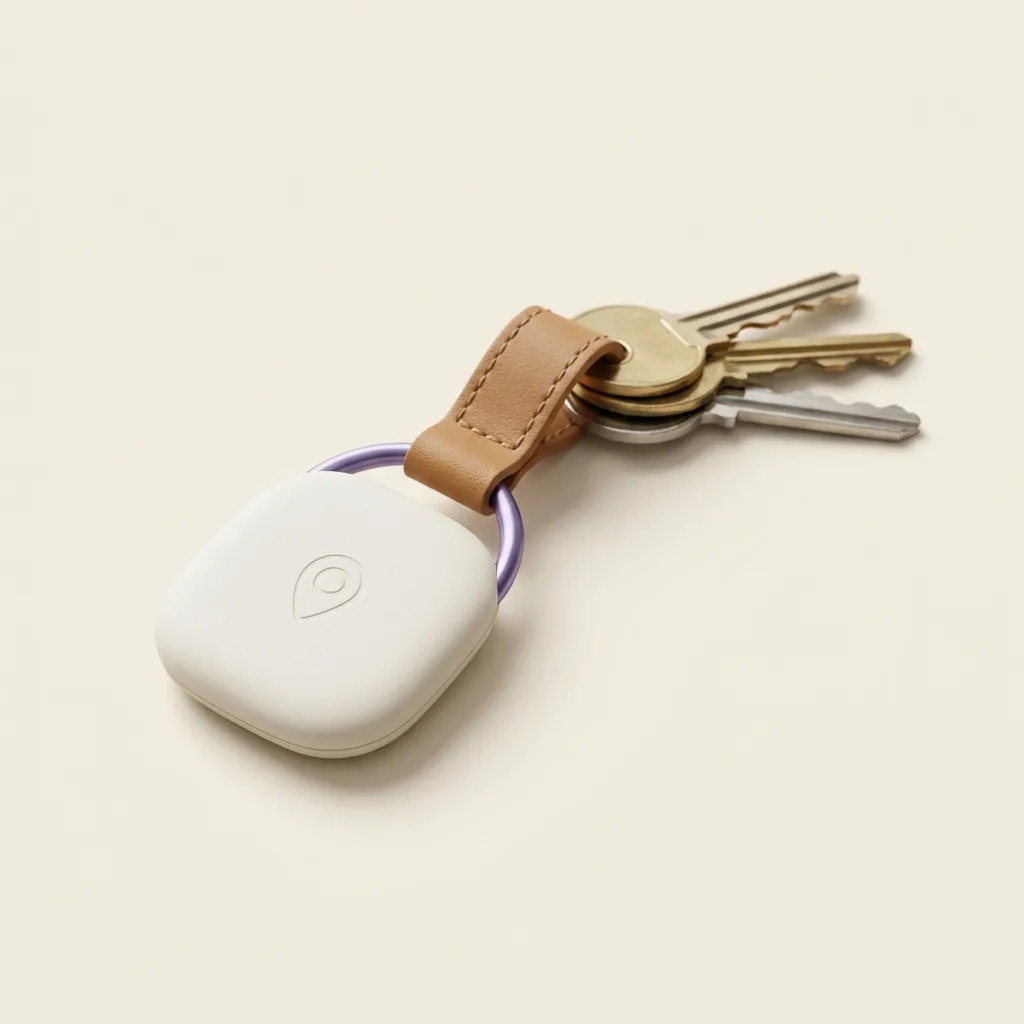
1. Trackers on the things that go missing
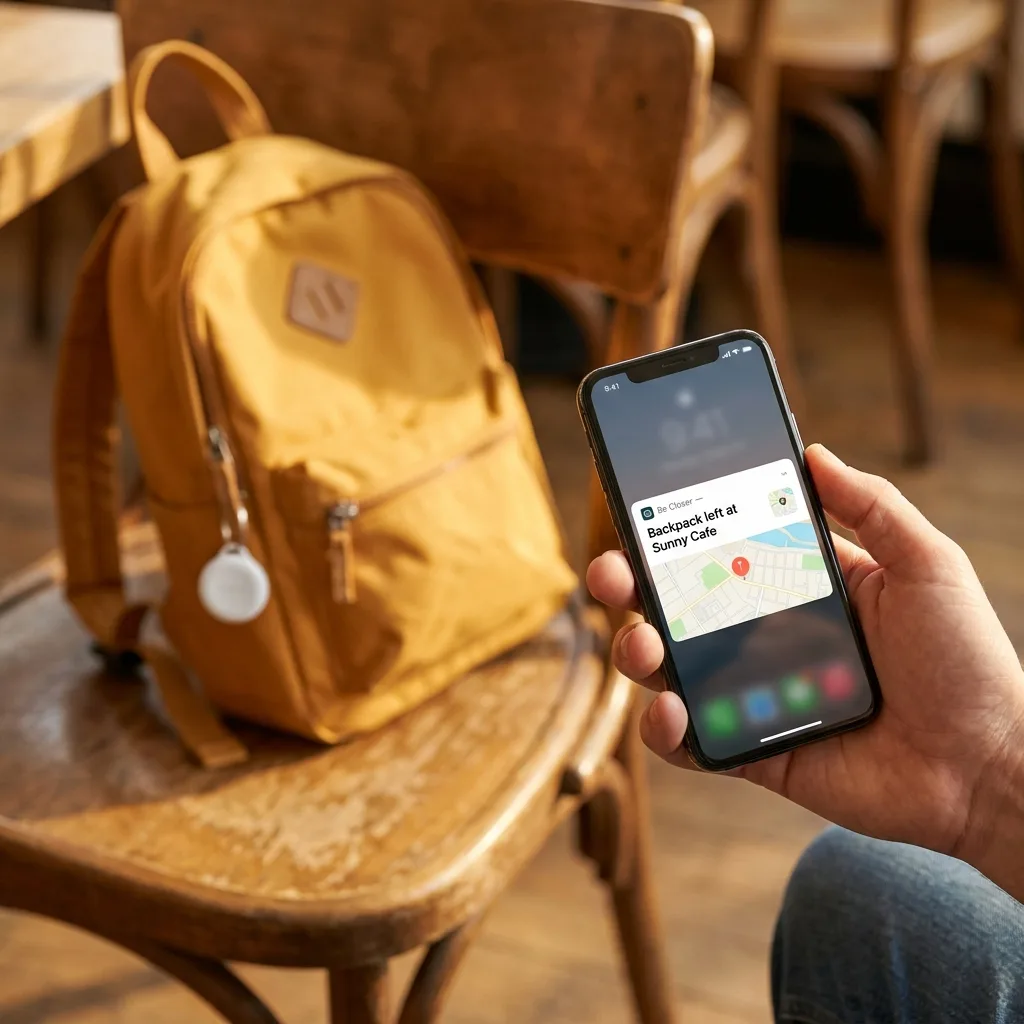
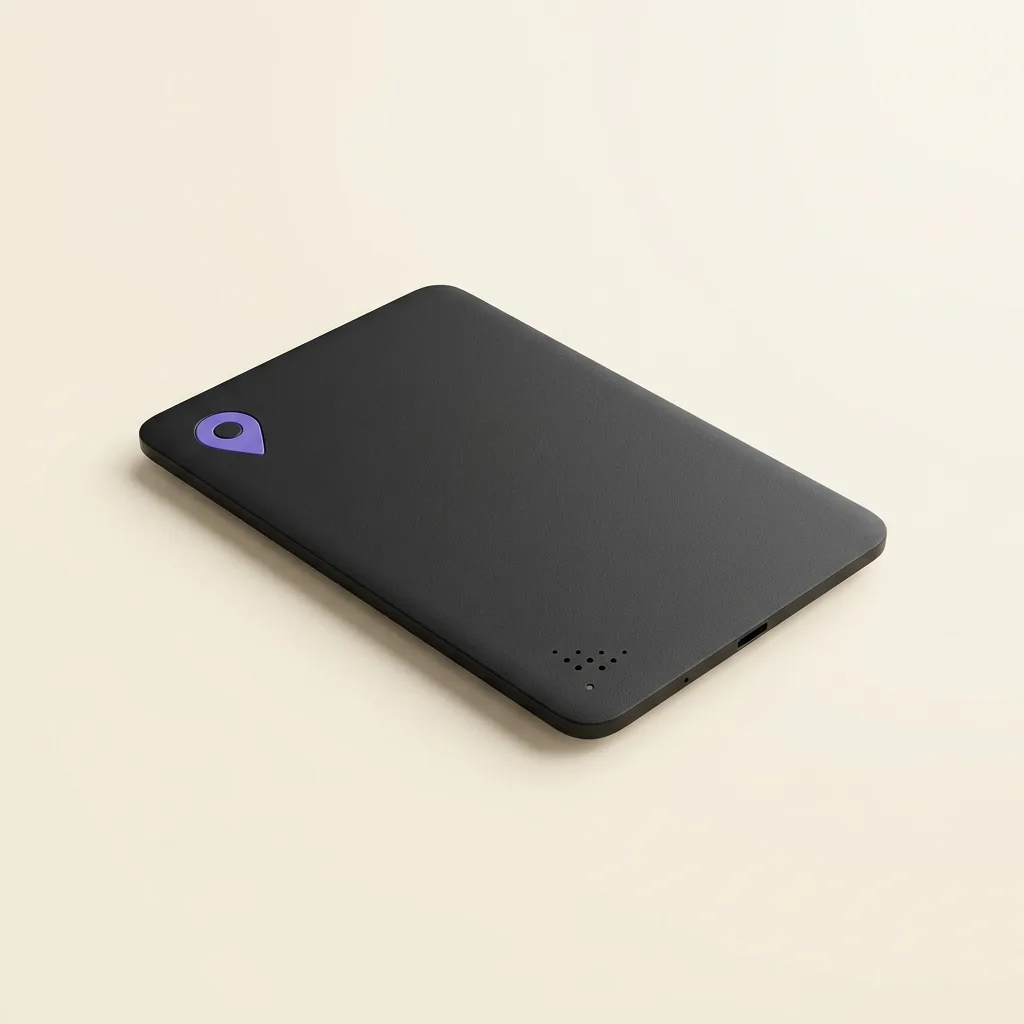
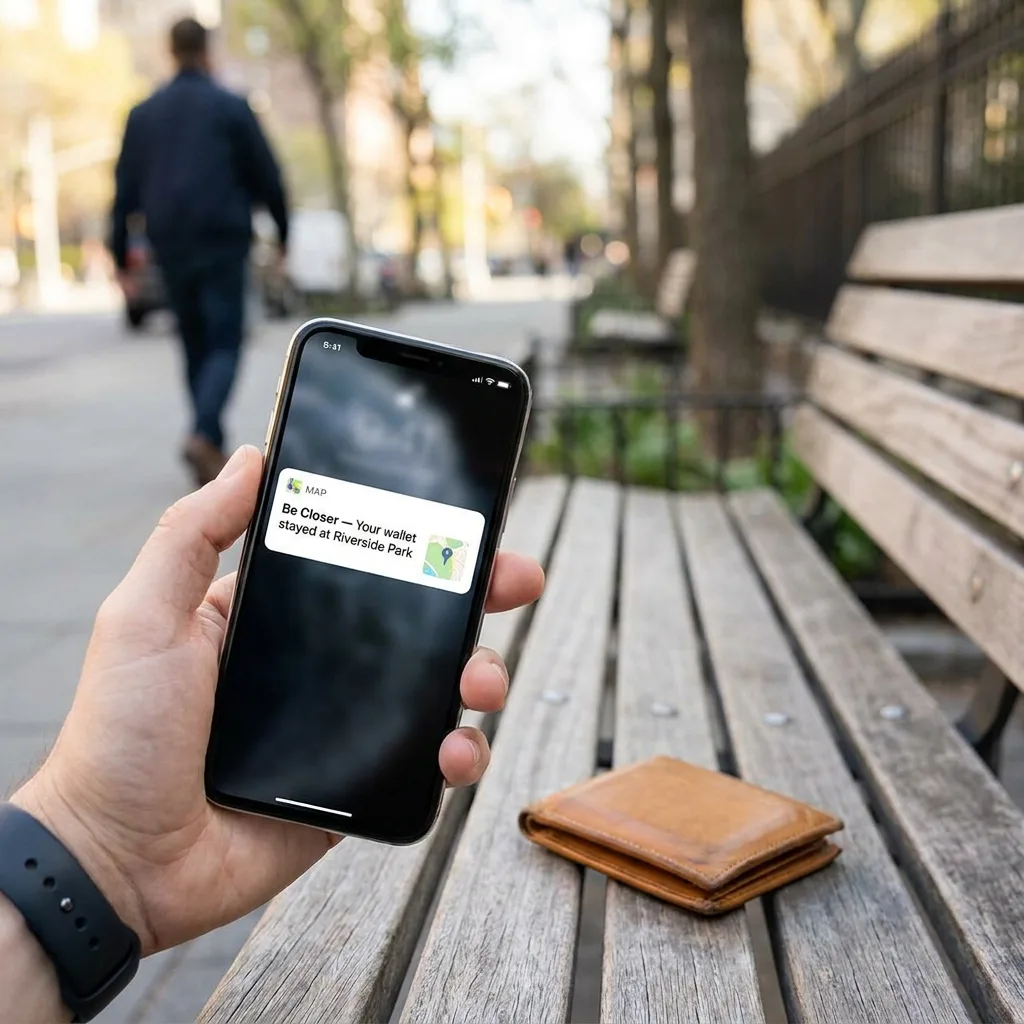
Keys, wallet, handbag, walking stick, hearing aid case, the TV remote. Mislaid objects are the most common daily frustration reported by people living alone, and they're the easiest thing to fix. A tag on the keyring and a card-sized tracker in the wallet turn a twenty-minute search into a ten-second one. Our Card was designed for exactly this: full credit-card footprint so it sits in an existing wallet slot, and wireless charging so there's no fiddly battery to swap, the failure mode of nearly every device aimed at older users.
Start here even if you plan to add everything else. It establishes the tools as useful rather than clinical.
2. A shared map, mutual, both directions
One family circle, everyone in it. The value your parent gets is not being tracked; it's seeing that you're twenty minutes away rather than wondering, and seeing grandchildren arrive without a phone call. Make sure they can see you. A one-way arrangement communicates something you don't mean.
3. An SOS button they know how to use
One tap that sends live location to the whole circle. The important part isn't installing it, it's practising it, twice, on a calm afternoon, so it's a familiar action rather than something to work out during a bad moment. Agree who responds and in what order, and write that on a card near the phone.
4. Arrival alerts for two or three places
Home, and perhaps a weekly appointment or a regular visit. Not a log of everywhere they go, two or three saved places. This is the piece that quietly replaces the daily "just checking in" call that many older people find slightly humiliating, without replacing the call you make because you want to talk.
How to propose it without infantilising
- 1Make yourself the reason. "It stops me worrying" is honest, and it puts the need on your side of the table rather than theirs. Most parents will do something for their child's peace of mind that they'd refuse for their own.
- 2Ask, don't install. Setting it up on their phone before the conversation converts help into a fait accompli. Even if you do the technical work, the decision has to be theirs.
- 3Give them the controls and mean it. Show the pause button. Show how to remove someone. If your parent can switch it off, they almost never will; if they can't, the whole thing reads as a leash.
- 4Make it family-wide. "We're all doing this, the kids too" is much easier to accept than "we're doing this for you." And it's usually true.
- 5Go one step at a time. Trackers this month. The map next month, if it seems useful. A stack introduced gradually gets adopted; a stack introduced at once gets abandoned.
- 6Let them refuse a part. Agreeing to trackers but not the map is a real outcome, not a failed negotiation. Take the win and revisit later.
The parallel with teenagers is closer than it's comfortable to admit, both conversations are about independence and both go better when they're mutual and reviewable. Some of the framing in talking to teens about location sharing transfers directly, minus the curfew.
Be Closer shows your whole family on one private map, free to start.
Consent-first, never sold, and gentle on your battery. iOS and Android.
What to skip
- Indoor cameras. They are the fastest way to make a home feel like an institution, and they answer questions you could ask directly. Almost every family we've spoken to that installed one turned it off within months.
- Detailed location history you actually read. Having history available for emergencies is sensible. Reviewing your mother's Tuesday is not. If you find yourself scrolling it, that's a signal about your own anxiety.
- Anything with a monthly fee your parent has to manage. Bills, renewals and expiring cards are a leading cause of these systems quietly dying. Keep the account and the billing on your side.
- Complicated wearables. If it needs nightly charging, it will end up in a drawer within a fortnight. Anything you add should survive a forgotten night.
- Alarm systems nobody has tested. An untested emergency feature is decoration. Practise it or don't install it.
Setting realistic expectations
Two honest caveats, because promising more than this delivers helps nobody.
First, none of this detects a fall or a medical event on its own. A shared map tells you where a phone is; an SOS button requires someone able to press it. If your parent has a genuine falls risk, this setup belongs alongside a proper medical alert service and a conversation with their GP, not instead of them.
Second, indoor accuracy is limited. A phone or a tag inside a building may report the street rather than the room, and the position can drift between updates. That's normal, the reasons are physical and unavoidable, and we set out what to expect in How accurate is phone GPS, really?. Knowing this in advance prevents the 2am misreading of a map that was never precise enough to justify it.
What this setup does do, reliably, is remove the small daily frictions of living alone and shorten the distance between a problem and the people who love you. For a lot of families, that's the difference between independence ending and independence continuing for another few years, which is the only outcome worth optimising for.
Frequently asked questions

Priya writes about the family members we care for at every age, parents living alone, dogs that bolt at squirrels, and the quiet worry in between. She writes the way she checks in: gently, and always dignity first.
Our guides are written by Be Closer's editorial voices and reviewed by the team behind the app. Questions? support@becloser.com
Published · Updated