 Driving
Phone crash detection: how it works and when it fails
Modern phones and watches combine accelerometer, gyroscope, barometer and microphone data to guess that a severe crash has happened, then start a countdown before calling emergency services. It is genuinely useful for high speed collisions where the driver is unconscious, and it is unreliable for low speed impacts, so treat it as a backstop rather than a plan. Agree in advance what your family does when an alert arrives.
Crash detection is one of the few phone features that can plausibly save a life, and one of the most misunderstood. People either trust it completely, which is a mistake, or dismiss it because they read a story about a roller coaster calling the emergency services, which is also a mistake.
The honest framing is narrow and useful. Crash detection is designed to help in the specific case where a severe collision happens and nobody in the vehicle is able to call for help. That is a real scenario and it is worth having covered. It is not designed to notice that your teenager clipped a bollard in a car park, and it will not tell you they are driving badly.
This guide covers what the sensors are actually measuring, what the countdown flow looks like when it fires, the false positives and false negatives that are well documented, and the one paragraph protocol I think every family with a driver should agree on before they need it.
The sensors doing the guessing
No phone contains a crash sensor. What it contains is a handful of general purpose sensors and a model that decides, from their combined output, that the pattern looks like a serious collision. Every property of the feature, good and bad, follows from that.
- Accelerometer. Measures sudden changes in speed. A high speed impact produces a deceleration spike far outside anything human movement generates.
- Gyroscope. Measures rotation. A vehicle spinning or rolling looks very different from a phone being turned over in a hand.
- Barometer. Detects the sharp pressure change that occurs in a cabin when airbags deploy or windows blow out.
- Microphone. Listens for the specific loud, broadband signature of a collision, metal and glass, which is distinct from music or a slammed door.
- GPS and speed. Confirms the phone was travelling at vehicle speeds beforehand, which filters out a great deal of nonsense.
The model wants several of these to agree. That requirement is what stops your phone calling an ambulance every time you drop it, and it is also exactly why a slow speed crash can pass unnoticed: not enough of the signals cross their thresholds at once.
Crash detection is not measuring a crash. It is recognising a pattern that usually accompanies one.
Watches complicate this slightly and usefully. A watch is strapped to a wrist, so it experiences the occupant's motion rather than the loose motion of a phone in a cupholder. Where both are present, they cross check each other.
What happens when it fires
The flow is broadly the same across manufacturers, and it is deliberately built around the assumption that most triggers are false.
- 1The phone or watch detects the pattern and immediately shows a full screen alert with a loud alarm, overriding silent mode.
- 2A countdown begins, typically around twenty seconds, during which you can cancel with a single deliberate action.
- 3If nobody cancels, the device calls emergency services and plays a recorded message stating that a crash was detected, then shares location coordinates.
- 4Afterwards it notifies emergency contacts with the location, if you have set them up.
Two details are worth knowing before it happens to you. The alarm is loud and difficult to silence quickly, which is intentional and disconcerting. And cancelling requires a firm swipe or press rather than a tap, because a tap is the kind of thing that happens accidentally in a car boot.
Set the emergency contacts now, not later
The call to emergency services works out of the box. The notification to family only works if someone filled in the medical or emergency contact card on the device. It takes about two minutes and it is the difference between a family finding out immediately and finding out from a hospital an hour later. Do it on every driver's phone in the house on the same evening.
The false positives everyone has heard about
The famous ones are real and they are instructive, because each shows what the model is genuinely responding to.
- Roller coasters and fairground rides. Hard deceleration, rapid rotation, loud noise and vehicle speeds. From a sensor's point of view this is an almost perfect imitation of a crash.
- Dropped phones on hard floors. A phone hitting concrete produces an enormous acceleration spike and a sharp sound, especially if it was in a car moments earlier.
- Heavy braking or a kerb strike. Occasionally enough on its own, more often when combined with a phone sliding off a seat.
- Motorsport, off road driving and rally days. Repeated high impact motion at speed, and every one of them plausible to the model.
Emergency services in several countries have publicly asked people to disable the feature at theme parks for this reason. If someone in your family is going to a park, or to a track day, switching it off for the day is reasonable and is not the same as switching it off permanently.
The important thing is what a false positive costs. Twenty seconds of attention and a cancelled countdown. That is a cheap price for the case it is designed to catch, which is why the thresholds are set where they are.
Be Closer shows your whole family on one private map, free to start.
Consent-first, never sold, and gentle on your battery. iOS and Android.
The false negatives nobody advertises
Less discussed, and more important for how much you rely on it. Crash detection misses collisions, routinely, and the misses cluster in predictable places.
- Low speed collisions. A 20 mph shunt can injure someone and still not generate the deceleration profile the model is watching for.
- A phone in a bag or boot. Isolated from the cabin's pressure change and muffled from the sound, it sees a much weaker version of the event.
- A dead or flat battery. No power, no detection. This is the most common failure of all and the easiest to fix.
- Cyclists, riders and pedestrians. Some devices have modes for this, but the models are tuned primarily for cars, and being hit while walking looks nothing like a vehicle collision.
- Slow rollovers and ditch departures. Sometimes gentle enough in sensor terms to fall below the thresholds even though the outcome is serious.
Two habits that materially improve the odds
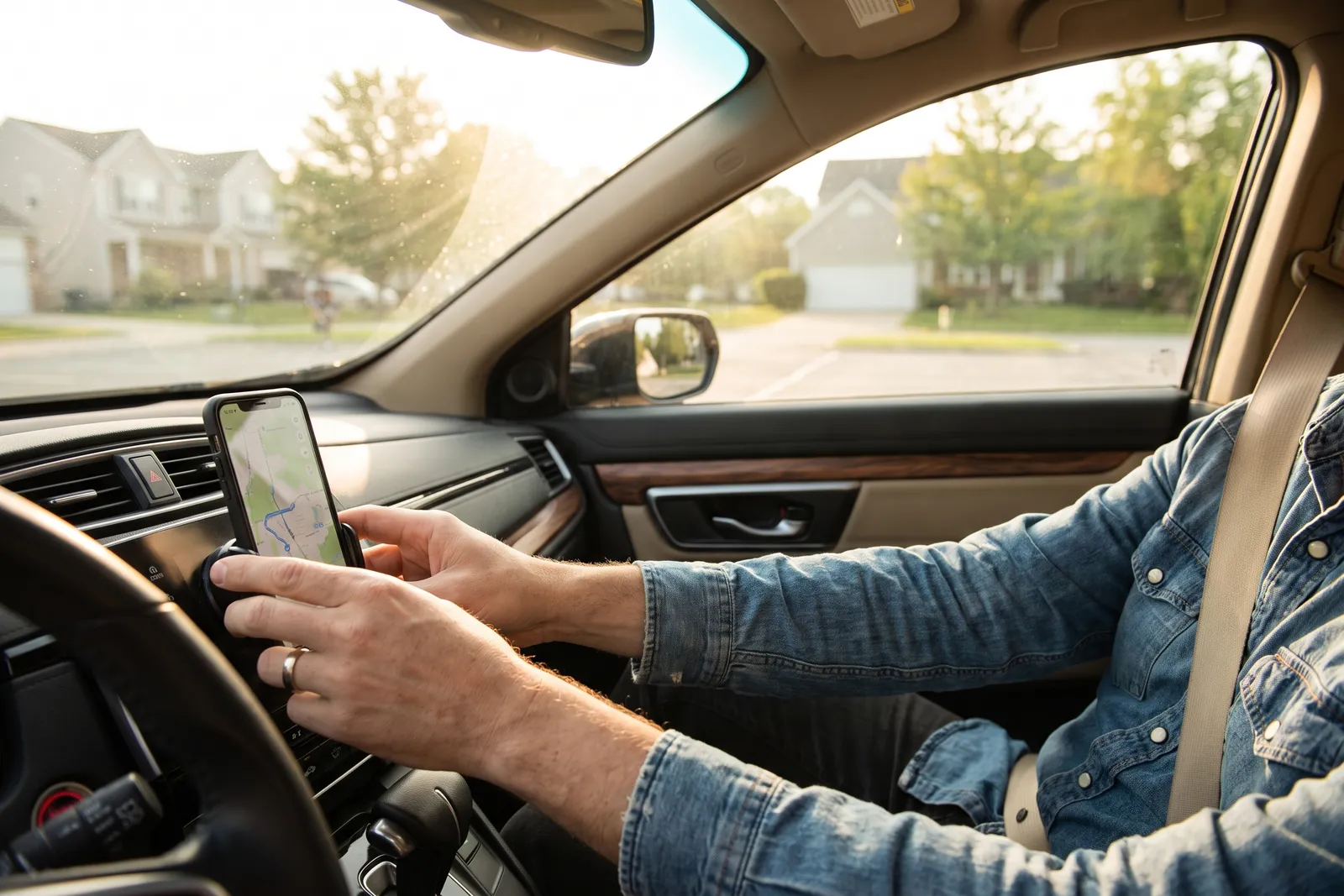
- Use a mount. A phone fixed to the dashboard or windscreen experiences the vehicle's motion cleanly, and it is not in a bag, a pocket or the footwell.
- Start every drive above 40% battery. A feature that needs power cannot help a phone that switched off twenty minutes ago.
- Keep the software current. These models are updated regularly and the updates are mostly about reducing both kinds of error.
- Do not test it. Staged testing is unreliable, occasionally dangerous, and wastes emergency service time if the countdown completes.
How it fits with a family app, and where it does not
Crash detection and a family location app answer different questions, and confusing them leads people to over trust one of them.
| Question | Crash detection | Family app |
|---|---|---|
| Has something severe just happened? | Yes, sometimes | No |
| Where is the vehicle right now? | Only after a trigger | Yes, while sharing is on |
| Did they arrive safely? | No | Yes, via arrival alerts |
| How was the driving? | No | Yes, if driving reports are on |
| Can they ask for help deliberately? | No | Yes, via SOS |
The overlap is smaller than people assume. Crash detection is an involuntary alarm for a catastrophic event. A family app covers the ordinary ninety nine percent: knowing a journey started, knowing it ended, and giving the driver a way to summon help deliberately when they are conscious and the crash was minor, which describes most crashes. If you have not set up the ordinary layer, how driving safety alerts work is the place to start.
It is also worth saying plainly what the family app side cannot do. It cannot detect a collision the phone did not report, and it cannot help if sharing is off. Be Closer is free to download and used across 10M+ downloads with a 4.4 star average from 150,000+ ratings across the App Store and Google Play, and none of that changes the basic dependency on a working, charged, connected phone.
A family protocol worth agreeing in advance
The worst time to work out what to do about a crash alert is while you are holding one. Agree it at a kitchen table instead, in language a frightened person can follow.
If an alert fires and you are fine, cancel it and text the family group one line. If you get an alert about someone else, call them once, and if they do not answer, call emergency services with the location the alert gave you.
The two halves matter equally. The driver's half prevents a cancelled false alarm from becoming an hour of panic, because the family sees a message. The family's half prevents the two common errors: assuming it is a false alarm and doing nothing, or ringing eleven relatives before ringing anyone who can help.
For a new driver specifically
Add crash detection to the setup conversation you already have before a first solo journey, alongside the mount, the charger and the rules about passengers. It is a five minute check that pairs naturally with the wider first solo drive protocol, and with the separate conversation about night driving rules, where response times and visibility both work against you.
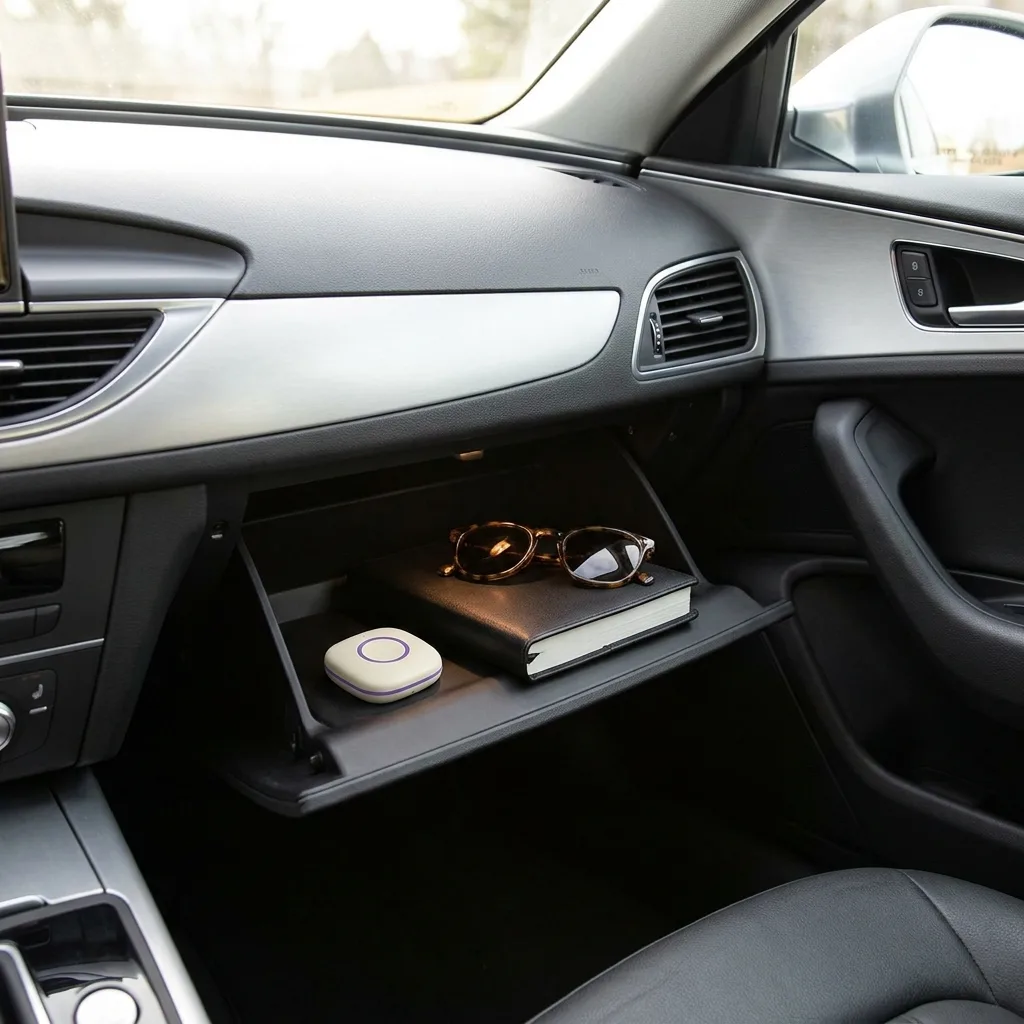
One closing note on hardware. A device fitted in the car, such as the Be Closer Drive, reports on the vehicle rather than the phone, which sidesteps the flat battery and phone in a bag problems entirely. It does not detect crashes the way a phone tries to, and it is not a substitute for the conversation above. It simply removes one of the ways the phone based approach quietly fails.
Frequently asked questions

Daniel covers privacy, consent and the technology under the hood. A dad who reads the settings screens so you don't have to, he believes the best family tech is the kind you can explain to your kid in one sentence, and that nothing should ever be tracked in secret.
Our guides are written by Be Closer's editorial voices and reviewed by the team behind the app. Questions? support@becloser.com
Published · Updated