 Privacy & Trust
iPhone vs Android for family location sharing: the honest differences
Find My and Google's family tools are both genuinely good at what they do, and both are built around the assumption that everyone in the family uses the same platform. The moment a household mixes iPhone and Android, which most do, eventually, you lose live back-and-forth visibility and fall back to workarounds. What actually matters is consent UX, background permission handling, and whether the tool sends you an alert instead of demanding you watch a map.
The question sounds like it should have a clean answer. It doesn't, because “iPhone vs Android for tracking” is really two separate questions wearing one trenchcoat: what does the platform give you for free, and what happens the day someone in your family doesn't have that platform.
Both companies have built solid, private-by-default location tools into their operating systems. Apple's Find My and Google's family tools are not the weak link in most setups, the weak link is the assumption baked into both of them, which is that your whole family lives on one ecosystem. Plenty of families do. Plenty more have a grandparent on an old Android handset, a teenager who just got an iPhone as a hand-me-down, and a co-parent's household running something else entirely.
This isn't a review declaring a winner. It's a plain look at what each platform actually does, where it stops, and the handful of things that matter more than the logo on the back of the phone.
What does Apple's Find My actually give you?
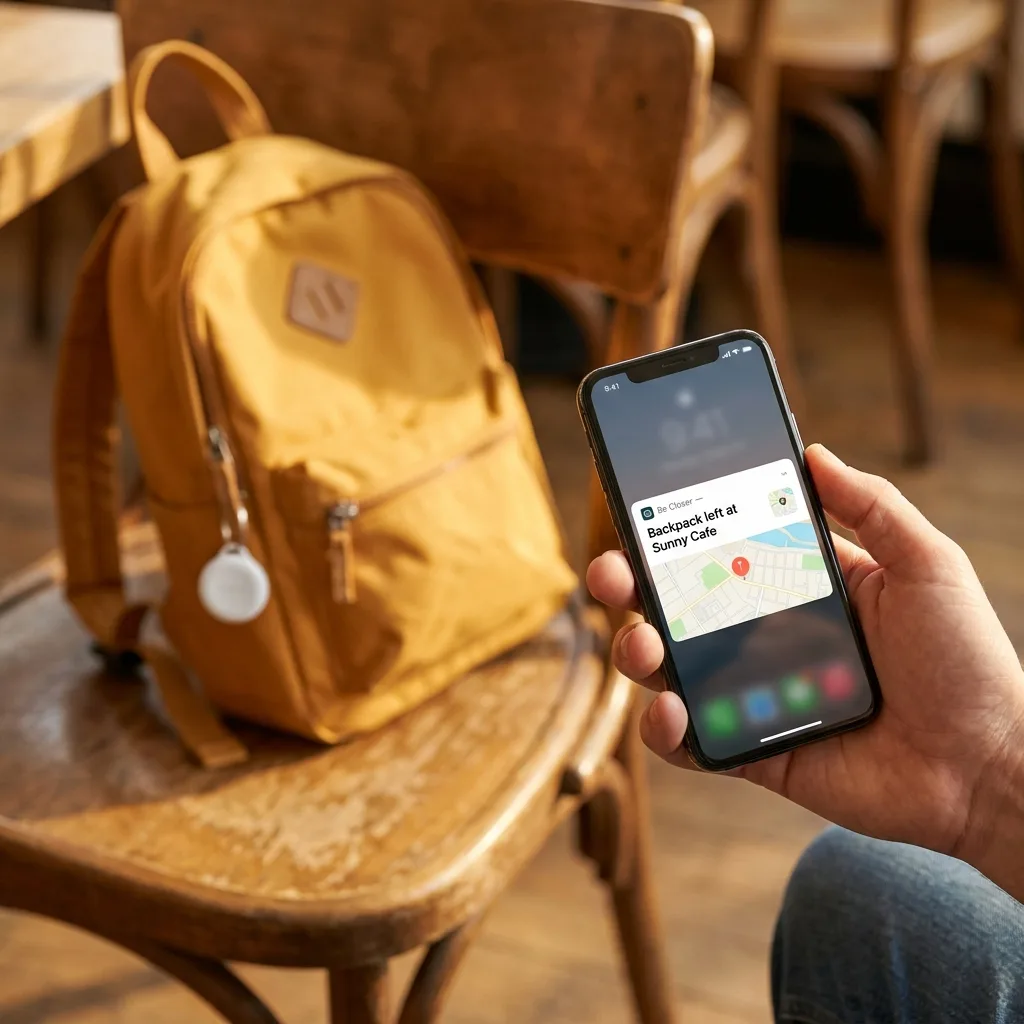
Find My, built into every iPhone, lets family members who've set up Family Sharing see each other's location, share it selectively, and locate lost devices, including AirTags attached to bags or keys. It's mature, it's private by Apple's usual standards, and the consent screens are clear: you explicitly choose who can see you, and you can stop sharing at any time from the same menu you started it in.
The catch is that it's an Apple product built for Apple devices. An Android phone doesn't show up in Find My at all, and there's no version of Family Sharing that reaches across. If your family is entirely on iPhone, this is a genuinely complete, no-extra-app answer. If it isn't, Find My quietly becomes 'location sharing for the Apple half of the family'.
What does Google give you on Android?
Google's equivalent is split across a couple of places, Family Link for managing a child's account and device, and location sharing built into Google Maps and the Find Hub (formerly Find My Device) network for locating lost phones and tagged items. It works well, and because Google Maps exists on iPhone too, sharing location through Maps is one of the few tools that genuinely works across platforms, provided everyone has a Google account and the app installed.
Android as a platform is less uniform than iOS, though. Different manufacturers layer their own battery management on top of stock Android, and that management is notorious for quietly killing background location permissions to save power, sometimes without telling the user clearly. A location share that works perfectly on one Android phone can go stale on another from a different manufacturer, for reasons that have nothing to do with the app itself.
Where do both stop working?
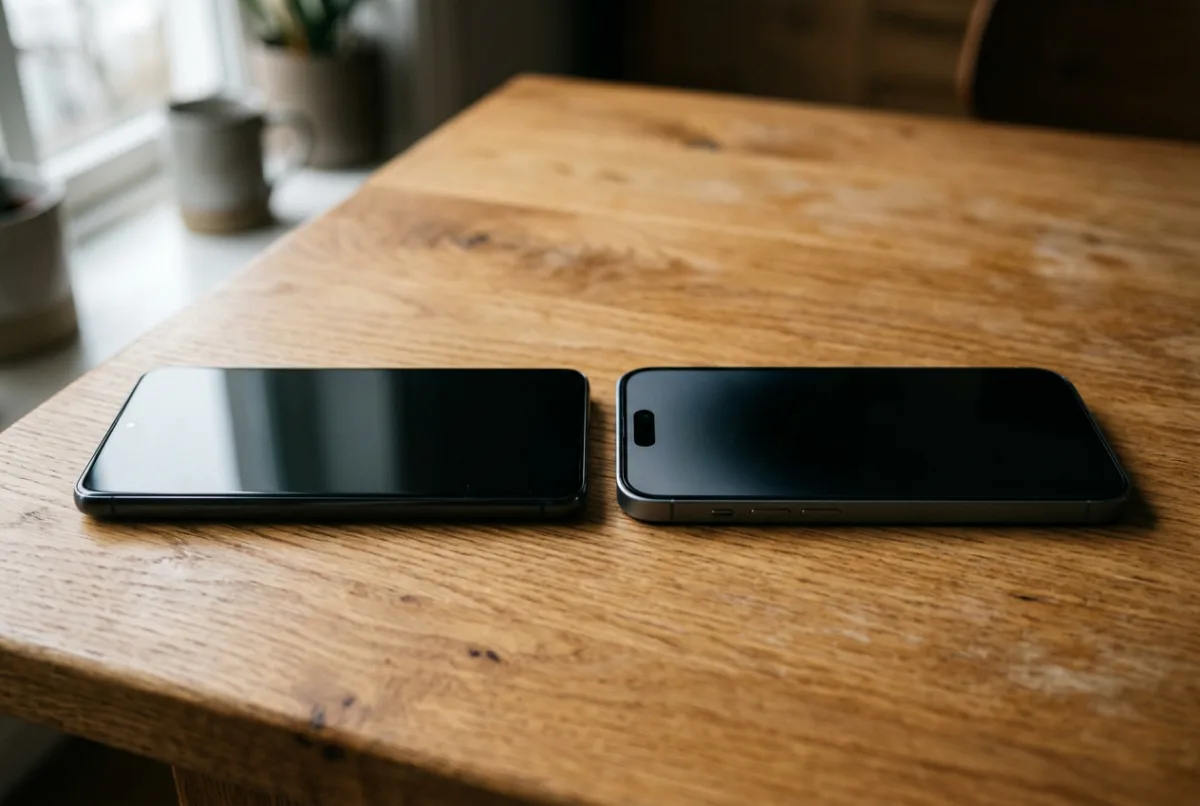
The honest answer: at the household boundary. Neither Find My nor Google's tools were designed to bridge iPhone and Android in one clean, mutual view. You can get partial workarounds, shared Google Maps location works both ways, Find My can show a shared AirTag's location to anyone with the Find My network nearby, but a genuinely simple 'everyone in the family, on one map, regardless of phone' view is not something either platform gives you natively.
This is precisely the gap that cross-platform family apps exist to fill, and it's worth being clear-eyed that a third-party app is a trade: you gain a single shared view across any device, but you're now trusting a second company with the same sensitive data, on top of the phone manufacturer. That's not a reason to avoid it, but it is a reason to read how a given app handles storage, retention, and who can see what before you install it, the same due diligence covered in Should I track my child's location?.
Be Closer shows your whole family on one private map, free to start.
Consent-first, never sold, and gentle on your battery. iOS and Android.
What actually matters more than the platform?
Once you accept that neither ecosystem solves the mixed-device problem cleanly, the useful question changes. Instead of “Apple or Google”, ask these:
- Consent, not stealth. Can everyone see who can see them, and can they turn it off without asking permission? A tool that only works if one person can watch without being seen is not a family tool, Talking to teens about location sharing covers why mutual visibility is the whole point.
- Battery behaviour. Does keeping location on drain the phone fast enough that people start switching it off out of self-preservation? A location tool nobody can afford to leave running isn't a location tool.
- Background permission handling. Does the app or feature politely nag the user to re-grant 'always allow' location when the operating system quietly downgrades it, or does it just go silent?
- Accuracy and staleness. A pin from forty minutes ago dressed up as live is worse than an honest 'last seen 40 minutes ago', see How accurate is phone GPS? for why this varies by environment, not just by phone.
- Alerts over staring. The best setups tell you something changed, arrived, left, hasn't moved in an hour, rather than expecting you to keep a map open. A tool that only works if you watch it is a tool that will eventually go unwatched.
How do native and cross-platform tools compare?
| Criterion | Native (Find My / Google) | Cross-platform family app |
|---|---|---|
| Works iPhone-to-iPhone or Android-to-Android | Excellent | Good |
| Works iPhone-to-Android in one shared view | Partial or none | Yes, by design |
| Cost | Free | Usually a subscription or one-time device cost |
| Consent UX (who sees whom, opt-out ease) | Clear, built into OS settings | Varies, check before choosing |
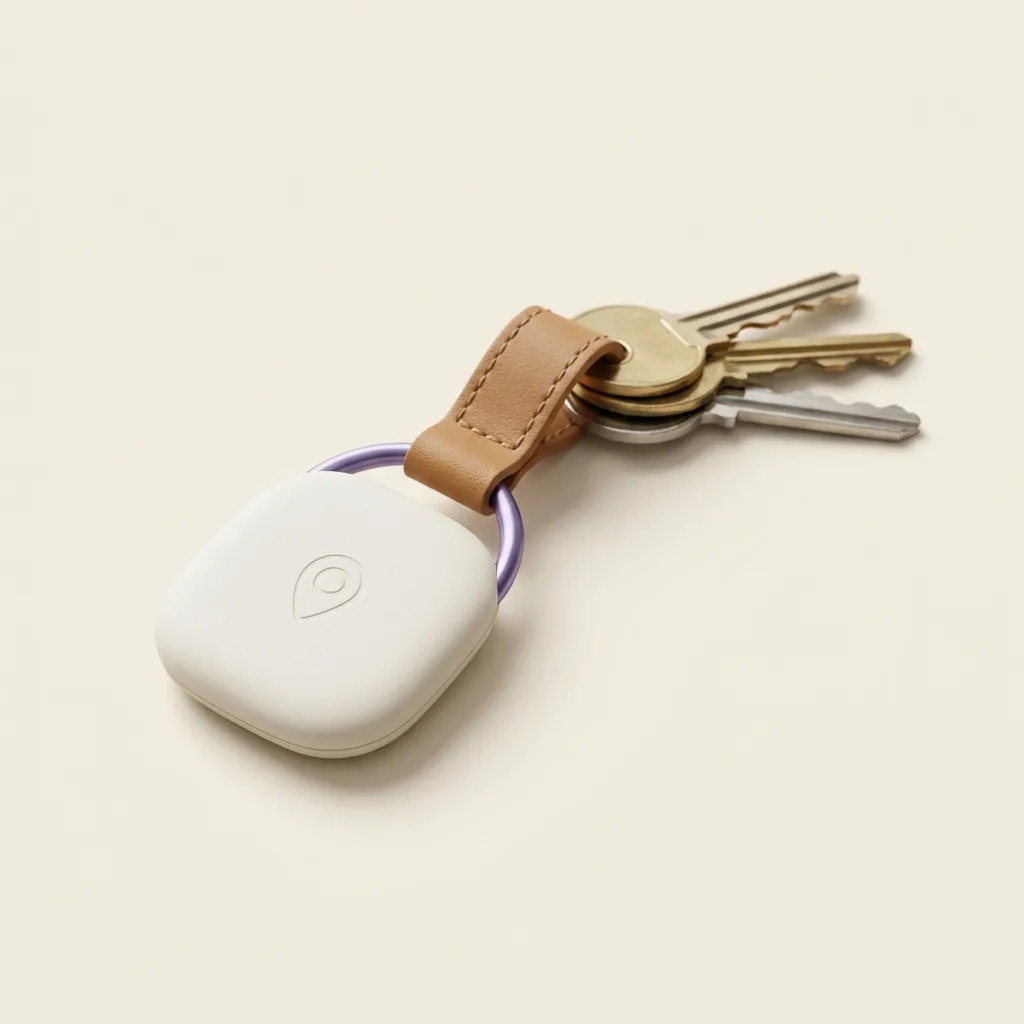
| Works without a smartphone (young child, older relative) | No | Yes, with a dedicated tracker like a [Tag](/shop/tag) |
| Alerts (arrival, geofence, battery) | Basic to good | Usually more configurable |
None of that table adds up to a verdict. A single-platform household with teenagers who all have iPhones has very little reason to add anything on top of Find My. A blended household with an Android-using grandparent, an iPhone-using teen, and a nine-year-old with no phone at all has a genuine gap that native tools won't close, and that's where a dedicated cross-platform device earns its keep.
Does the operating system affect accuracy?
Not meaningfully. GPS chips, cell-tower triangulation, and Wi-Fi positioning work broadly the same way regardless of which app is asking for the data. What varies far more is how aggressively the operating system manages background permissions and battery, which affects how often a location actually updates, not how accurate any single reading is. If a location feels wrong or stale, the fix is almost always a permission or connectivity issue, not a platform flaw.
Frequently asked questions

Daniel covers privacy, consent and the technology under the hood. A dad who reads the settings screens so you don't have to, he believes the best family tech is the kind you can explain to your kid in one sentence, and that nothing should ever be tracked in secret.
Our guides are written by Be Closer's editorial voices and reviewed by the team behind the app. Questions? support@becloser.com
Published · Updated