 Driving
The Family Road Trip Tech Checklist (Beyond the Chargers)
One-sentence rule: plan for the moment technology fails, not just the moment it works. Download offline maps before you leave, set a shared live-location circle for multi-car trips, agree a low-tech meeting-point rule for service stations, and keep a tracker on the car itself in case a phone or the vehicle ever goes missing.
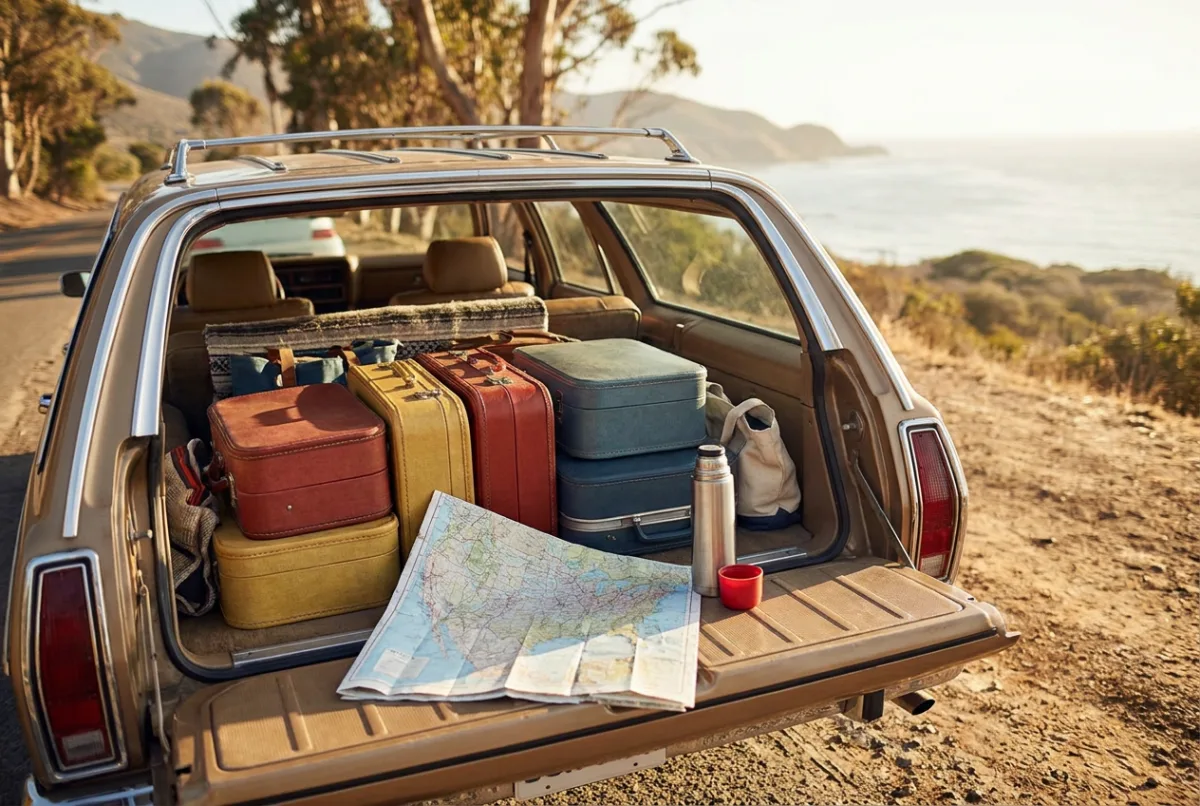
The road trip packing list everyone remembers is the obvious one: chargers, a car adapter, a spare cable for the one kid who always loses theirs. What tends to get skipped is the technology that actually matters once you're three hours from home with patchy signal and two cars trying to stay together through an unfamiliar city.
None of this needs to be complicated. It needs to be decided before you leave the driveway, because the moment you actually need an offline map or a meeting-point plan is exactly the moment you have no signal, no patience, and a car full of people asking when you'll get there.
This is the checklist beyond the chargers, the parts of a road trip's tech setup that make the difference between a minor hiccup and a genuinely stressful afternoon.
Why do offline maps matter more than people think?
Most navigation apps assume a live signal, and most road trips pass through at least a few stretches, mountain passes, rural highways, national parks, where signal disappears for miles at a time. Without a downloaded map, that's the moment your directions vanish along with your ability to find the next turn.
Both major mapping apps let you download regions for offline use before you leave, and it's worth doing this for the entire route, not just the destination, the gap in coverage is usually somewhere in the middle, not at either end. Do it on hotel wifi the night before, not in the car when you notice the bars have disappeared.
- Download the full route corridor, not just start and end cities, rural stretches are where coverage actually drops.
- Keep a printed map or an old-fashioned paper atlas as a genuine backup; it never runs out of battery.
- Note your route's fuel stops in advance, offline maps still show points of interest, but only if downloaded ahead of time.
How do you keep multiple cars together without constant phone calls?
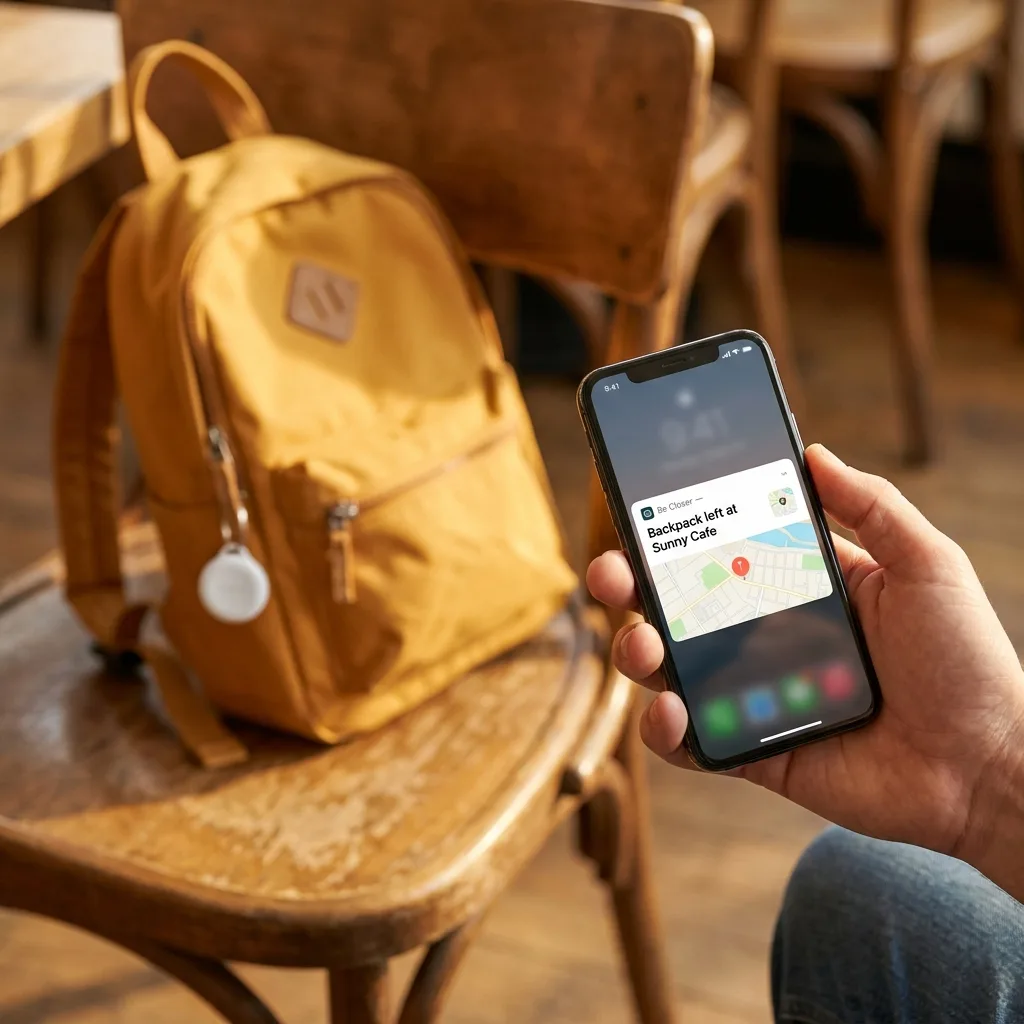
Convoy driving has a specific failure mode: someone misses a turn, the two cars separate, and now there's a scramble of calls trying to figure out who's where and whether to pull over or keep going. A shared live-location circle solves this quietly in the background, letting each driver glance at a passenger's phone to see where the other car actually is, without anyone picking up their own phone while driving.
The setup takes a few minutes before you leave: everyone joins the same shared circle, drivers designate a passenger as the one allowed to check the map, and the rule is that only a passenger, never a driver, looks at a phone while the car is moving.
Convoy rules worth setting before you leave
- 1Agree on a default following order (which car leads) so nobody has to negotiate it mid-drive.
- 2If you get separated, the plan is always to head to the next agreed stop, not to try to re-find each other on the highway.
- 3Only the passenger checks the shared map; the driver's job is the road.
- 4Do a radio-silence check every hour or so at a stop, even if the map shows everyone's fine, a quick face-to-face beats a glance at a dot.
What's a sane battery strategy for a full day of driving?
Navigation, music, and location sharing all draw meaningfully on a phone's battery over a long drive, and location sharing specifically has a battery cost worth understanding if you're running it constantly rather than through occasional check-ins.
- One dedicated car charger per phone, not a single shared cable passed around the back seat.
- A portable power bank per car as a backup, charged the night before, not assumed to already be full.
- Lower screen brightness and close background apps on the phone doing navigation duty, it's the one under the most strain.
- If you're relying on live location sharing for the whole trip rather than periodic arrival alerts, expect a noticeably faster battery drain and plan charging around it.
Be Closer shows your whole family on one private map, free to start.
Consent-first, never sold, and gentle on your battery. iOS and Android.
What actually belongs in the glove compartment?
Beyond the registration and insurance card, a handful of small additions make a real difference on a multi-day trip.
| Item | Why it earns the space |
|---|---|
| Paper map or atlas | Works with zero signal and zero battery |
| Spare charging cable | The one that's always missing is the one you need |
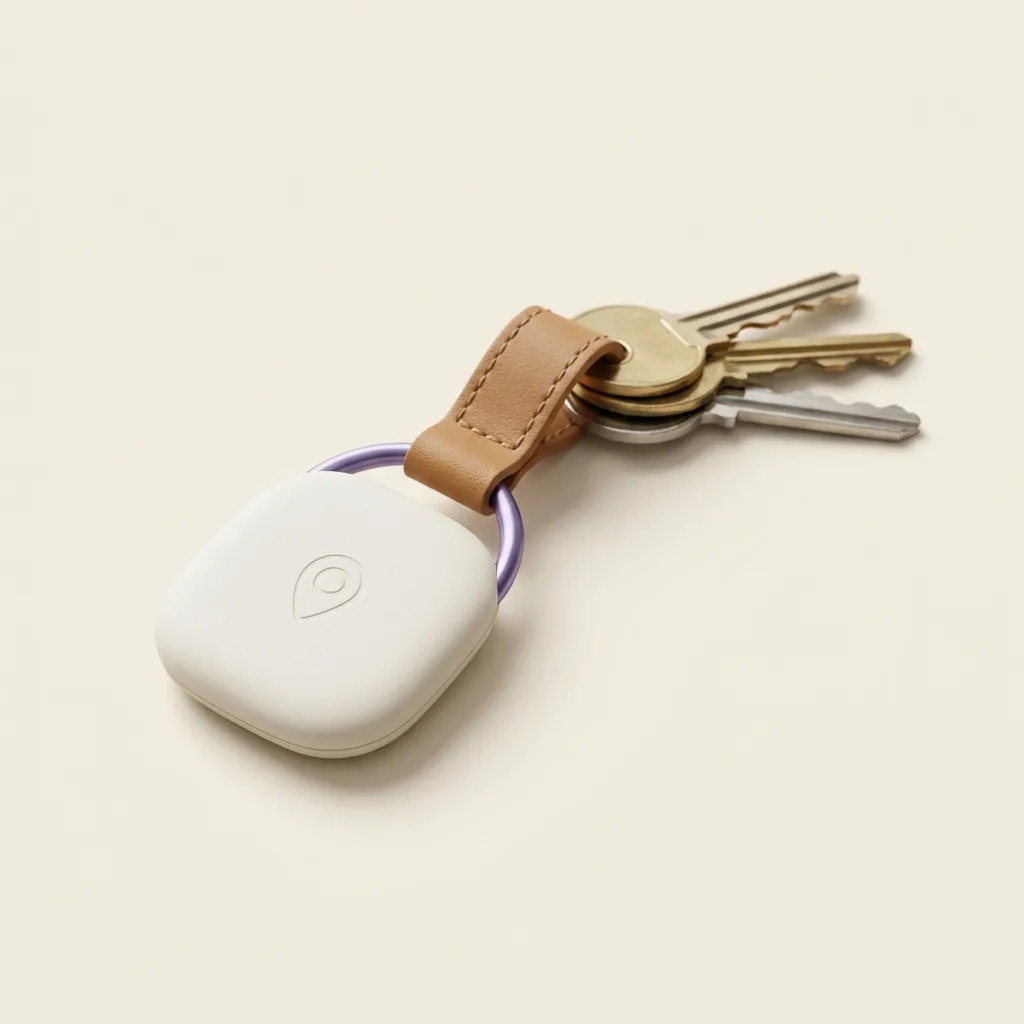
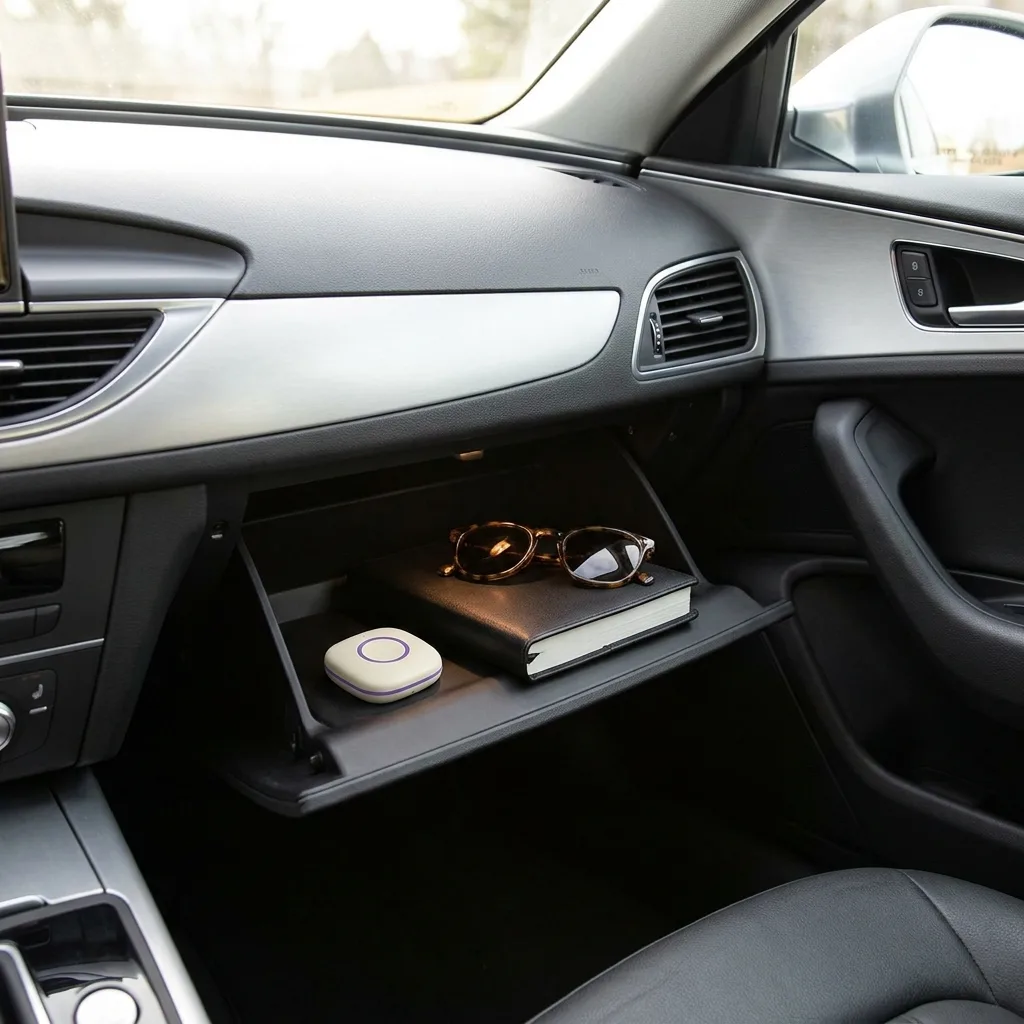
| A car tracker | Recovers the vehicle if it's ever stolen, and helps locate it if a phone dies |
| Printed list of emergency contacts | Faster than unlocking a dead phone in a real emergency |
| A basic first-aid kit | Small, cheap, and rarely needed until it's badly needed |
A tracker kept with the car rather than a person is a small addition to a road trip's tech setup, but it covers a scenario nothing else on this list does: a stolen or misplaced vehicle at a rest stop, a rental car mix-up, or simply peace of mind on a trip where the car spends every night in an unfamiliar parking lot.
What's the rule for service-station meeting points?
Every road trip eventually splits a family up for a few minutes at a service station, one kid wants a specific snack, someone needs the bathroom, someone's checking tire pressure. Phones are the obvious solution and also the thing most likely to be left in a car or run low on battery at exactly the wrong moment.
The low-tech meeting-point rule
- Agree a specific, visible meeting spot at every stop before anyone splits up, by the entrance, not "somewhere near the car."
- Set a return time out loud: "back here in fifteen minutes," not an open-ended wander.
- Younger kids stay with a named adult at all times; nobody younger than a set age wanders solo, even for two minutes.
- If someone isn't back at the meeting spot on time, the plan is to wait at the spot, not to start searching separately, searching separately is how people miss each other for longer.
This is the same logic behind family code words for safer pickups, a simple, agreed rule that works even when a phone is dead, out of signal, or just left in the car.
What changes when you're crossing a border?
International or long cross-country trips add two practical wrinkles: roaming costs and language. Check your carrier's roaming plan before you leave, or plan to rely on offline maps and downloaded content rather than data once you cross. If your family location app needs a live connection to send alerts, know in advance where that connection might drop out.
Language matters more than people expect on a road trip, reading road signs, asking for directions, or explaining a minor emergency to a local mechanic. A family safety app that supports 13 languages is genuinely useful here, since it means every family member, including an older relative less comfortable in a second language, can navigate its interface in the one they're most comfortable with, rather than everyone being forced into whichever language the trip's main driver prefers.
Frequently asked questions

Daniel covers privacy, consent and the technology under the hood. A dad who reads the settings screens so you don't have to, he believes the best family tech is the kind you can explain to your kid in one sentence, and that nothing should ever be tracked in secret.
Our guides are written by Be Closer's editorial voices and reviewed by the team behind the app. Questions? support@becloser.com
Published · Updated