 Privacy & Trust
Can Someone Track My Phone Without Me Knowing?
It is possible for a phone to share location without its owner noticing, usually because a setting was left on rather than anything dramatic. Your phone shows you when location is being used and lists every app that has permission, so a ten minute audit answers the question. Consent based family sharing is different by design: membership is visible and sharing goes both ways.
This question arrives in two very different moods. Sometimes it is curiosity, prompted by an article or a film. Sometimes it is a person sitting very still, wondering about somebody specific. Both deserve a straight answer rather than reassurance or drama.
The straight answer is that yes, a phone can end up reporting its position to someone who is not front of mind for its owner. Almost always the cause is ordinary: an account still shared from an old arrangement, a permission granted in a hurry, a device signed in somewhere it should not be. Rarely is it the thing people picture.
So here is what is actually possible, how to check your own phone properly, and how consent based family sharing differs from the thing people are worried about.
What covert tracking would actually require
A phone does not broadcast its position to anyone who wants it. Something on the device has to be granted permission, or an account signed into the device has to be sharing, or a physical item has to be travelling with you. That is the shape of the whole problem, and it is a short list.
- An app with location permission. Installed at some point, permitted at some point, quietly running since.
- An account level sharing setting. Location shared from your platform account or a family arrangement set up long ago and never revisited.
- A signed in device you forgot about. An old tablet, a shared computer, a phone handed down inside the family.
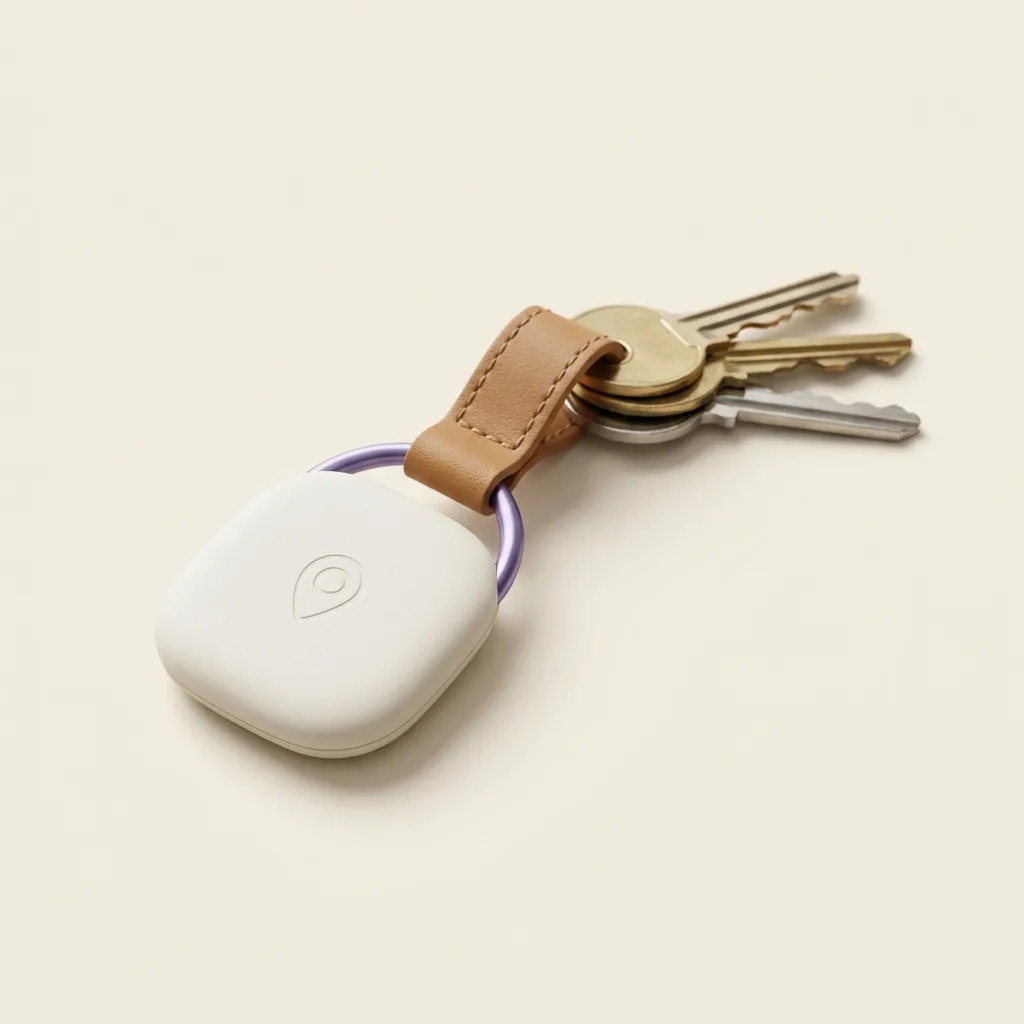
- A physical tracker. A Bluetooth tag in a bag or a car, which is a different problem with a different fix.
Modern phones also make ongoing location use visible while it happens. Both major platforms show an indicator when location is being read, and both keep a list of which apps have permission and how recently they used it. You do not need special tools to audit your own phone, and you should be suspicious of anything that says you do.
The ten minute audit
Do this once, calmly, with a cup of tea. I am deliberately not naming exact menu paths, because they move between versions and a wrong instruction is worse than none. Every item below exists on both iOS and Android, findable by searching the settings app for the word in bold.
- 1Location. Open the privacy or location section and read the list of apps that have access. Look at what each one is allowed: always, only while in use, or never.
- 2Always. Anything set to always should earn it. Maps, a family app you chose, a fitness tracker you use. If you cannot explain why an app needs background location, change it to while in use or off.
- 3Apps. Scroll your full installed app list, not the home screen. Home screens hide things. Remove anything you do not recognise or no longer use.
- 4Sharing. Check the platform's own people sharing feature and any family group. Old arrangements survive breakups, house moves and job changes because nobody ever thinks to end them.
- 5Devices. Look at the list of devices signed into your account and sign out anything you do not currently hold in your hand.
- 6Updates. Install pending system updates. Unglamorous, and it is the single highest value item on this list.
If you want a longer walkthrough of the first two steps, how to check which apps track your location goes slower, and how to read app privacy labels helps with deciding what to keep before you install the next one.
What normal looks like
- A handful of apps with location access, most set to while in use.
- The location indicator appearing when you open maps or take a photo, and not much otherwise.
- A sharing list you recognise, with names you could say out loud.
- Battery use that matches your day. Sudden unexplained drain is worth a look, but it is a weak signal on its own.
Bluetooth tags and unknown tracker alerts
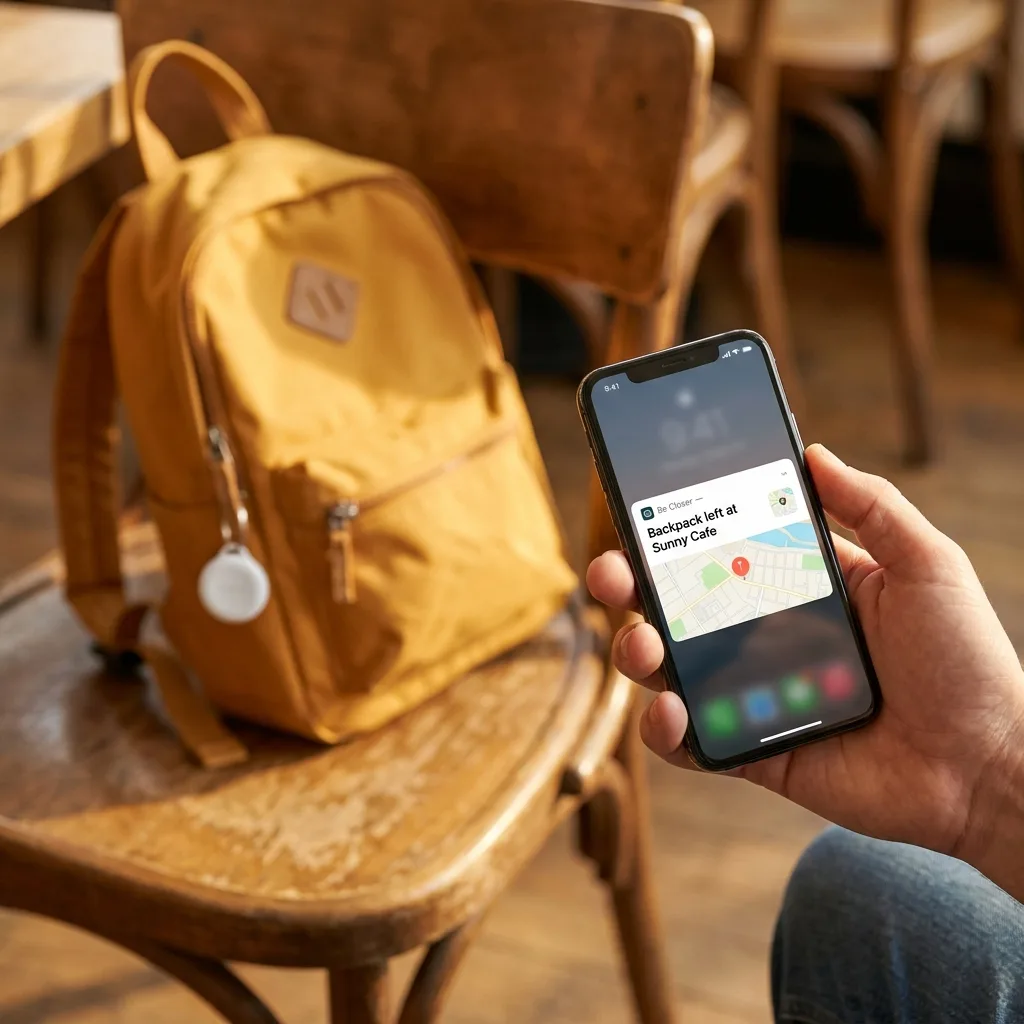
Small Bluetooth tags are excellent for keys and luggage and useless as a way to follow a person, which has not stopped people worrying. Both phone platforms now warn you when a tag that is not yours appears to be travelling with you over time, and that alert is the mechanism that matters.
Treat an alert as information, not an emergency. It fires for borrowed items, shared cars and a friend's bag in your boot far more often than anything else. Read what the alert says, follow the on screen steps to identify or disable the tag, and do not go turning a car inside out at midnight on a first notification.
We cover this in more depth in AirTag unwanted tracking, what parents should know, and the differences between tag types are in Bluetooth trackers vs GPS trackers.
Why Be Closer is built consent first
Everything above describes the failure mode we designed against. A family app that can be installed quietly and hidden is not a safety product, it is the problem with a nicer icon. So the arrangement is visible from both ends.
- Membership is visible. Everyone in a circle can see who else is in it.
- Sharing is mutual by design. The map is something a family agrees to, not something applied to one member.
- Anyone can pause or leave. And that is a normal action, not an alarm.
- Accuracy has limits and we say so. Up to 95% accuracy in good conditions, less in a basement or a dead zone.
A location app should be something your family opened together, on a sofa, with everyone holding their own phone. If you are setting that up now, how to share your location temporarily is a low commitment way to start.
Be Closer shows your whole family on one private map, free to start.
Consent-first, never sold, and gentle on your battery. iOS and Android.
If something looks wrong
Slow down. The most common outcome by far is an old setting, and the second most common is a family member who genuinely thought you knew. Both are fixed with a conversation and a switch.
- 1Write down what you noticed and when, before you change anything. Memory blurs quickly.
- 2Do the audit above and remove access from anything you did not choose.
- 3Change your account password and check the devices list again afterwards.
- 4Talk to the person if it is safe to do so. Most of these are misunderstandings.
- 5Ask for real help if you do not feel safe. A trusted person, a support organisation in your country, or the police. I am not able to give legal advice and neither is an app.
Almost every case of a phone sharing more than its owner expected turns out to be a forgotten setting, not a plot. Check the boring explanations first.
One sentence rules that keep this from coming up again
Most of the worry in this area comes from vagueness. Nobody in the household can say who is sharing what with whom, so any stray thought has room to grow. A short written set of rules removes that room, and it takes about ten minutes to agree.
The family privacy rules worth writing down
- We can all see who is in the circle. Anyone can open the list and read it.
- Whatever I can see about you, you can see about me.
- Nobody installs anything on anybody else's phone.
- We check permissions twice a year, together, in ten minutes.
- Anyone can pause sharing without giving a reason.
The permissions check is the one people skip and the one that pays. Phones accumulate. An app installed for a single holiday keeps its background location for three years because nobody ever went back to look. Put it in the calendar next to the smoke alarm test and it becomes a five minute chore rather than an investigation.
Rules written while everyone is calm survive the moment when someone is not. That is the entire reason to write them, and it applies to phones exactly as it applies to spare keys and passports.
What I would tell a friend asking this at the kitchen table
First, that the question is not paranoid. Phones are complicated, settings move, and it is completely normal to lose track of what an account is doing. Asking is maintenance, not suspicion.
Second, that the audit is short and you should just do it rather than reading three more articles about it. Ten minutes with the settings app answers more than any amount of speculation, and the act of looking usually settles the feeling on its own.
Third, that the honest limits cut both ways. Location technology is good, not perfect, and up to 95% accuracy in good conditions still means a phone in a basement reports something odd. An unexpected dot in the wrong place is far more often a bad fix than a hidden truth.
Check the settings, change what you did not choose, and then put the phone down. Most of the time the answer is a switch, not a story.
And finally, that if any part of this is about a person rather than a device, the technology is the smaller half of the problem. Talk to someone you trust. A phone audit is worth doing, and it is not a substitute for real support from real people.
Frequently asked questions

Daniel covers privacy, consent and the technology under the hood. A dad who reads the settings screens so you don't have to, he believes the best family tech is the kind you can explain to your kid in one sentence, and that nothing should ever be tracked in secret.
Our guides are written by Be Closer's editorial voices and reviewed by the team behind the app. Questions? support@becloser.com
Published · Updated