 Privacy & Trust
AirTags and Unwanted Tracking: What Parents Should Know
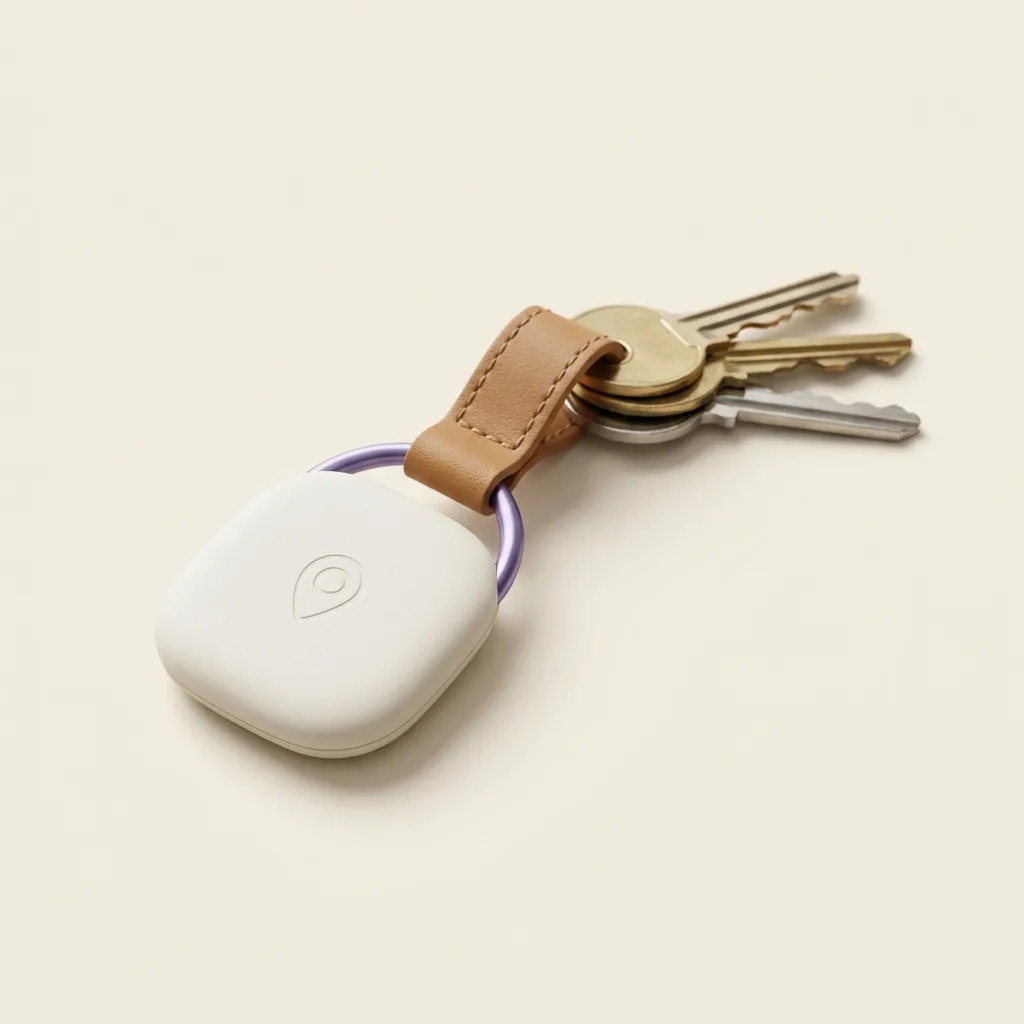
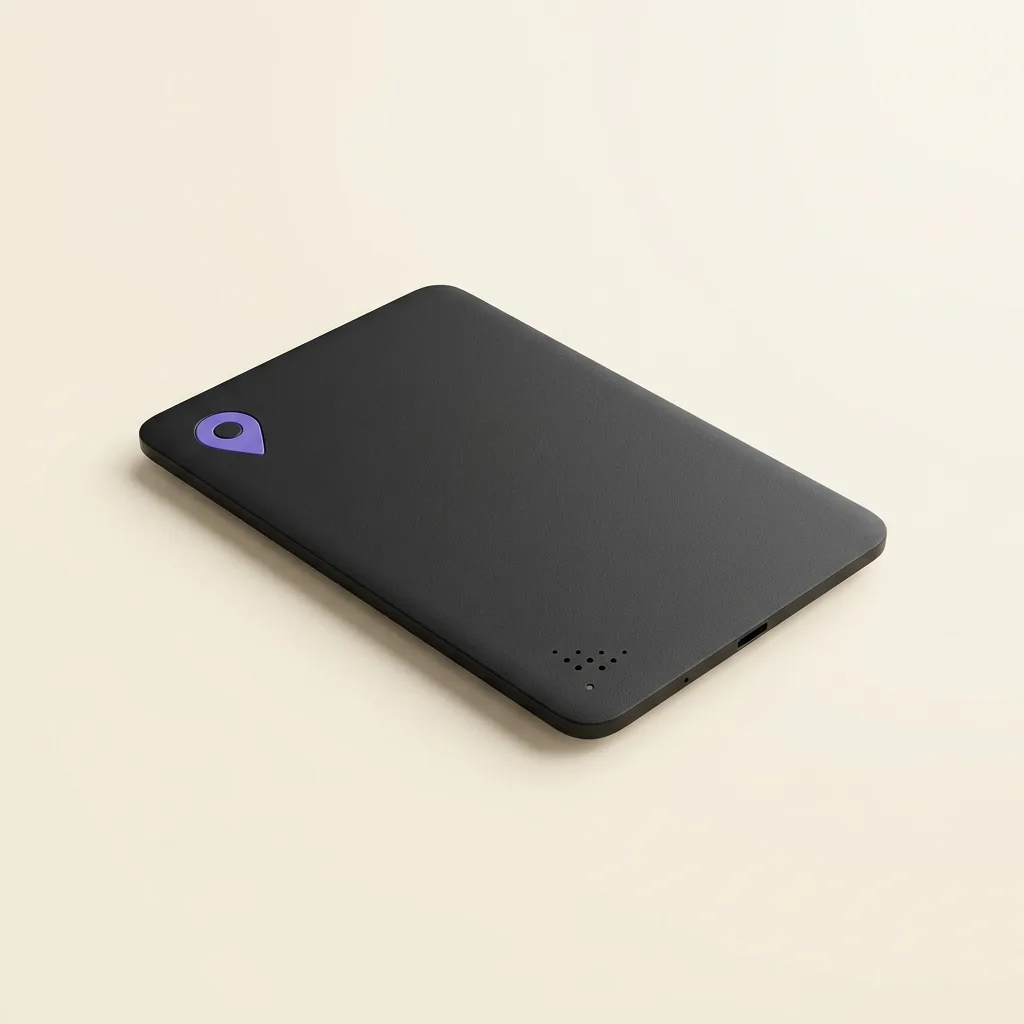
Item trackers like AirTags use Bluetooth and a crowdsourced network of nearby phones to report their location, which makes them excellent for finding keys and occasionally misused for tracking a person without consent. Both iPhones and Android phones now alert you automatically when an unfamiliar tracker is travelling with you, and checking a bag or car takes a few minutes if you're ever concerned. None of this has much to do with consent-based family location sharing, where everyone involved knows exactly who can see them and why.
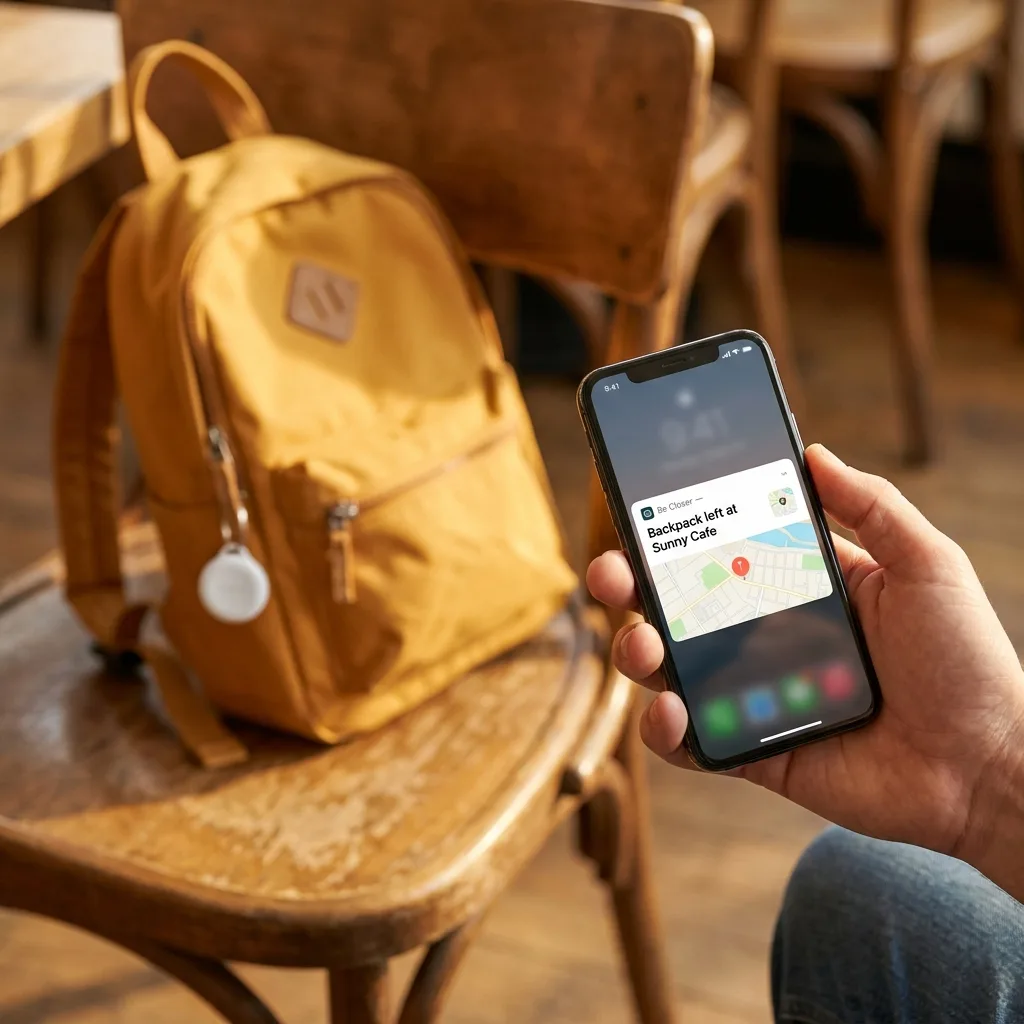
Small Bluetooth trackers were built to solve a genuinely mundane problem, the keys, the backpack, the suitcase that goes missing, and for that job they're excellent. The same technology that makes them good at finding lost things is what occasionally makes headlines for being misused to track a person who never agreed to it.
Both problems are real, and they call for different responses. Understanding how these trackers actually work takes the fear out of the second problem without pretending it doesn't exist, and it makes clear why a family's consensual, mutually visible location sharing has almost nothing in common with someone slipping a tracker into a bag.
This guide covers how item trackers work, how your phone already protects you, what to actually do if you're concerned, and how to talk to a teenager about all of it without turning a practical topic into a source of anxiety.
How do item trackers like AirTags actually work?
An item tracker has no cellular connection and no GPS chip of its own, it's just a small, cheap Bluetooth beacon. On its own, it can only be found if something is standing right next to it. What makes it useful over distance is the crowdsourced finding network layered on top: every nearby phone that's part of the network (hundreds of millions of iPhones for Apple's Find My network, a comparable Android network for Google's system) quietly notices the tracker's Bluetooth signal, encrypts its own location, and relays it anonymously to the owner. The tracker never knows where it is; the network of passing phones tells the owner instead.
This is genuinely clever and genuinely useful for its intended job, finding a suitcase in an airport, or a set of keys left in a coat pocket. It's also exactly the same mechanism that lets someone drop a tracker into a bag or car and follow along later, which is why both Apple and Google built detection systems directly into their phones rather than treating it as someone else's problem.
How do unknown-tracker alerts actually work?
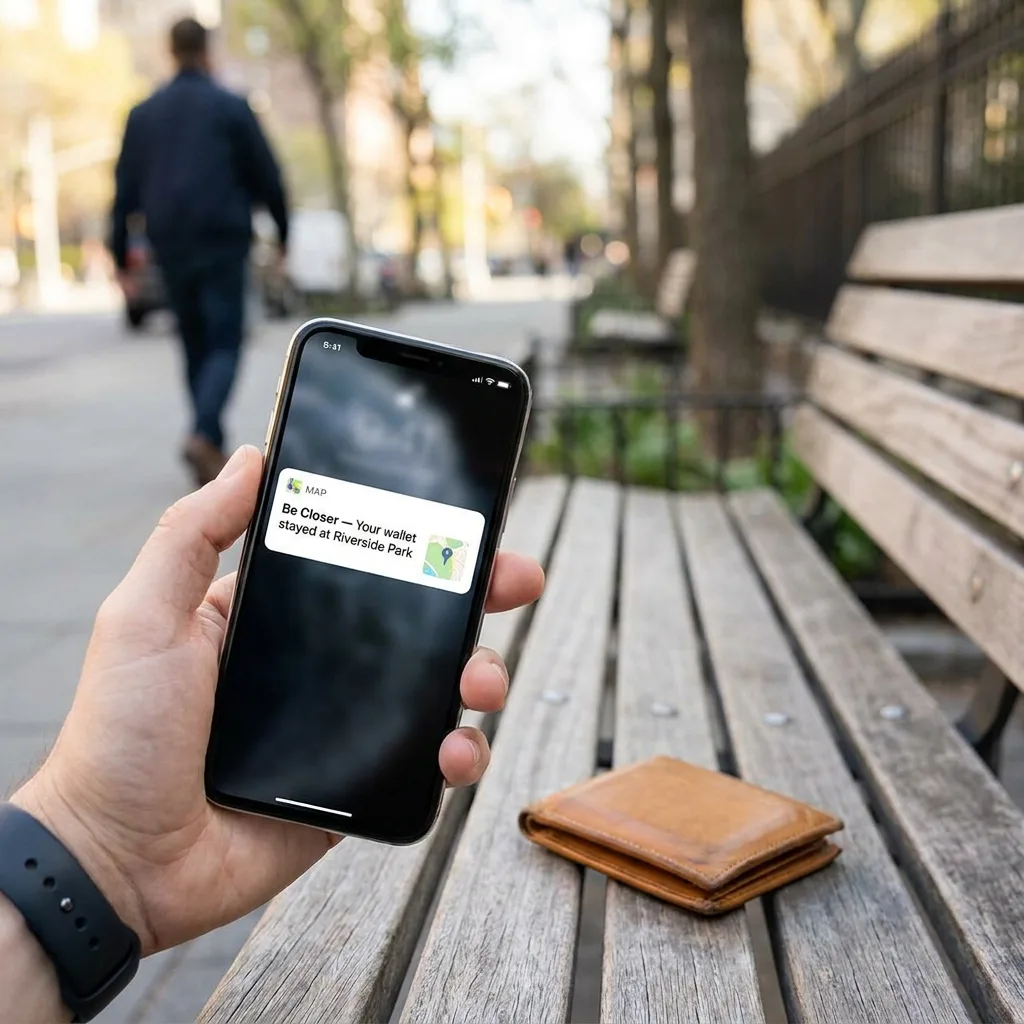
Both major phone platforms now watch for a specific pattern: a tracker that isn't yours, travelling with you, away from its owner, for an extended period. That pattern is unusual for an innocuous tracker, most stay near their owner most of the time, so when a phone detects it, it surfaces a direct notification.
- On iPhone, “Item Safety Alerts” (an evolution of the original AirTag alert system) notify you if an unknown Find My-network accessory appears to be moving with you, and let you see it on a map and trigger a sound to locate it.
- On Android, “Unknown Tracker Alerts” work similarly across Google's Find My Device network, covering AirTags and most other network-compatible trackers, not just one brand's own products.
- Neither system requires you to install anything extra or actively check for trackers, the alert is meant to reach you automatically, generally within a day or so of an unfamiliar tracker travelling with you.
These systems aren't perfect and they aren't instant, but they represent a real, deliberate response to a real problem, built by the same companies that make the trackers.
What should you actually do if you're concerned?
If you get an alert, or simply want to check because something feels off, the process is straightforward and doesn't require any special equipment.
- 1Follow the in-app prompt to play a sound from the tracker, which makes it much easier to locate by ear.
- 2Physically check likely spots: bag linings and pockets, coat linings, under a car seat, in a wheel well, inside a glovebox, and any gift or item you've recently received from someone you don't fully trust.
- 3If you find an unfamiliar tracker, both platforms let you view its serial number and, in many cases, disable it or remove its battery.
- 4If you believe you're being tracked deliberately by a specific person, especially in a situation involving domestic violence or harassment, treat it as a safety issue and involve local authorities rather than handling it alone, the tracker itself can be evidence, so it's often better not to destroy it immediately.
Worth knowing
- A single unexplained alert while you're on public transport or in a crowd is often a false positive from a stranger's genuine tracker nearby, not a sign you're being followed.
- Trackers make a sound when separated from their owner for a while specifically to discourage covert use, a fully silent tracker misusing the network is the exception, not the norm.
- Checking a car for a tracker is quick: focus on obvious cavities, under seats, in door pockets, the trunk, and magnetic surfaces like the underside of the frame, rather than assuming it requires a professional sweep.
Be Closer shows your whole family on one private map, free to start.
Consent-first, never sold, and gentle on your battery. iOS and Android.
How do you talk to a teenager about this without scaring them?
The instinct to protect a teenager from this topic entirely usually backfires, because they'll hear about AirTag misuse from social media eventually, minus the calm and the context. A short, factual conversation does more good than silence.
It helps to frame it in two parts: what the technology is for (finding lost things, which is the overwhelming majority of its use), and what your phone already does about the rare misuse (the automatic alerts described above). Teenagers respond better to “heres how the safeguard works and heres what to check occasionally” than to “be afraid of small round objects,” which tends to produce either dismissal or unnecessary anxiety rather than useful caution.
It's also a natural opening to talk about consent generally, the same conversation that applies to sharing someone's location without asking applies here, just with hardware instead of an app. See One-sentence privacy rules every family can actually remember for a version of that conversation that's easy to have in a few minutes.
How is family location sharing different from this at all?
It's worth being direct about this, because the two get lumped together in the public imagination more than they should. Covert tracking works precisely because the person being tracked doesn't know about it, that's the entire mechanism, and it's also exactly what the unknown-tracker alerts described above exist to catch and stop.
Consent-based family location sharing is built on the opposite premise: everyone included has opted in, knows they're visible, and can see who else can see them. A child who knows a parent can see their location, and can see the parent's location right back, isn't in the same category as a stranger's device hidden in a bag, the defining feature isn't the technology, it's whether everyone involved agreed to it and knows it's happening. That distinction is the whole difference between a safety tool and a surveillance one, and it's worth holding onto whenever the two get conflated in conversation.
If you're weighing which kind of device actually fits a family's needs, a dedicated kid-focused tracker, a smartwatch, or an item tracker repurposed for a bag, GPS bracelet vs. smartwatch vs. AirTag for kids covers the practical tradeoffs in more depth.
Frequently asked questions

Daniel covers privacy, consent and the technology under the hood. A dad who reads the settings screens so you don't have to, he believes the best family tech is the kind you can explain to your kid in one sentence, and that nothing should ever be tracked in secret.
Our guides are written by Be Closer's editorial voices and reviewed by the team behind the app. Questions? support@becloser.com
Published · Updated