 Privacy & Trust
Does airplane mode stop location sharing? What actually happens
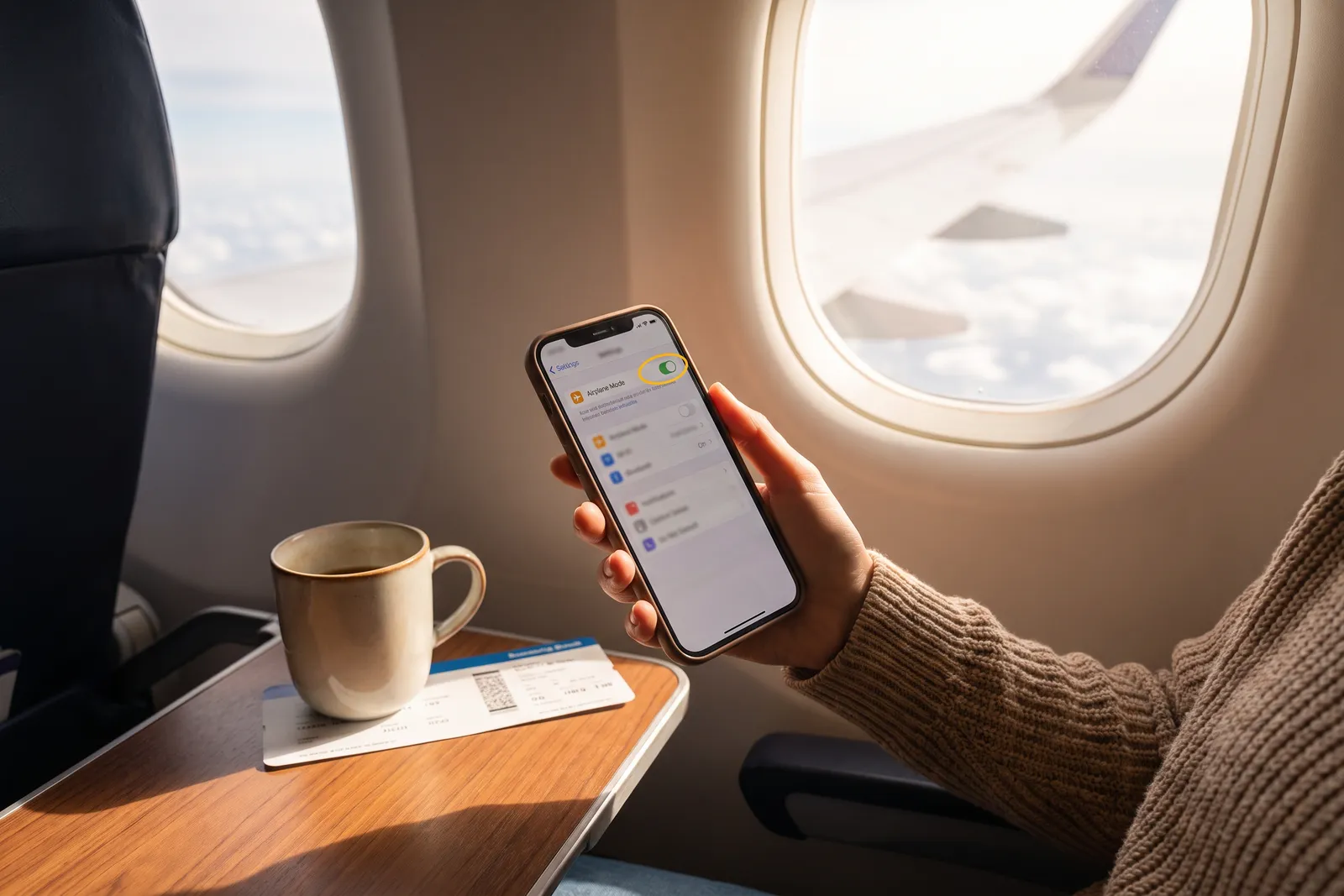
Airplane mode switches off the radios a phone uses to talk to the world (cellular, and by default Wi-Fi and Bluetooth), so the phone can no longer report where it is. GPS reception itself often continues, but with nothing to send the report over, your family map freezes at the last known position and stamps it with a time. That is a gap, not a disappearance, and the timestamp is the part worth reading.
Someone in your family flips airplane mode on, and twenty minutes later a parent is staring at a map pin that has not moved. The question that follows is almost always the wrong one. People ask whether airplane mode hides you. The more useful question is what a stopped pin actually means, because the answer is the same whether the phone is in a plane, a basement car park, or a coat pocket at two percent battery.
Here is the one sentence version. Airplane mode does not make a phone invisible, it makes it silent, and a silent phone leaves behind its last known position with a timestamp on it.
That distinction matters for families because most arguments about location sharing are really arguments about interpretation. A frozen pin looks like evidence of something. It usually is not. Below is what the switch actually does at the hardware level, what your family map shows while it is on, and how to have the conversation with a teenager without turning a routine setting into an accusation.
What airplane mode actually switches off
Airplane mode is a single control for several separate radios. It exists because aviation regulators wanted one obvious way to stop a phone transmitting, not because anyone was designing a privacy feature. Understanding which radios it touches explains almost everything else.
- Cellular goes off completely. No calls, no texts over the mobile network, no mobile data. This is the one airplane mode was built for.
- Wi-Fi goes off when you first enable it, but on both iOS and Android you can turn Wi-Fi back on afterwards and it stays on, with airplane mode still showing as enabled.
- Bluetooth behaves the same way: off at first, and it can be switched back on independently, which is how people keep using wireless headphones in the air.
- GPS reception is not a transmitter. The phone listens to satellites, it does not talk to them, so on most modern phones that receiver keeps working.
That last point is the one that surprises people. A phone in airplane mode can still work out roughly where it is. What it cannot do is tell anyone. Location sharing is a two step process: figure out the position, then send it somewhere. Airplane mode breaks the second step and leaves the first one mostly intact.
Airplane mode does not stop a phone knowing where it is. It stops the phone saying it out loud.
This is also why offline maps still work on a flight. The phone can place a blue dot on a map you downloaded earlier, because placing the dot needs no network at all. Sharing that dot with your family does.
What your family map shows while it is on
A location sharing app does not have a special channel to the phone. It receives updates the phone sends. When the updates stop, the app has exactly two things left: the last position it received, and the time it received it. Good apps show you both. Be Closer stamps the last update time next to the pin for precisely this reason.
Stale, not hidden
The pin does not vanish and it does not move to a false place. It sits where the phone was when it last checked in. If your daughter turned airplane mode on as she boarded, the map shows the airport gate, forever, until the phone reconnects. That is not deception by the app, and it is not evasion by her. It is the honest limit of a system that depends on a network.
The mistake families make is reading a stationary pin as current information. If you glance at the map at 9pm and see a location without checking the timestamp, you might believe someone is at a train station when the pin is six hours old. This is the same failure mode behind most cases of why is the location wrong, and it is worth building the habit of reading the time before reading the place.
Read the pin in this order
- Time first. How long ago was this reported? Anything over about twenty minutes is history, not news.
- Battery second. A phone that reported five percent an hour ago has almost certainly died rather than hidden.
- Place third. Only now does the location on the map mean anything.
- Pattern fourth. Does the gap match something you already know about, a flight, a cinema, a tunnel, a school policy on phones?
Notice that none of these steps require confronting anyone. Three of the four are answered by the app itself, and the fourth is answered by what you already know about the day.
Wi-Fi on a plane, and what happens on landing
Most airlines now ask you to enable airplane mode and then permit Wi-Fi. If your family member buys inflight internet and connects, the phone regains a data path. Location sharing can resume, and it will report a position derived from GPS, which on a plane is genuinely accurate and slightly uncanny: a pin over the Atlantic, moving.
Two caveats keep that from being reliable. Inflight Wi-Fi is often slow and drops repeatedly, so updates arrive in bursts with long silences between them. And many passengers connect for messaging only, or not at all. Treat any midflight update as a bonus rather than something to expect.
The landing sequence
When airplane mode goes off, the phone has to do several things before your map catches up. It searches for a cell network, registers with it, in another country negotiates roaming, then the app wakes and sends a fresh position. On a good day this takes under a minute. In a busy terminal where thousands of phones are all reconnecting to the same masts at once, it can take considerably longer.
If the flight was international, add the whole roaming question on top, which has its own set of surprises covered in does location sharing work abroad. The short version is that a phone with roaming data switched off will land, reconnect for calls and texts, and still not update the map until it finds Wi-Fi.
Be Closer shows your whole family on one private map, free to start.
Consent-first, never sold, and gentle on your battery. iOS and Android.
When a gap is normal and when it is worth a call
Almost every gap has a boring explanation. Phones lose signal in lifts, underground stations, thick stone buildings, rural valleys, hospital basements and multistorey car parks. Batteries die. Some schools require phones to be off or in a locker. Software updates restart the phone and it takes a while for background permissions to settle.
There is also a persistent myth that a switched off phone can still be traced by the right person. It cannot, in any way available to a family, and the details are worth understanding once, in find my phone when it is off, the myths.
A gap probably does not need action when
- The last update was at a place that explains it, an airport gate, a cinema, a school, a hospital.
- The battery was low at the last report.
- The person told you in advance that they would be out of contact.
- The gap is shorter than the journey they are on.
Escalate when a gap contradicts something. The pin stopped in a place nobody was going. The person was due somewhere an hour ago and the last report is from before they left. Or the gap is unusually long for someone whose phone is normally reliable. Even then the first move is a phone call and a text, not a search party, because the overwhelmingly likely outcome is that they answer.
Talking about airplane mode with a teenager
Here is where families get themselves into trouble. Airplane mode is a normal setting with a dozen legitimate uses: saving battery, silencing a phone in an exam, cutting distractions during revision, following crew instructions, avoiding roaming charges. If the household rule is that using it is suspicious, you have made a battery saving feature into a moral question, and you have taught a teenager that the map is a test rather than a tool.
The alternative is to agree on what the map is for and what a gap obliges people to do. In our experience the agreement that survives contact with real life is short enough to remember while tired.
- 1Use airplane mode whenever you want. It is a setting, not a confession.
- 2Tell someone if the gap will be long. One message before, not an explanation after.
- 3When you land or come back online, send one line. Landed. Out of the cinema. Phone died, charging now.
- 4We read the timestamp before we ask a question. That is the parent's half of the deal.
That fourth rule matters more than the other three. Most family conflict about location sharing starts with an adult misreading stale data and reacting to it. Committing out loud to check the time first is a small promise that prevents a lot of accusations, and it is the same principle behind the wider set of one sentence privacy rules for families.
If someone is using it to disappear
Sometimes airplane mode really is being used to avoid being seen. Be honest with yourself about what a tracking app can do here: nothing. Any teenager can flip a switch, turn off sharing, or leave a phone at a friend's house. A location app is a convenience for coordinating a family that already trusts each other, not an enforcement tool, and treating it as enforcement guarantees a technical arms race you will lose.
The conversation to have is about the reason for the silence, not the mechanism of it. That conversation goes better when the map has never been used as evidence in an argument before.
Where a separate device changes the picture
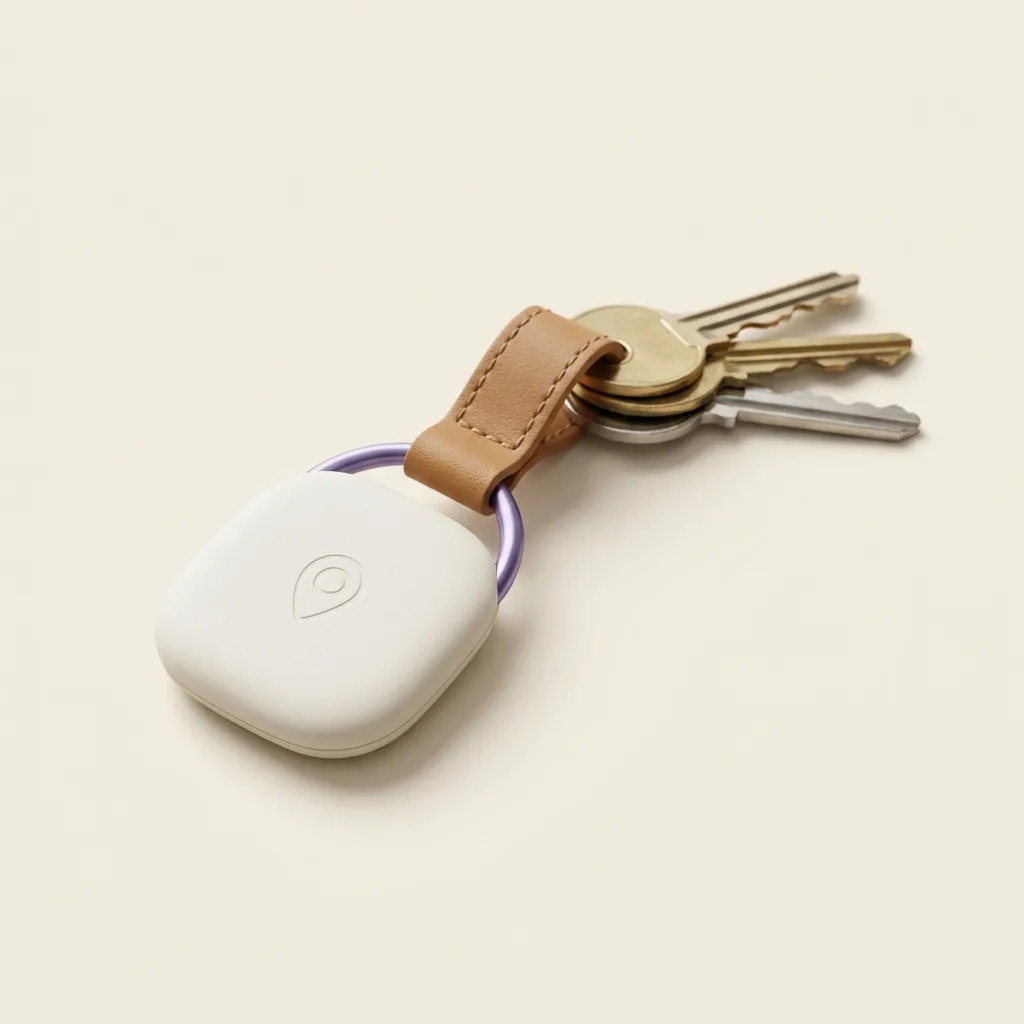
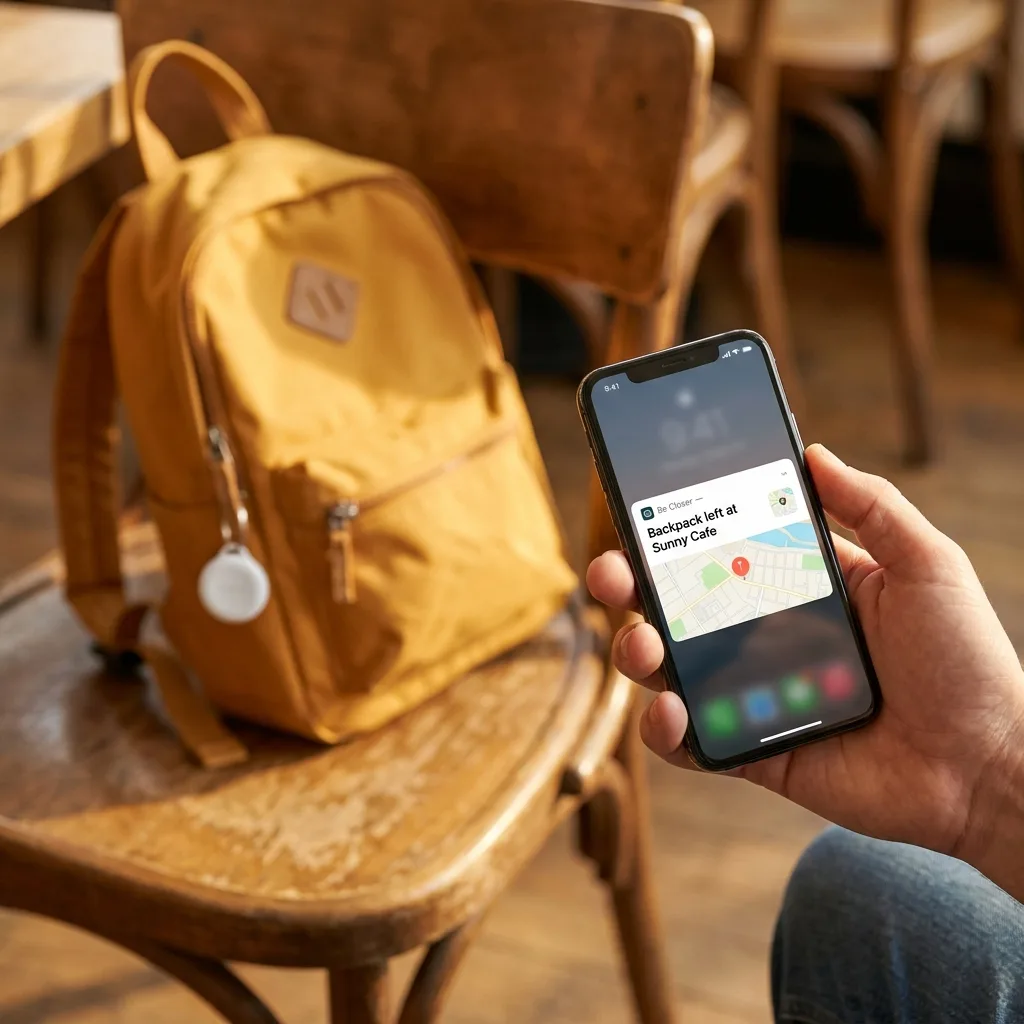
If the problem you are solving is a phone that keeps dying or getting left behind, the answer is often not a stricter rule but a second thing that reports independently. A small tracker in a bag reports on its own schedule and is not affected by anything a phone's owner does to their phone.
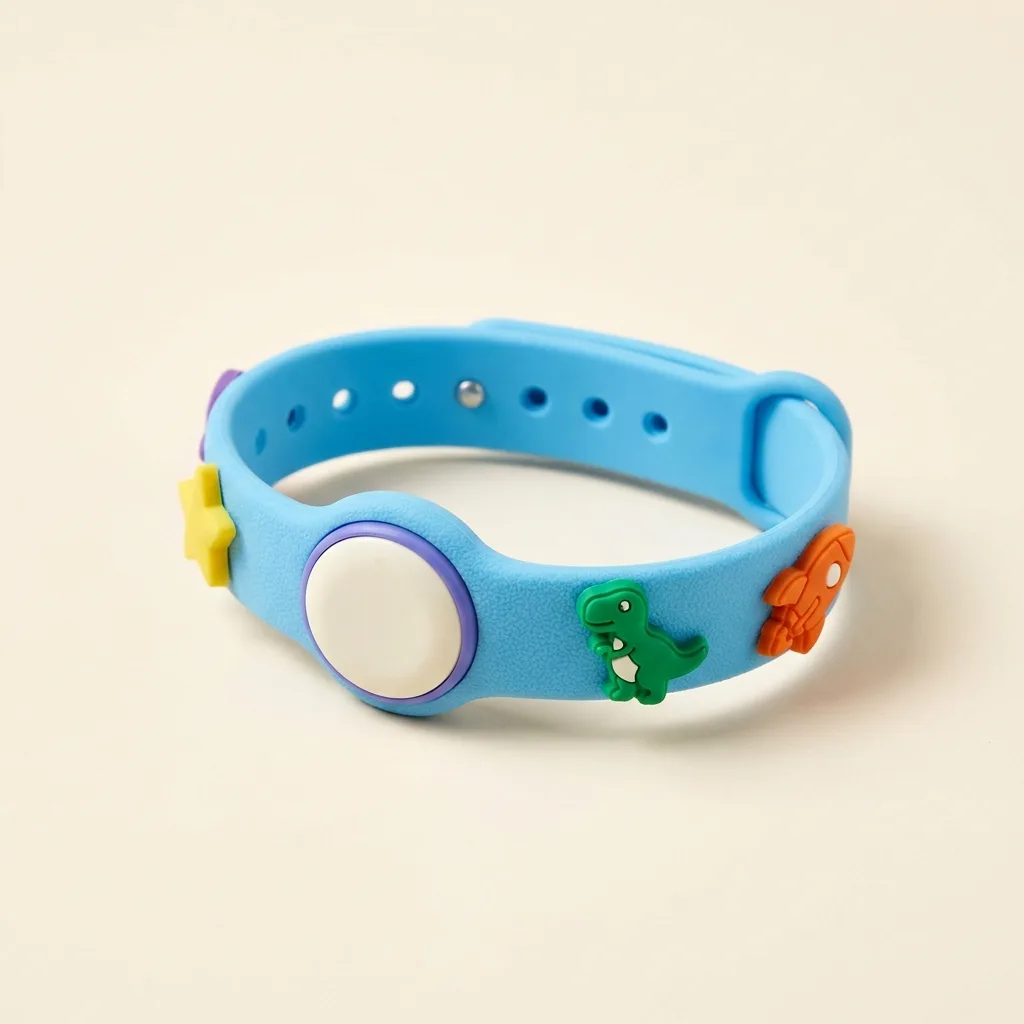
That is the practical case for something like the Be Closer Tag on a school bag, or the Band for a younger child who does not have a phone yet. It is also honest to say what those devices do not fix. They tell you where a bag is, not where a person is, and a bag can be put down. Be Closer itself is free to download, works in 13 languages, and reports location with up to 95% accuracy in good conditions, but no combination of hardware and software turns a family map into certainty.
For a fuller picture of who sees what and when, including the difference between a live view and a history, see who can see my location.
Frequently asked questions

Daniel covers privacy, consent and the technology under the hood. A dad who reads the settings screens so you don't have to, he believes the best family tech is the kind you can explain to your kid in one sentence, and that nothing should ever be tracked in secret.
Our guides are written by Be Closer's editorial voices and reviewed by the team behind the app. Questions? support@becloser.com
Published · Updated