 Privacy & Trust
Can You Find a Phone That's Switched Off? Myths vs. Reality
One-sentence rule: no phone, app, or network can locate a device that has no power. What people call 'finding a phone that's off' is almost always finding its last confirmed location before it went dark, or catching it the moment it's turned back on. Apple's and Android's offline finder networks are impressive but not magic, they need another nearby device and a charged, previously-linked phone to work at all.
Every so often a phone goes quiet, a teenager's battery dies at a party, a parent's phone slips out of a coat pocket on the train, a device gets stolen and switched off within minutes. The question that follows is always the same: can you still find it?
The honest answer sits somewhere between 'sometimes' and 'not the way you're imagining.' There's a real difference between a phone that's powered down, one that's in airplane mode, and one that's simply out of battery, and each behaves differently for the minutes or hours before it goes fully dark. Understanding that difference is more useful than any app, because it tells you what to actually expect when the little blue dot on a map stops moving.
This isn't a sales pitch for a feature that doesn't exist. It's a plain explanation of what 'off' really means, what the offline finder networks from Apple and Android can and can't do, and why the single most useful piece of information in most of these situations is a timestamped last-known location rather than a live one.
What does 'off' actually mean for a phone?
People use 'off' to describe at least three different states, and they matter a lot here. A phone that's been powered down by holding the power button has no active radios at all, no cellular, no Wi-Fi, no Bluetooth. A phone in airplane mode still has power and is running, but its radios are deliberately silenced, so it can't transmit its location even though it's technically 'on.' A phone that's simply dead from a drained battery is somewhere in between: it stops transmitting the moment the battery can no longer sustain the chip, but it may have sent one last location update in its final seconds of life.
That last case is the one that trips people up. A phone doesn't broadcast a constant stream of updates right up until the second it dies, it periodically checks in, and the gap between the last successful check-in and the moment the battery finally gives out can be anywhere from seconds to the better part of an hour, depending on settings and signal conditions. So a 'last known location' from a dying phone is a real data point, but it's a snapshot from sometime before the phone actually went dark, not a live read at the instant it died.
The three states, plainly
- Powered down: no radios active, nothing transmits, nothing to find until it's turned back on.
- Airplane mode: powered on but radios silenced, same practical result as powered down for location purposes.
- Dead battery: the last transmitted location is a snapshot from before it died, not from the moment itself.
Why does last-known-location matter more than live tracking here?
Live tracking is the feature people picture, a dot moving in real time on a map. But in the exact situations where finding a phone matters most (it's lost, it's stolen, the battery just died), live tracking is precisely what you don't have anymore, because there's no active connection to update it. What you're left with is whatever location was recorded and successfully sent before the phone went silent.
That's not a consolation prize, it's usually the more useful piece of information anyway. A last-known location paired with an honest timestamp tells you where to start looking and how stale that information is, which is exactly what you need to make a decision: is it worth walking back to the café, or has too much time passed for the phone to plausibly still be there? A live dot with no timestamp context can actually be less useful, because it invites false confidence that the location is current.
The honest answer is almost always a place and a time, not a moving dot. Treat the timestamp as the most important number on the screen.
What do Apple's and Android's offline finder networks actually do?
Both Apple's Find My network and Android's Find My Device network work on a genuinely clever idea: even when your own phone has no signal, other nearby devices from the same ecosystem can anonymously relay its location on your behalf, using their own connection. This is how a lost AirTag or a phone with no cellular plan can still occasionally be located in a crowded area, someone else's phone quietly does the relaying without either owner knowing.
It's a real capability, but it depends on conditions that don't always line up. The lost device still needs some power (even a small residual charge, in some implementations, keeps Bluetooth alive briefly after the screen goes dark) and it needs another compatible device to pass nearby. In a busy city street, that happens constantly. In an empty field or a powered-off drawer, it doesn't happen at all. Neither network can find a device with zero power and zero radios active, no matter how many other phones walk past it.
- Offline finding relies on nearby strangers' devices relaying a signal, it needs foot traffic, not just technology.
- It only works if the lost device retains some power for its short-range radio, even briefly.
- It cannot locate a device that's been fully powered down with no residual charge.
- It's designed for lost-item recovery, not for continuous monitoring, updates arrive irregularly, not as a live stream.
Be Closer shows your whole family on one private map, free to start.
Consent-first, never sold, and gentle on your battery. iOS and Android.
What can no app or company honestly promise?
It's worth saying plainly: no legitimate app, phone maker, or carrier can locate a device that has no power source and no connection of any kind. If you see marketing suggesting otherwise, 'find any phone, even when it's off, guaranteed', that's a claim worth being skeptical of. What such claims are usually describing, once you read the fine print, is exactly the last-known-location and offline-network behaviour described above, just phrased to sound more absolute than it is.
It's also worth knowing that a phone reset to factory settings and stripped of its SIM removes almost every remaining hook a finder network has, which is unfortunately common in theft. In that scenario, the most useful information is usually whatever was captured in the minutes before the theft, which is another reason the last confirmed location and timestamp matter more than any promise of ongoing tracking.
How does Be Closer handle this?
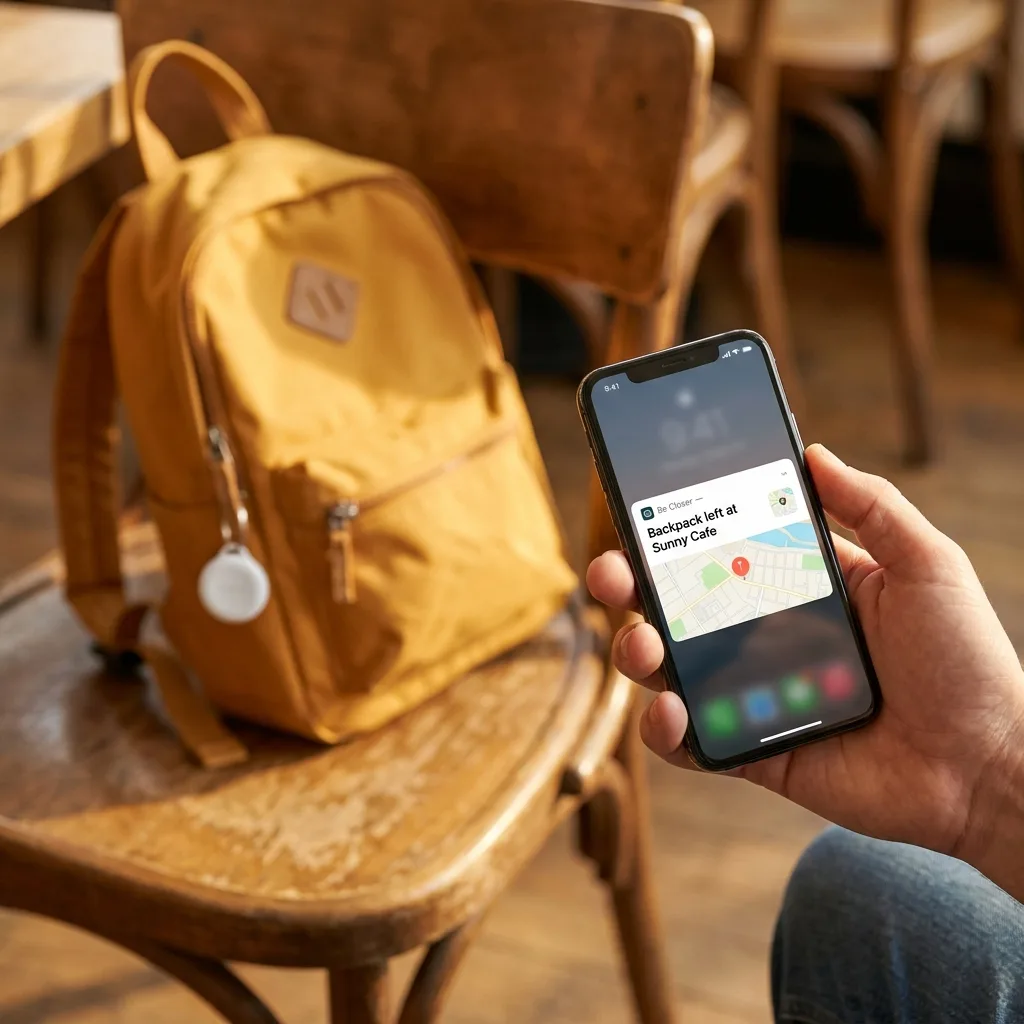
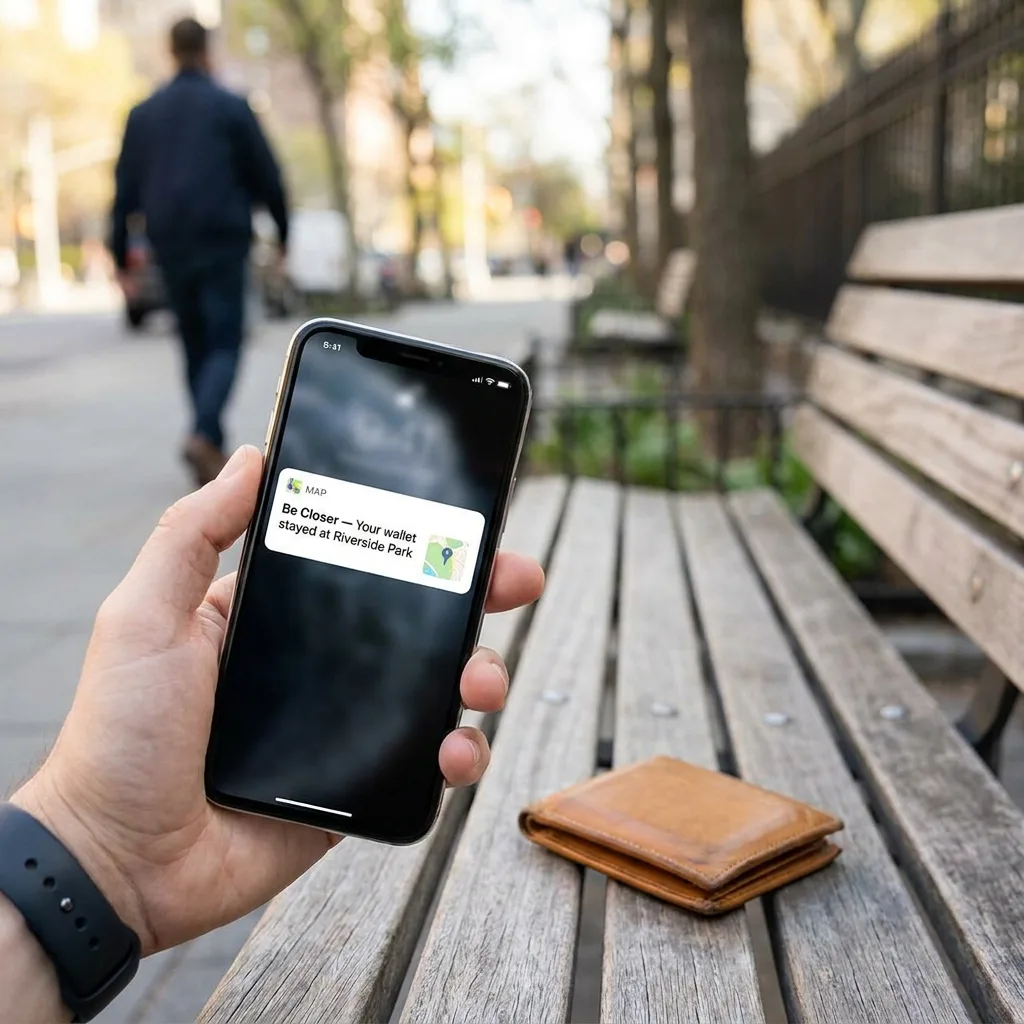
Be Closer shows the last confirmed location for a device or tag along with a clear timestamp, and it's upfront when that information is stale rather than presenting an old point as if it were current. If a shared phone or tag hasn't checked in recently, the app tells you that plainly instead of leaving a dot sitting on the map looking falsely live.
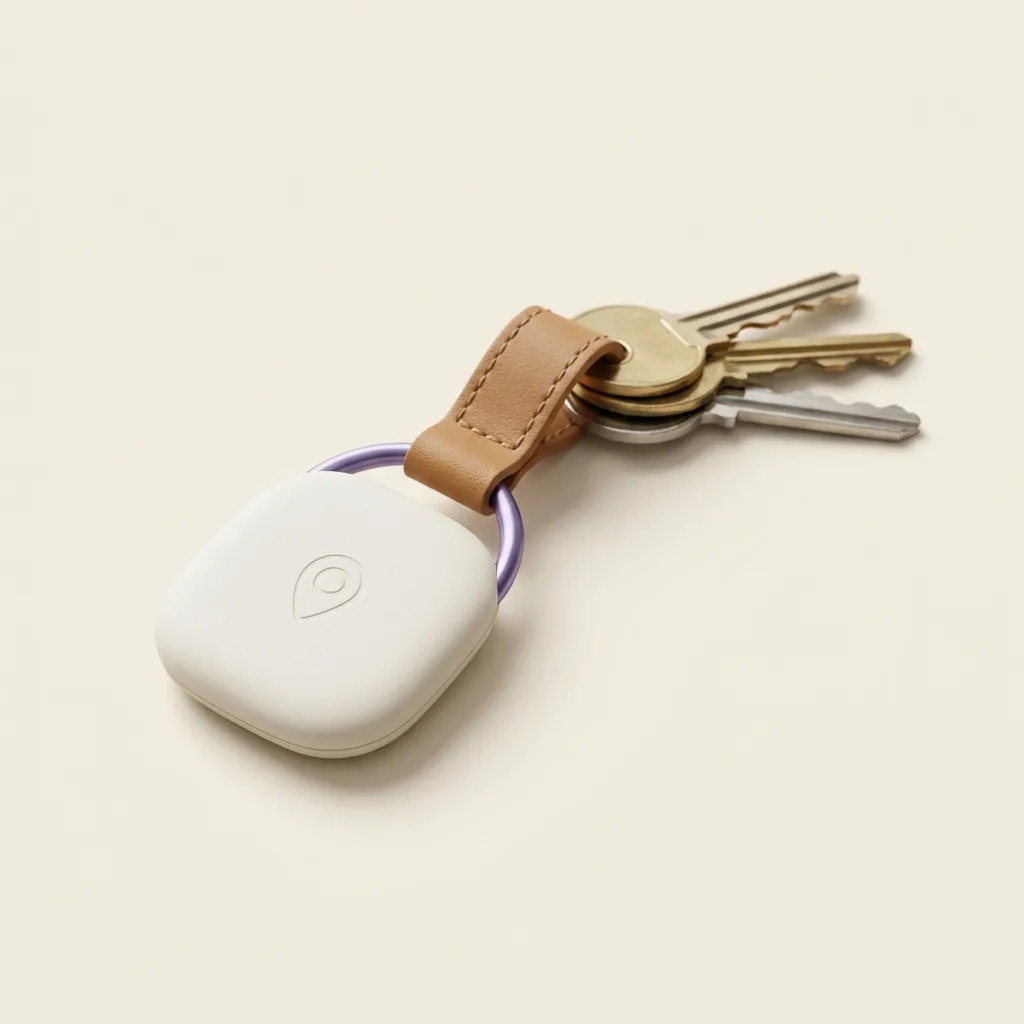
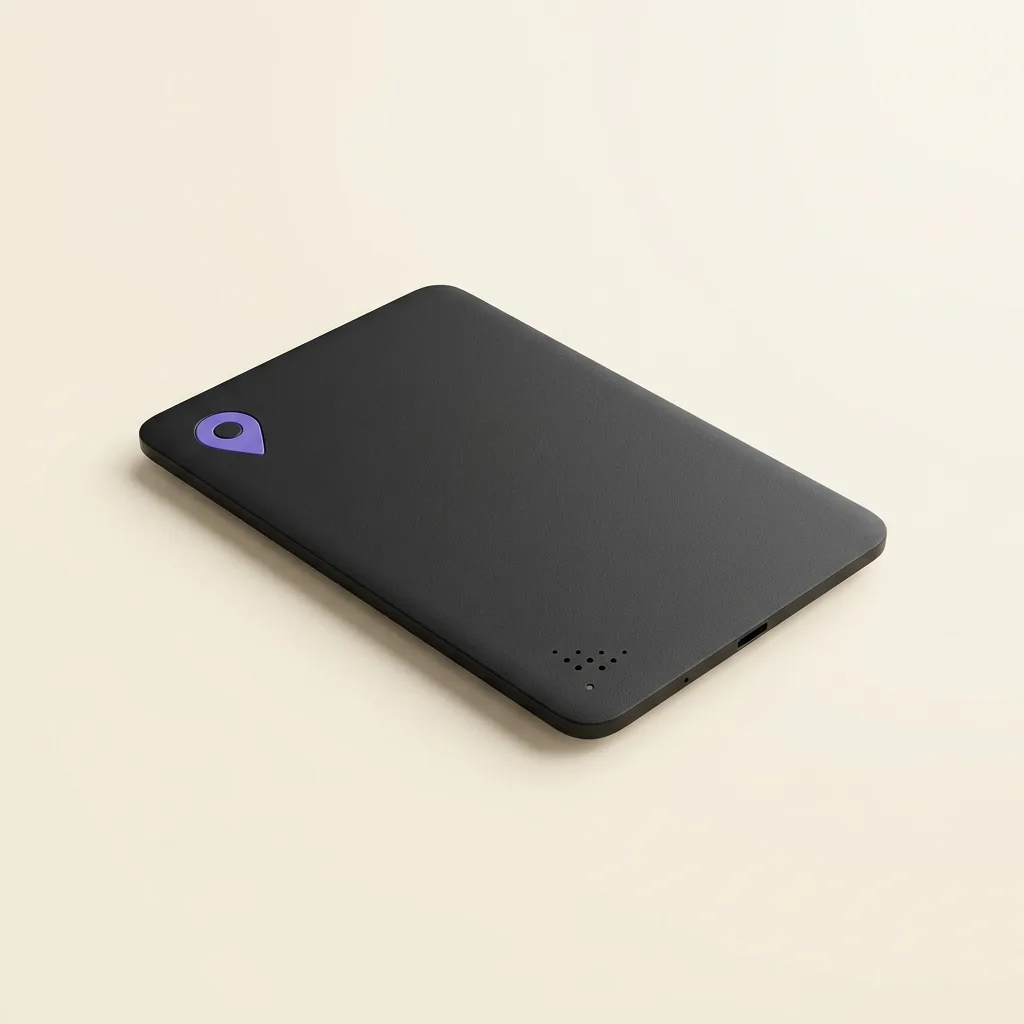
A Be Closer tag or card attached to a bag, wallet, or car key doesn't rely on its own battery for cellular reach the way a phone does, it typically works with nearby Bluetooth relays similar in spirit to the offline networks described above, and it's built to sip power over months rather than a single day. That doesn't make it immune to the physics involved here, a tag with a fully dead battery, or one somewhere with no nearby devices to relay its signal, still can't be found live. But it does mean the underlying data, accurate up to 95% in good conditions, with an honest timestamp, is the same kind of information you'd want in any of these situations, and Be Closer never claims more certainty than that.
What should you actually do when a phone goes dark?
- 1Check the last known location and its timestamp first, before assuming the phone is truly untraceable. That single data point is often enough to know where to start.
- 2Mark it as lost through your platform's official tools (Find My, Find My Device) so that if it does briefly connect to power or Wi-Fi, or passes near another device, you're notified.
- 3Contact your carrier to suspend the line if theft is a real possibility, which protects your account regardless of whether the phone is ever found.
- 4Don't wait on a live dot to appear. If the last update is hours old and nothing new arrives, it's reasonable to treat the phone as unlikely to be found this way and move on to backups, a password reset, a police report if it was stolen.
Frequently asked questions

Daniel covers privacy, consent and the technology under the hood. A dad who reads the settings screens so you don't have to, he believes the best family tech is the kind you can explain to your kid in one sentence, and that nothing should ever be tracked in secret.
Our guides are written by Be Closer's editorial voices and reviewed by the team behind the app. Questions? support@becloser.com
Published · Updated