 Privacy & Trust
Can you track a tablet without a SIM card? What Wi-Fi-only devices can and cannot do
Yes, usually, but with real limits. A Wi-Fi-only tablet can work out roughly where it is by looking at nearby Wi-Fi networks, and it can report that position while it has an internet connection. Once it is out of the house, off, or out of Wi-Fi range, most tablets go quiet, and the map shows only the last place it checked in from.
The question usually turns up at the worst possible moment, which is about forty minutes after a child last had the tablet. No SIM card, no mobile data, no idea. The honest answer has two halves, and people tend to be told only one of them.
The first half: yes, tablets without SIM cards can be located, and often quite precisely. The second half: only while they have some way to reach the internet, which is generally Wi-Fi. That constraint shapes everything else in this guide.
I will explain how a device with no cellular connection knows where it is, what actually happens when it leaves the house, and what setup gives you the best chance of finding it. Then I will be clear about the cases where nothing will help, because knowing that in advance saves an hour of frantic tapping.
How a Wi-Fi-only tablet knows where it is
Two things are commonly confused here: working out a position and reporting that position. A tablet can often do the first with no SIM at all. It cannot do the second without a connection.
Wi-Fi positioning, in plain terms
Your tablet can see the names and signal strengths of nearby Wi-Fi networks even when it is not connected to any of them. Large databases map which networks live roughly where, built up over years from phones that did have GPS. Compare the pattern your tablet sees against that database and you get a position, often accurate to a building or a street in a busy area.
This is the same trick your phone uses indoors when the sky is out of reach. Our guide on how your phone knows where it is goes through the full stack of satellites, Wi-Fi, mobile masts and sensors. For a tablet, take the satellite layer out and lean on the rest.
Some tablets have no GPS chip at all
This surprises people. Many Wi-Fi-only tablets, including the standard Wi-Fi iPad and a lot of Android tablets, ship without a GPS receiver. The cellular models generally include one. So a Wi-Fi tablet in the middle of a field, with no networks in range, may genuinely have no idea where it is, even before you get to the question of reporting it.
Quick mental model
- In range of Wi-Fi networks: the tablet can usually work out a decent position.
- Connected to the internet: it can report that position to a finding service.
- No networks nearby: many tablets have nothing left to work with.
- Powered off or flat: it reports nothing new, and you see the last known point.
What crowdsourced finding networks add
Both major platforms run finding networks that use other people's devices as relays. A lost device broadcasts a rotating, encrypted Bluetooth signal, any passing phone that hears it quietly reports the location, and only you can read the result. It is a genuinely clever design and it is privacy respecting by construction.
The catch is coverage and hardware. These networks work brilliantly on a busy high street and barely at all on a quiet rural lane, because they depend on a stranger walking past. Support also varies by device and platform, and a tablet that is fully powered off will not participate at all on most hardware. Treat the finding network as a bonus, not as the plan.
At home versus out of the house
It helps to separate the two scenarios, because they have almost nothing in common in practice.
- Lost in the house. This is the easy case, and it is most of them. The tablet is on your Wi-Fi, so it reports in, and the built in play a sound feature will find it under a sofa cushion in seconds. Wi-Fi positioning is not precise enough to tell you which room, so use the sound.
- Left at a friend's house or at school. Often findable, because it will join a known network or sit near enough to other networks to place itself, provided it is still on and has some connection.
- In a bag, in a car, on the move. Usually silent. No Wi-Fi means no reporting, so you get the last point before it went dark, which is still useful as a starting place.
- Switched off or out of battery. You get the last known location and a timestamp, nothing more. Read the timestamp carefully before you drive anywhere.
The last known location is not where the tablet is. It is where the tablet last had a connection, which is a different and much more useful fact.
That distinction is the single most common source of wasted journeys, and it applies to phones too. If you want the fuller version, the myths about finding a phone when it is off covers what is genuinely possible and what is marketing.
Be Closer shows your whole family on one private map, free to start.
Consent-first, never sold, and gentle on your battery. iOS and Android.
Practical setup for a kid's tablet
Do this now, once, and it takes about ten minutes. Doing it after the tablet goes missing is not possible, which is the whole problem with device finding.
- 1Turn on the platform finding service. Find My on an iPad, Find My Device on Android. Confirm it is actually enabled rather than assuming, because a factory reset or a new profile can switch it off.
- 2Enable the offline or network finding option where the platform offers one, so the tablet can be located through nearby devices as well as through Wi-Fi.
- 3Leave Wi-Fi and Bluetooth switched on. People disable these to save battery and then wonder why nothing works. A tablet with both off is close to unfindable.
- 4Add a lock screen message with a phone number. Most lost tablets are handed back by a person, not recovered by software, and a readable number is the fastest route home.
- 5Set a passcode and turn on encryption. Finding it matters less than nobody else reading it.
- 6Note the serial number somewhere that is not on the tablet. You will need it for insurance or a police report.
- 7Test it once. Ask the service to play a sound while the tablet is in the next room. A test you have run is worth ten settings you believe are on.
If the tablet travels with a child regularly, keep the expectations honest with them too. Tell them plainly that the tablet can usually be found at home and often cannot be found on a bus. Children handle accurate information better than reassuring information, and it makes them more careful with the thing itself.
Two settings people forget
The first is battery saver. On many tablets an aggressive power saving mode will suspend background reporting, so the device stays awake enough to be used and quiet enough to be unfindable. If a tablet regularly sits at low charge, that is a finding problem as much as a convenience one. Charge it as a habit rather than as a rescue.
The second is account separation. A family tablet signed into a parent's account is easy to locate from the parent's phone, and a tablet signed into a child's own account needs family sharing set up properly before anyone else can see it. Check which of the two you actually have, because a lot of people discover the answer on the day it goes missing. Five minutes of account tidying now is worth more than any feature comparison.
One more small thing that pays for itself: name the device something recognisable. A finding screen listing three items called iPad is a puzzle you do not want to solve while standing on a station platform. Use the child's name and the model, and the right entry will be obvious at a glance.
What a Bluetooth tag adds
A tablet is only findable when its own software cooperates. A separate tag in the same bag is findable on its own terms, and that is the gap it fills.
- It keeps working when the tablet's battery is flat, because it has its own long lasting battery.
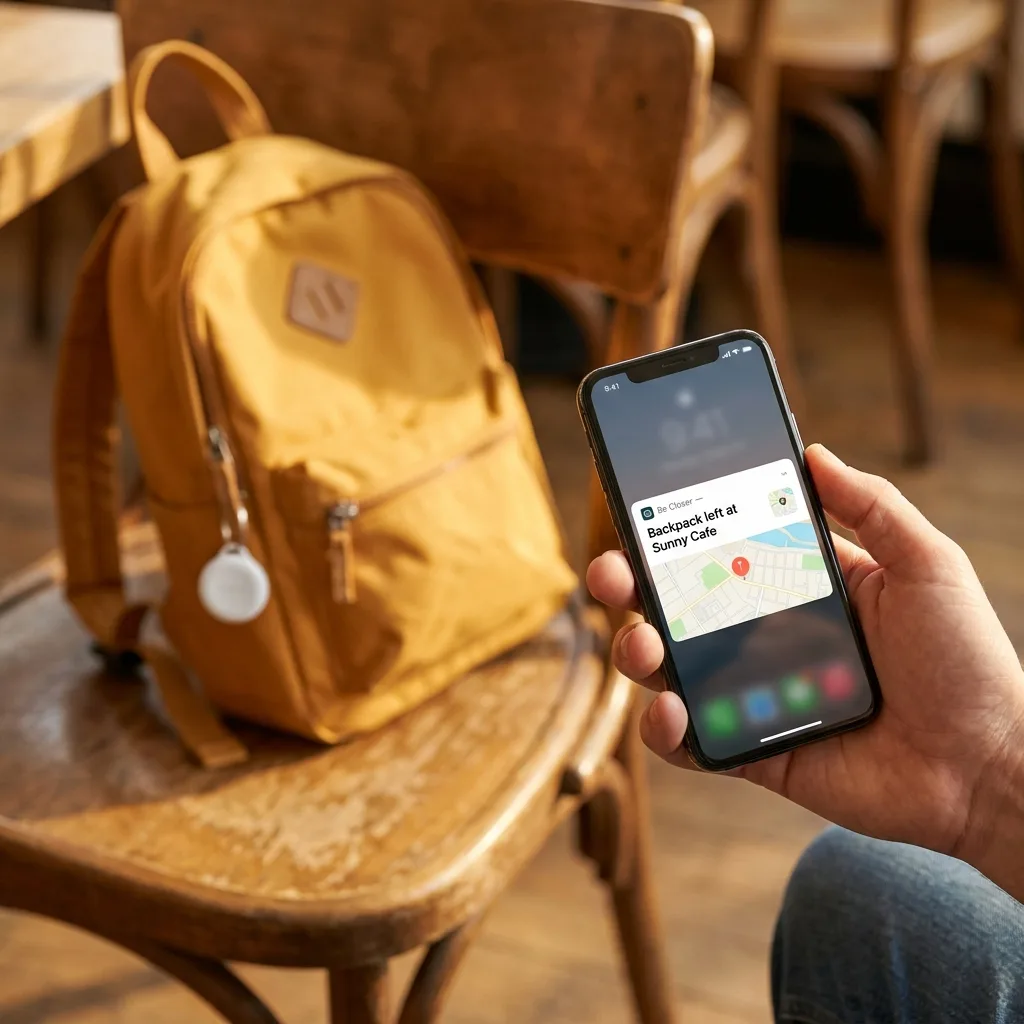
- It can be found by other people's phones passing nearby, which covers the bag left on a train seat.
- It costs nothing per month to locate, and it shows up on the same family map rather than in a separate app.
- It survives a tablet being switched off, which is the exact moment device finding stops helping.
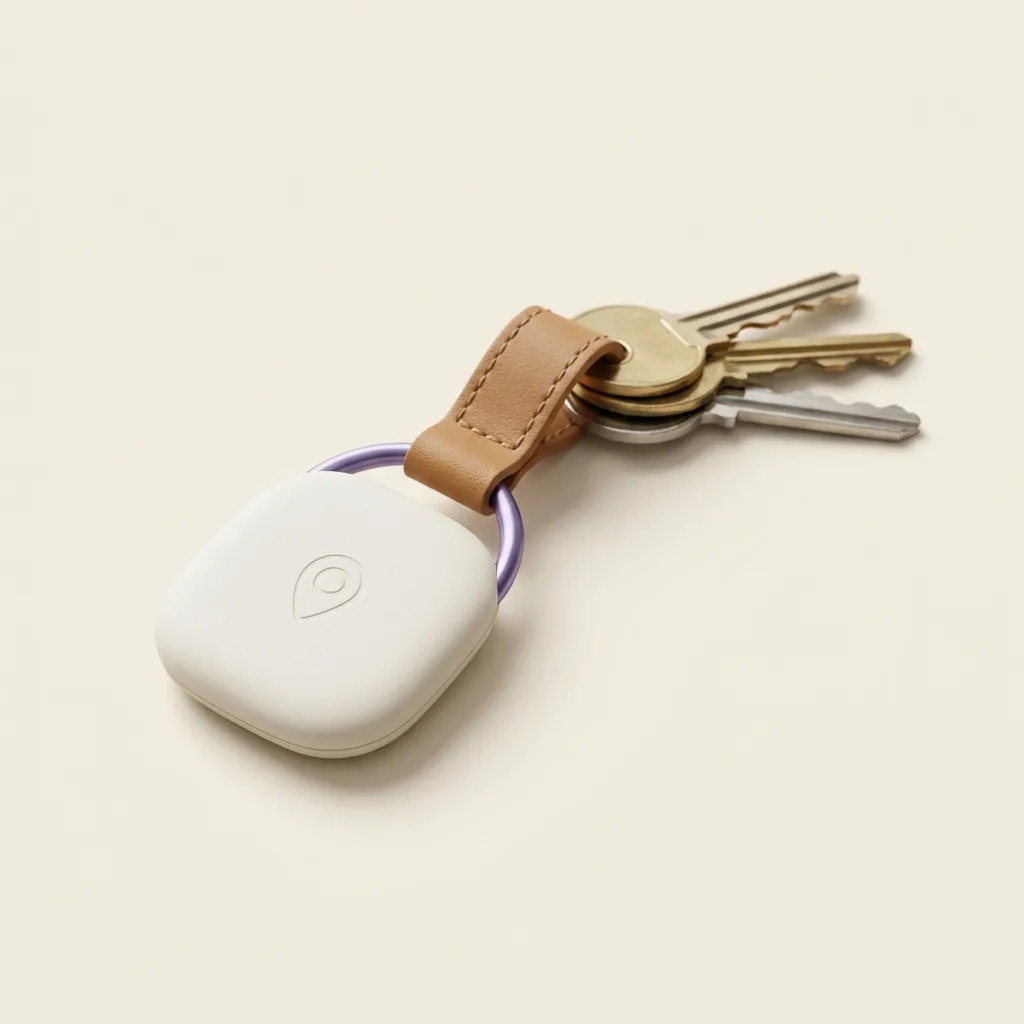
The Be Closer Tag is designed for this: clip it inside a school bag alongside the tablet, and the bag becomes the thing you track rather than the device. The app is free to download, has 4.4 stars from over 150,000 ratings, and is available in 13 languages. It will not perform miracles either, and no tag can be found in a signal dead zone with nobody passing, but it removes the dependency on the tablet being awake.
If the worst happens and something genuinely walks off, work through the first hour after a lost or stolen device in order. The steps are the same for a tablet, and the order matters more than the speed.
Frequently asked questions

Daniel covers privacy, consent and the technology under the hood. A dad who reads the settings screens so you don't have to, he believes the best family tech is the kind you can explain to your kid in one sentence, and that nothing should ever be tracked in secret.
Our guides are written by Be Closer's editorial voices and reviewed by the team behind the app. Questions? support@becloser.com
Published · Updated